Is It Safe to Send Bank Statements and Form 16 on Email?
Email is how most people send documents, so it feels safe. It is familiar and it works. The question is what happens after the message arrives, because that is where most of the risk sits.
Where email is risky
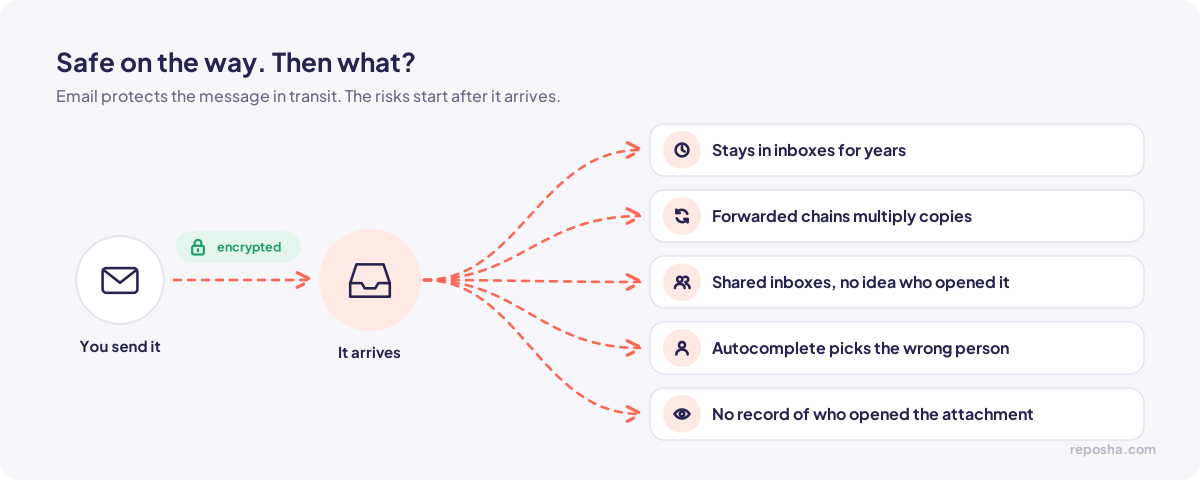
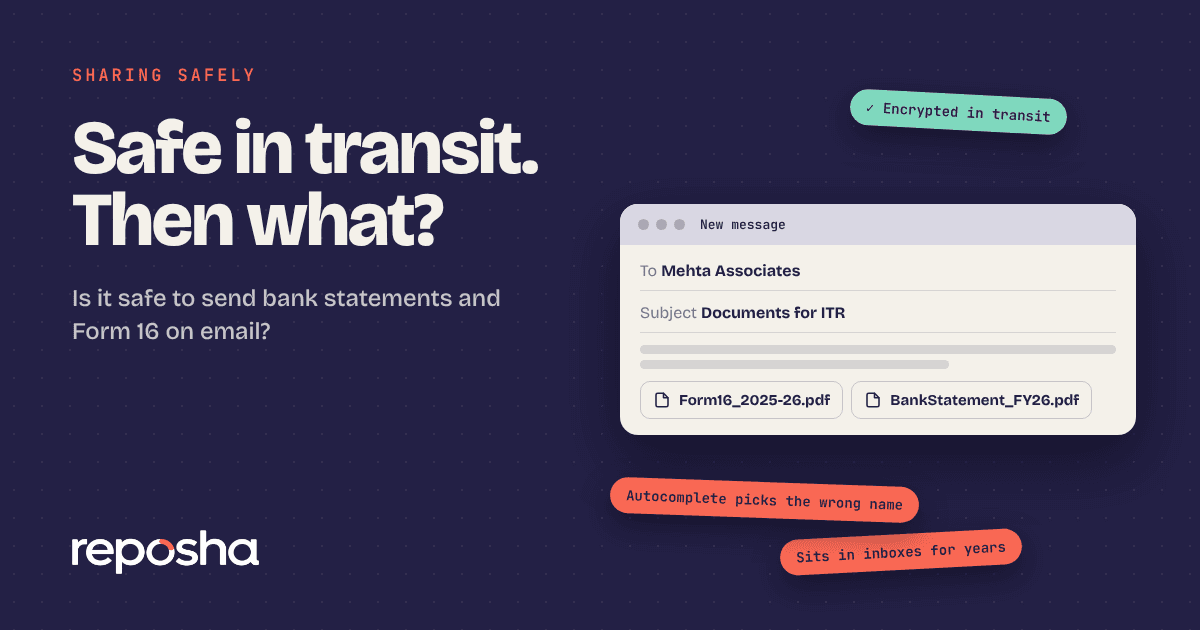
Email providers encrypt messages on the way to the recipient. That protects the message in transit. The risks come later.
Attachments stay in inboxes for years. A bank statement you sent in 2023 may still be in three mailboxes, one of which belongs to a former employee.
Forwarded chains multiply copies. A single email can end up with people who never needed to see it.
Shared inboxes give several people access to the same messages, often without anyone knowing who opened what.
Autocomplete can send a file to the wrong address. It happens more often than anyone admits, especially with common surnames.
Email also leaves no clear record of who opened an attachment. A delivery receipt tells you the message arrived, not who read it.
When email is fine
Email works for low-sensitivity documents, such as a copy of an invoice or a letter that does not reveal personal financial detail. It also works when you control both ends and no one else has access to either mailbox.
For bank statements, Form 16 and identity documents, a secure link with a logged record is a better fit.
Five habits that reduce the risk
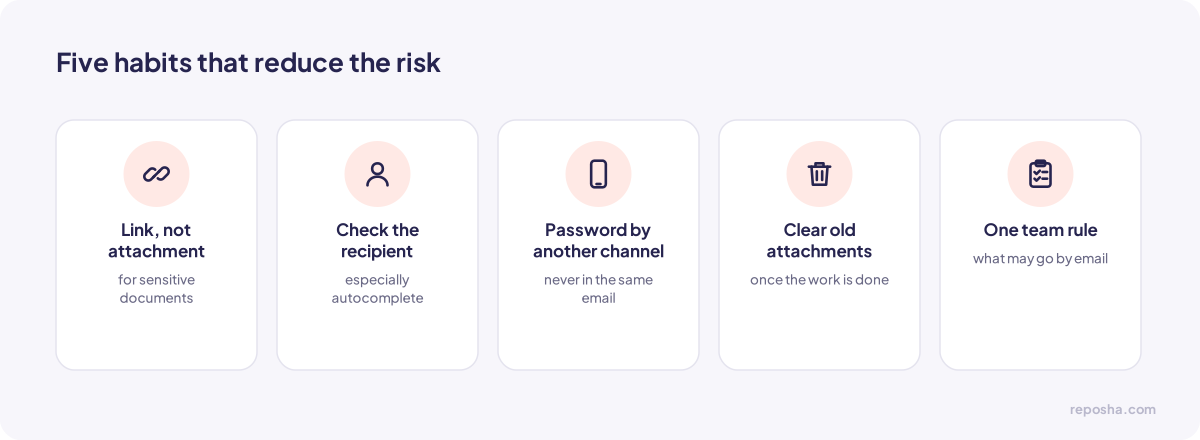
Use a link to a secure folder rather than an attachment for sensitive documents. The file stays in one place, and access can be removed.
Check the recipient before you send, especially if the address has been autocompleted.
Do not send a password in the same email as a password-protected file. Send the password by a separate channel, such as a phone call.
Remove old attachments from threads you no longer need, once the work is done.
Set a clear rule for your team about which documents may go by email and which may not.
What to do if you already sent a sensitive file by email
Tell the recipient, and ask them to delete the email and any downloaded copies they no longer need. If the file went to the wrong person, tell your team lead or the owner at once, and record the date, the recipient and the document. Acting quickly matters more than the exact wording of the message.
A quick check before you send
Check the full address, especially for common surnames, because autocomplete picks the wrong contact more often than people expect. Confirm that the attachment is the right file for the right year. Remove earlier attachments from the thread if they are not needed. Then send.
When someone sends a document to you by email
Save the attachment into the client's folder, and reply to confirm receipt. Then remove the attachment from the thread if your policy requires it. A reply that says the file was received tells the client it arrived, and it gives you a record of when.
Questions people ask
Is Gmail safe for Form 16?
Email providers encrypt mail in transit. The bigger risks come after delivery: who can open the mailbox, how long the file stays there, and who the message is forwarded to.
Can I send a password-protected PDF?
Yes, but send the password separately. If both arrive in the same channel, the protection adds little.
What is the simplest safer option?
A secure link to a folder, with a separate access code. The client uploads or downloads without attachments, and the access record stays with your firm.
To see how a secure link works in practice, the live demo uses dummy client data.