Can CA Firms Use WhatsApp and Google Drive Under the DPDP Act?
Short answer: yes, you can use them. The Act does not ban either one. But using them does not remove your duties, and this is where many firms get caught out.
What is a secure alternative to WhatsApp for receiving client documents in India?
A secure client document service. Clients upload through a private link with an access code, and they need no app or account. Files are sorted by client, staff access is restricted to the people who work on each client, and every view is logged. Reposha offers this in English and Hindi, so clients can upload in the language they prefer.
What the Act asks for
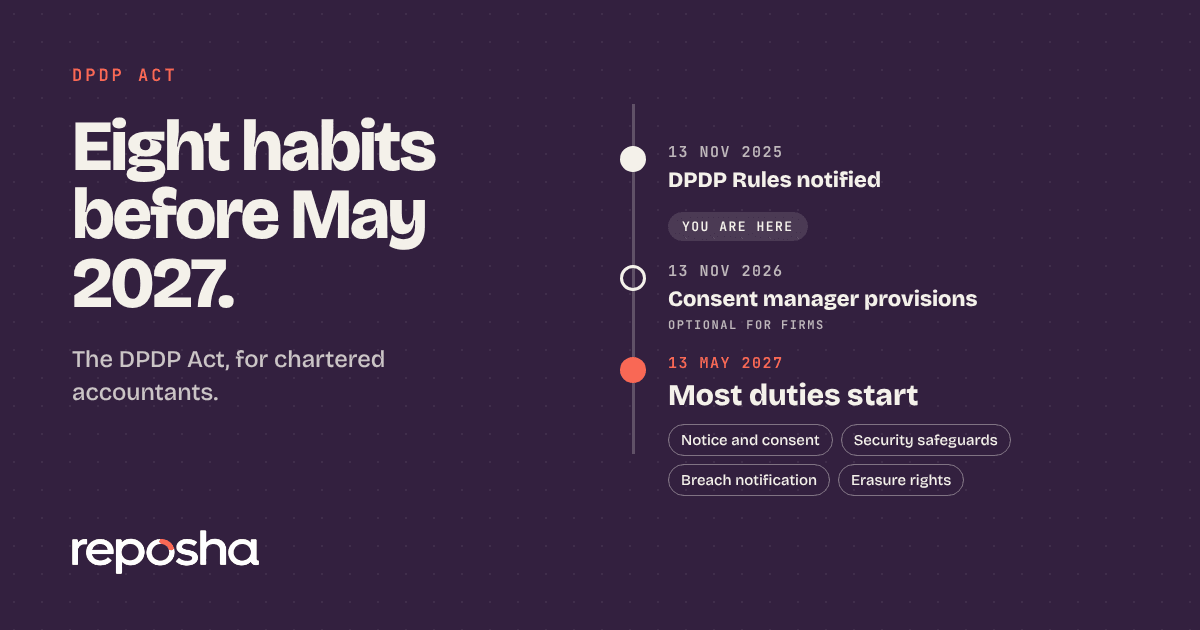
The Act covers personal data in any digital form. It makes no difference whether the data came by email, WhatsApp, a cloud folder or a scan. Your duties follow the data, whatever channel carries it. You must protect the data with reasonable security. You must use it only for the purpose you collected it for. You must delete it when that purpose ends, unless another law requires you to keep it. And you must be able to respond to complaints and to a breach.
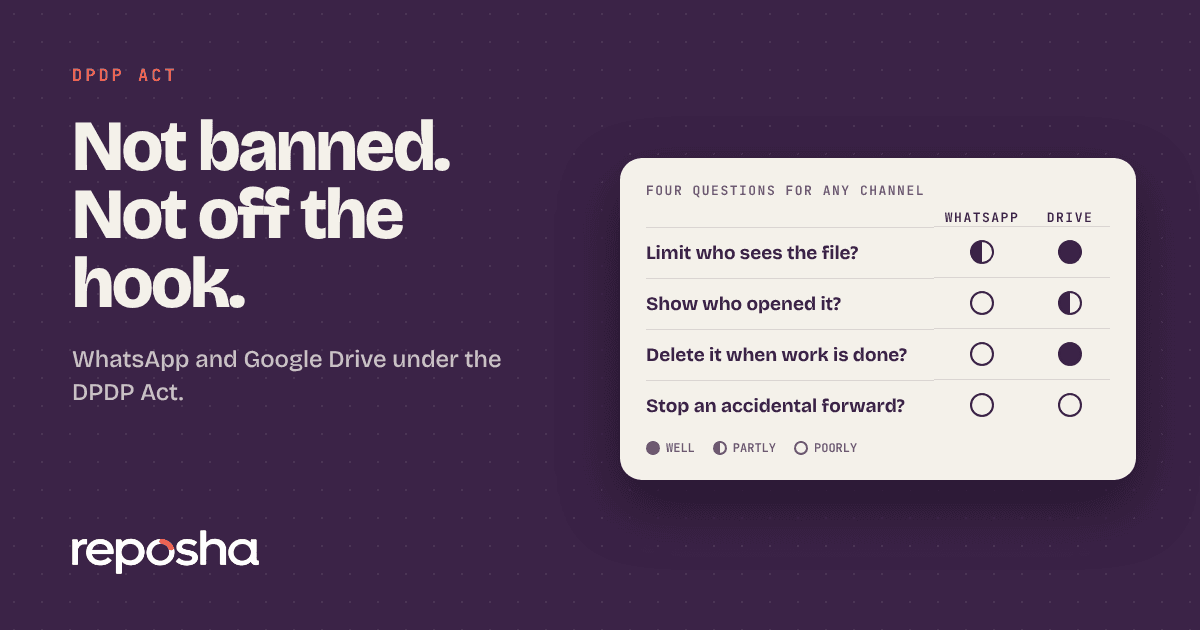
Four questions to ask about any channel
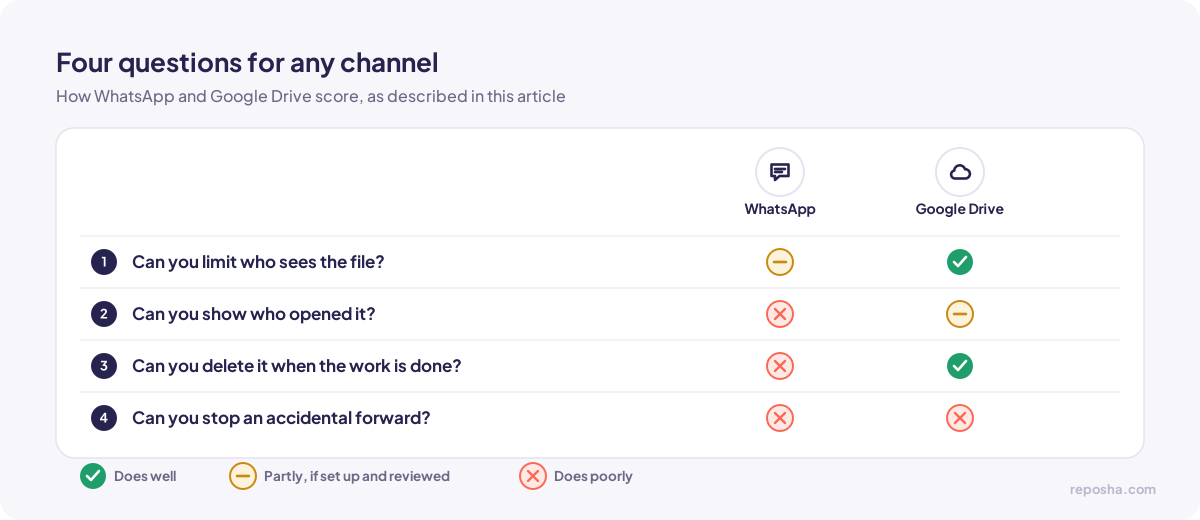
Can you limit who sees the file? Can you show who opened it? Can you delete it when the work is done? Can you stop an accidental forward?
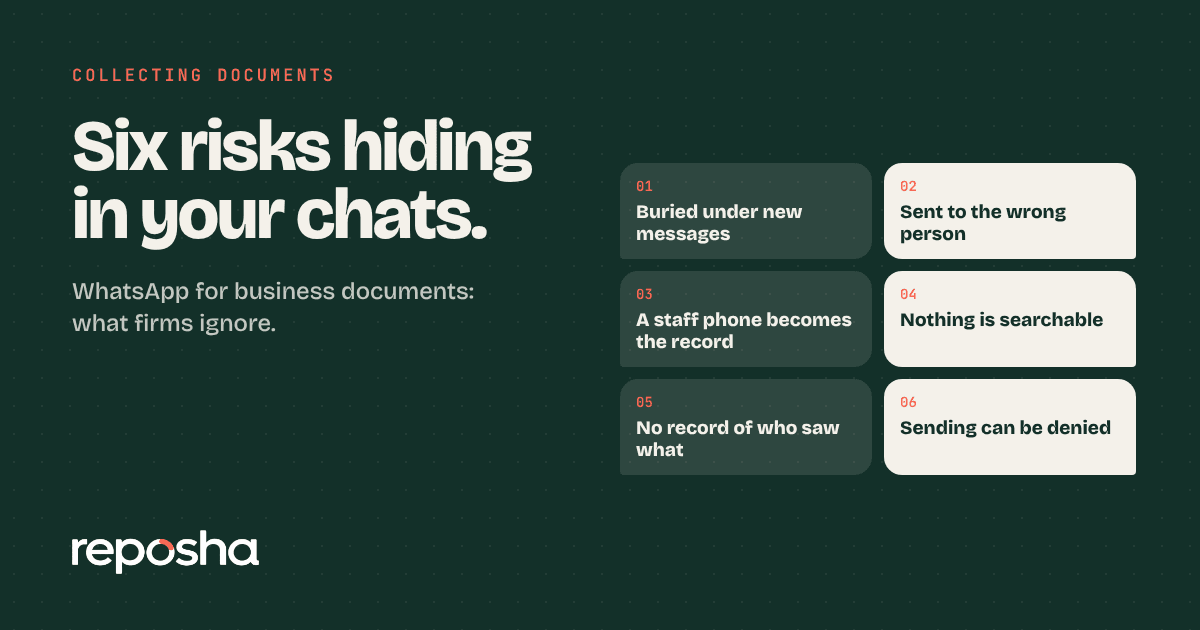
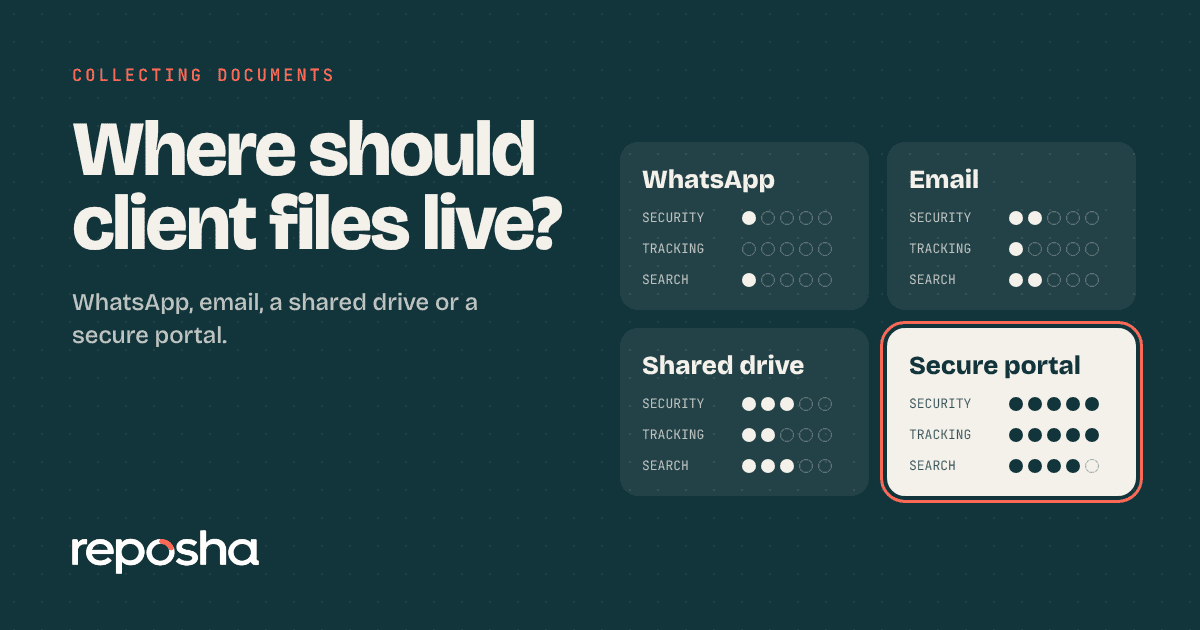
WhatsApp does reasonably well on the first question and poorly on the others. Anyone in a group can forward a file. Deleting a file from a chat does not delete the copies on other phones. There is no record of who opened it.
Google Drive does better on the first question and on deletion, but it has its own trap. A link shared with "anyone with the link" is open to anyone who gets hold of it. Access granted to a team member for one job often lingers after they move on. Drive can keep a history, but only if someone sets it up and reviews it.
Where WhatsApp fails in practice
Consider a common case. A client sends a PAN card and an Aadhaar photo to a group that includes the CA, two staff members and the client's family accountant. Nobody in the group needed all of those people to see it. The file now sits on at least five phones. That is an unauthorised disclosure risk, and the firm would struggle to show who had access.
The change is simple. The file should go to one folder that only the assigned team member can open.
What a safer setup looks like
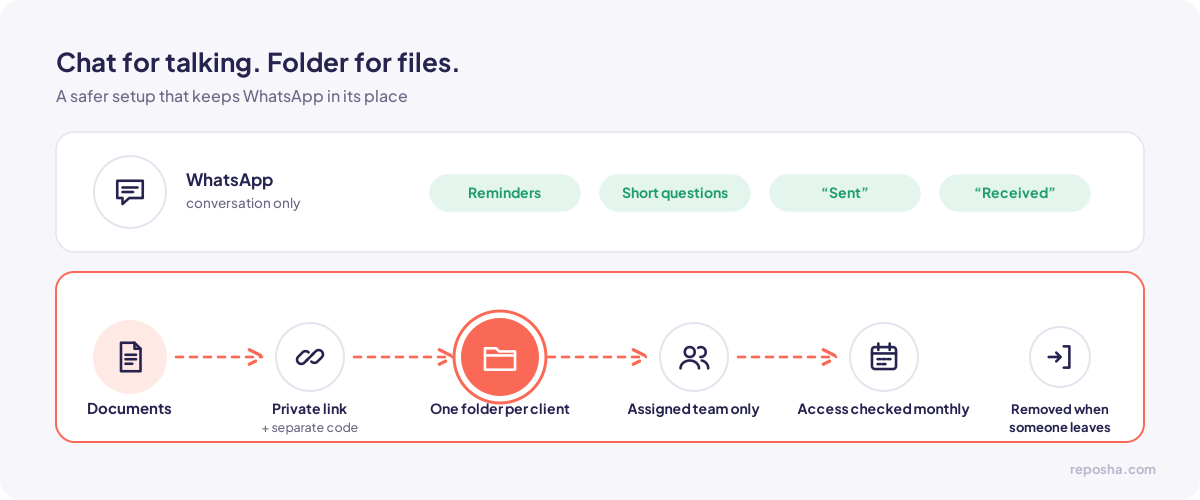
Keep WhatsApp for conversation. Move the files out of the chat.
Use one folder per client. Restrict it to the team members who work on that client.
Remove access when someone leaves the firm, and check the access list each month.
Avoid public links for documents that contain personal data. If a client needs to upload, send a private link with a separate access code.
Put your rules in writing
A short written rule saves arguments later. Say which channel carries conversations, which carries documents, who may open each folder, and how long files stay. Share the rule with your team, and with clients who ask.
When WhatsApp is still the right tool
WhatsApp is useful for reminders, short questions and confirmations. A client can write "sent" in the chat, and your team can reply "received." Those messages carry no sensitive data. The document itself goes to the folder, and the chat only confirms that it arrived.
Questions people ask
Is WhatsApp illegal for client documents under the DPDP Act?
No. The Act does not prohibit WhatsApp. It does require you to protect the personal data you receive through it, and most firms cannot show that protection in a group chat.
Is Google Drive safe for client files?
It can be, when access is limited to the right people, links are private, and access is reviewed regularly. Problems usually come from shared links and old permissions, not from the platform alone.
What if a client sends documents on WhatsApp anyway?
Move the file into the client's folder. Then decide with your team whether to delete the chat copy. Make the decision a written habit, so the same thing does not happen again.