Client Portal vs WhatsApp vs Email vs Drive: An Honest Comparison for Firms That Collect Documents
A partner at a mid-sized practice asks a fair question over lunch. "We already have WhatsApp, email and a shared drive. Why would we add a fourth thing?"
It is the right question to ask before you look for a secure document portal for CA firms or any other practice. The honest answer is that each option does one job well, and none was designed for collecting client documents. Here is how they compare.
- WhatsApp and email are best at talking. They are weak at storing and tracking documents.
- A shared drive stores well, but it was made for files you own, not files clients send you.
- A secure client portal is built for collecting: one link in, one folder per client, a record of every open.
- Most firms end up using chat for conversation and a portal for the documents themselves.
WhatsApp is fast, but it is a conversation
WhatsApp wins on speed. Clients already use it, replies come in minutes, and no one needs training.
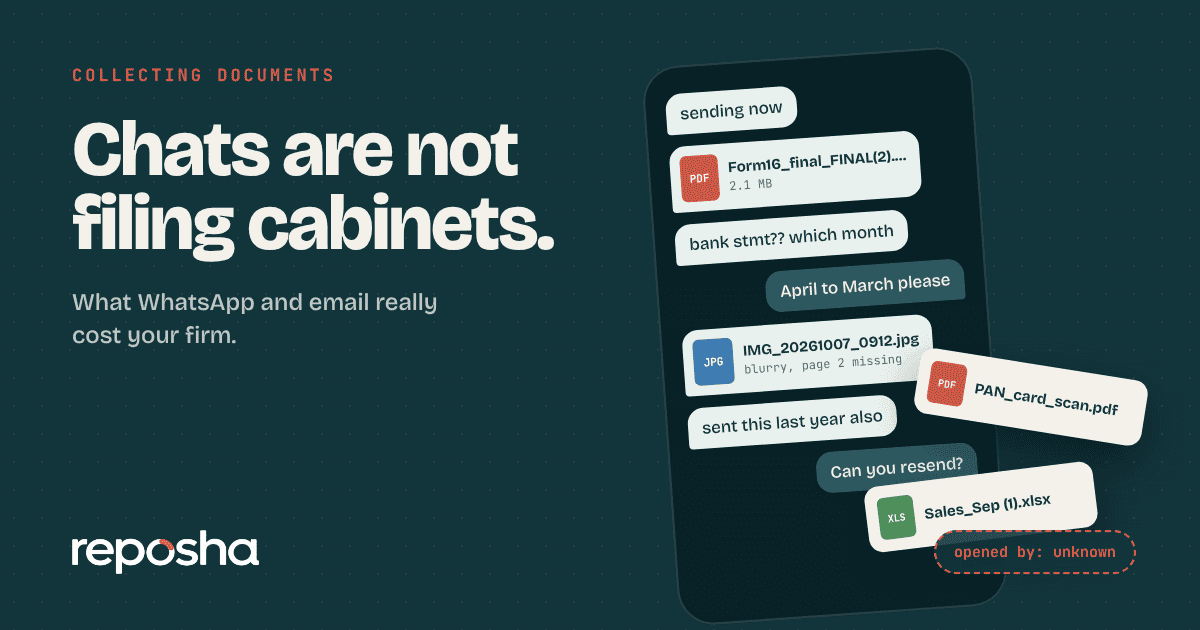
What it lacks is structure. Files arrive in a stream mixed with greetings and voice notes. Media saves to phone galleries. Chats live on individual phones, so they leave with the person. There is no record of who opened a file.
Use it for what it is good at: quick questions and reminders.
Email is formal, but it multiplies copies
Email gives you a paper trail of messages, which is useful. Attachments, however, get downloaded, saved to desktops and forwarded. Size limits force clients to split files. Subject lines become a filing system nobody agreed on.
Email also has no view of what is missing. You find out a document is absent only when you go looking for it.
It remains a good place for letters, engagement terms and formal notices.
A shared drive stores well, but it was not made for collecting
Google Drive and similar folders are good at storing files you own and share with a few people. They are widely understood, and many firms already use them.
The gaps appear when clients are the ones uploading. You must set sharing permissions per folder, and a wrong setting exposes the folder. Clients often need a Google account or a request for access. Activity history exists, but it is hard to read at firm level, and it rarely shows what your staff opened across all clients.
A drive suits your internal working files well. For client uploads it asks both sides to do more setup.
A secure client portal is made for the incoming flow
A client portal flips the model. Instead of clients sending files into your inbox, you send them a link for a defined request. They upload into a folder that belongs to them, and you see what arrived.
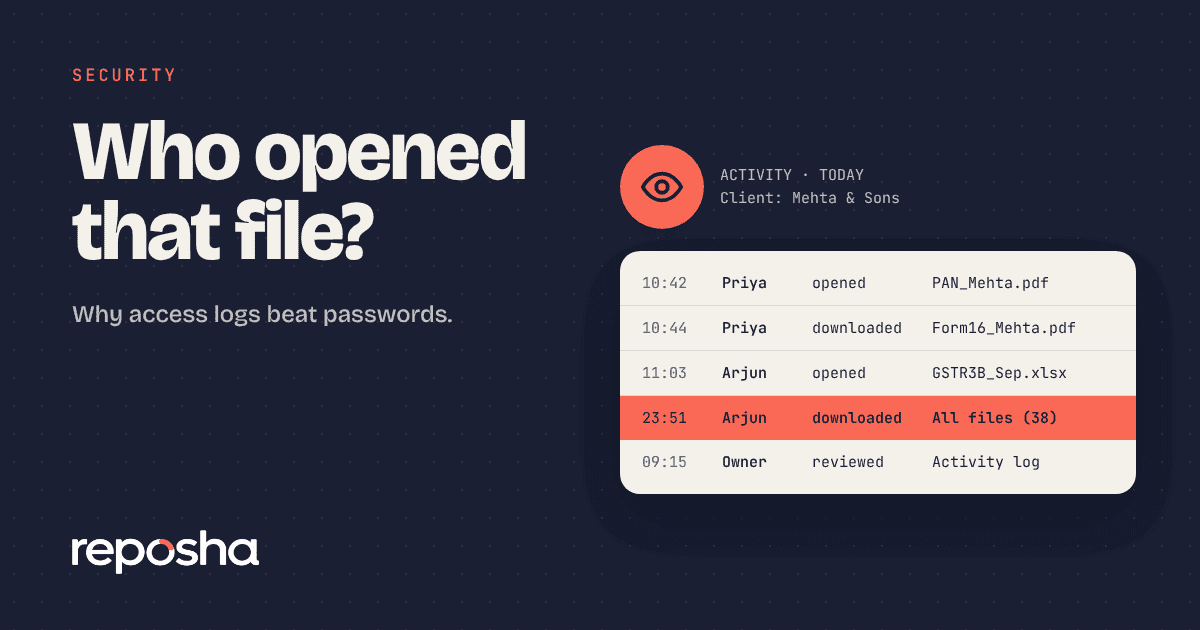
The strengths follow from that design. Access is by role, so staff see only their own clients. Every open and download is recorded. Documents are labelled by the request, not by file name. Old files can be erased on a schedule.
The trade-off is a new habit. Clients must learn the link, and your team must use one more place. That cost is real, and it is mostly paid in the first month.
Side by side
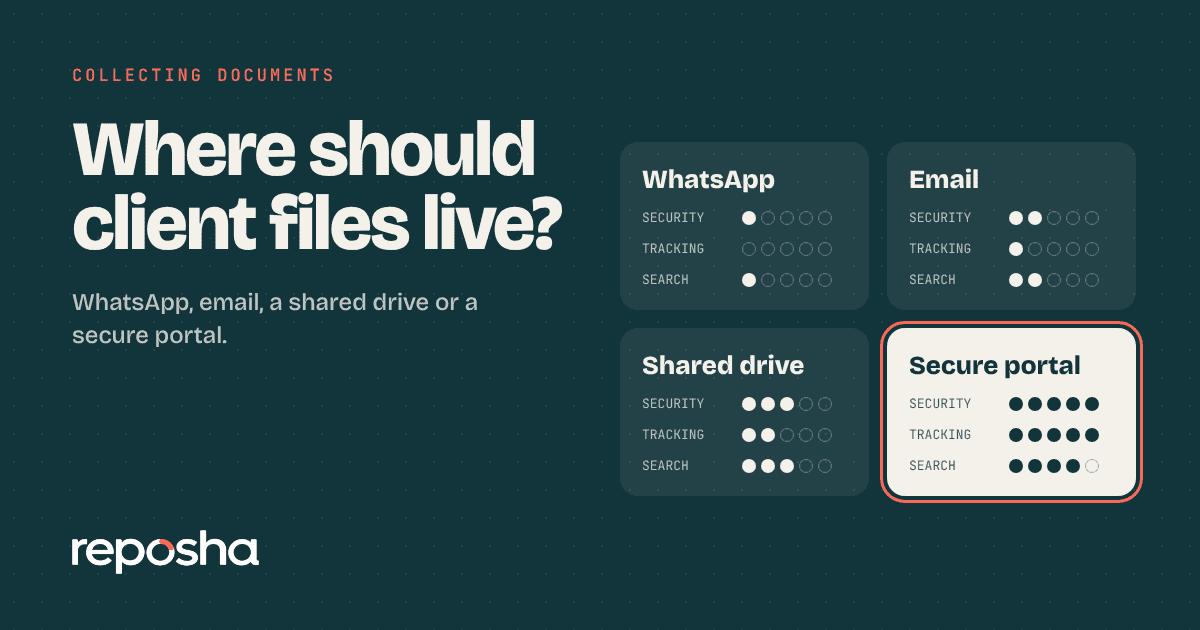
Here is the same comparison in one table, so you can show it to a partner.
| Question | Shared drive | Client portal | ||
|---|---|---|---|---|
| Easy for clients to send | Yes | Yes | Often needs an account | Yes, via a link |
| One folder per client | No | No | Yes, by hand | Yes |
| Shows what is missing | No | No | No | Yes |
| Staff see only their clients | No | Partly | By folder settings | Yes |
| Record of who opened a file | No | No | Limited | Yes |
| Scheduled erasure | No | No | Manual | Yes |
| Best use | Quick chat | Letters and terms | Internal working files | Collecting client documents |
Pick by job, not by habit
You do not have to abandon anything. Each of the four stays useful. Keep WhatsApp for conversation, email for formal letters and the drive for your own working files.
Move only one thing: the collection of client documents. That is where loose copies, staff access and missing records cause most trouble. If you want a feel for the cost of staying put, read the hidden cost of collecting documents on WhatsApp.
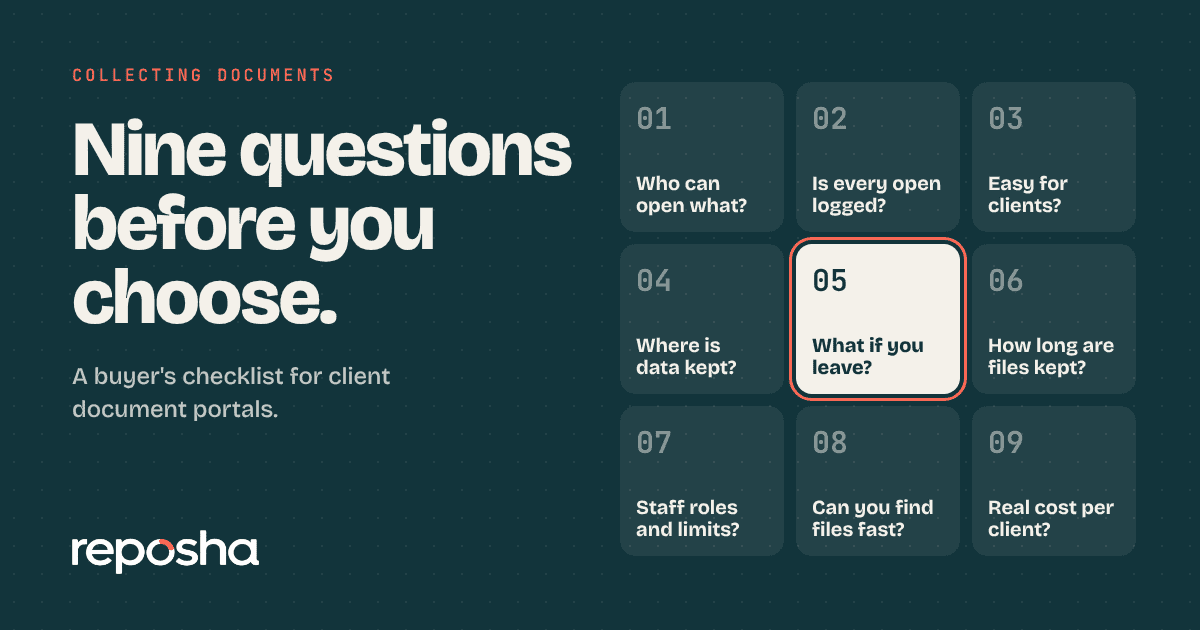
When you start comparing options, use a short list of questions. We wrote nine questions to ask before choosing a client document portal for that purpose.
Before you decide, test your own firm. Pick any client and ask three questions out loud.
- Where are all of this client's documents right now?
- Who on your team has opened them in the last month?
- Could you erase them tomorrow if the client asked?
If you cannot answer in under a minute, your setup is working against you.
You can see how the answers look in a portal on the Reposha features page. For the wider risks of keeping things as they are, India's national cyber agency publishes advice at CERT-In, which is worth a read for any firm that holds client data.
Where Reposha fits
Reposha is a secure client document service made for the incoming flow described above. You create a request, choose the documents you need, and send one link. Clients upload from a phone with no account, and the files are filed in their folder under the names you set. Staff see only the clients assigned to them, and every open and download is recorded. You decide how long files are kept, and old ones are erased on schedule. You can keep using chat, email and your drive for everything else.
Questions people ask
Is Google Drive good enough for client documents?
Drive stores files well and is familiar. For collecting from clients it needs per-folder sharing settings, often needs a Google account on the client side, and gives limited firm-level history of who opened what. It works for small volumes and internal files.
What is the difference between a client portal and a shared drive?
A shared drive stores files that you or your team place there. A client portal is made for files clients send you. It gives each client a folder, shows what is missing, limits staff by client, and records every open and download by your team.
Is email more secure than WhatsApp for documents?
Slightly more formal, but not meaningfully more controlled for this job. Attachments are downloaded and forwarded, and you cannot see who opened them. Neither gives you a record by staff member. Both are better for communication than for storing sensitive documents.
Do clients need to create an account to use a portal?
Not with the right design. Reposha clients open a link, enter a one-time code and upload. There is no password or app. If a portal asks clients to register first, expect many to give up and send the file on chat.
Open the demo account to see how requests, folders and the activity record look. No sign-up needed.