Who Opened That File? Why Access Logs Beat Passwords for Firms That Hold Client Documents
A client calls on a Tuesday. She says a relative mentioned a detail from her loan statement, and she is worried. "Can you tell me who at your office has looked at my documents?"
A document access log for firms is the only honest way to answer that. Without one, the best you can say is "let me ask around". That answer costs trust, and it is the one most firms give today.
- A password controls who gets in. An access log records what they did once inside.
- Most risks to client data come from inside the firm, through honest mistakes as often as bad acts.
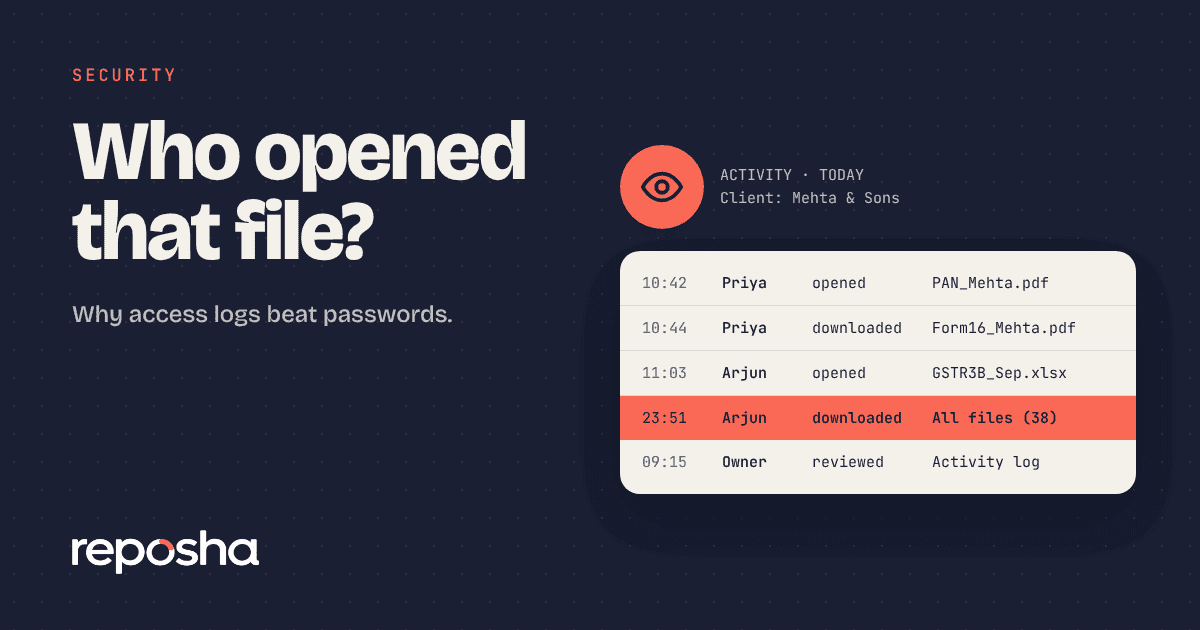
- A good log names the person, the client, the file, the action and the time.
- The log answers client questions, supports staff accountability and helps in an inquiry.
Passwords answer a different question
A password asks, "Are you allowed in?" It is a good gate against outsiders. Every firm needs one, and ideally a second step as well.
But once someone is in, a password says nothing more. It cannot tell you which client folders they opened, which files they downloaded or when they did it. Inside the firm, everyone with the password is invisible.
Most trouble starts inside
Outside attacks get the headlines. In small firms, the day-to-day risks sit closer to home.
- A staff member opens a famous client's file out of curiosity.
- A junior downloads a folder to work from home and forgets it on a shared laptop.
- A manager forwards a statement to the wrong person.
- A departing employee copies files before the last day.
Most of these are honest mistakes. A few are not. In both cases the question afterwards is the same: who did what, and when?
What a document access log for firms should record
Not every log is useful. A record that only says "user logged in" will not help you.
A good log answers five questions for every action.
- Who did it, by name.
- What they did: viewed, downloaded, deleted, shared.
- Which client and which file.
- When, to the minute.
- From where, such as the network address.
It should also be hard to change. If staff can edit the log, it is not a record.
How a log helps you every month
The first benefit is calm answers. When a client asks who saw their documents, you can tell them within minutes, with facts.
The second is staff accountability. People behave differently when they know that opens are recorded, without anyone accusing them of anything. Casual browsing stops.
The third is review. A monthly look at the numbers shows unusual patterns, such as a new device, a spike in downloads or a person who opens files for clients they do not handle.
Finally, a log helps if something does go wrong. In an inquiry about a data incident, being able to show what happened is far better than guessing. The Digital Personal Data Protection Act, 2023 puts weight on safeguarding personal data, and you can read the Act on the MeitY website.
A log should record actions, not contents. It can say that Rahul opened a file named "Bank statement April" for a client. It should not store the statement itself.
It should also respect privacy inside your firm. Make sure staff know that opens are recorded, and why. Be open about it in your appointment letters and your team handbook, and say it again at induction. A log works best as a shared safety net, not as a secret.
Where an access log fits in a small firm
Most owners worry that a log is something only large firms need. It is the opposite. A five-person practice has fewer eyes on each file and less formal control, so a simple record carries more weight.
There is a cost point as well. Adding a log later means you have no history for the months before. A log cannot be written backwards. The sooner it starts, the more it can tell you when a question finally arrives.
It also helps with the people side. New hires learn the rules faster when opens are recorded from day one. Long-serving staff are protected from unfair suspicion, because the record shows what they did and did not touch.
A simple monthly review
You do not need a security team to use a log. Ten minutes a month is enough.
- Check the number of files opened and downloaded, against last month.
- Look for new devices that signed in.
- Look for people who opened clients they are not assigned to.
- Look for sign-in failures that repeat.
Write down anything odd and ask a calm question. Most of the time the answer is ordinary, and the habit costs you very little.
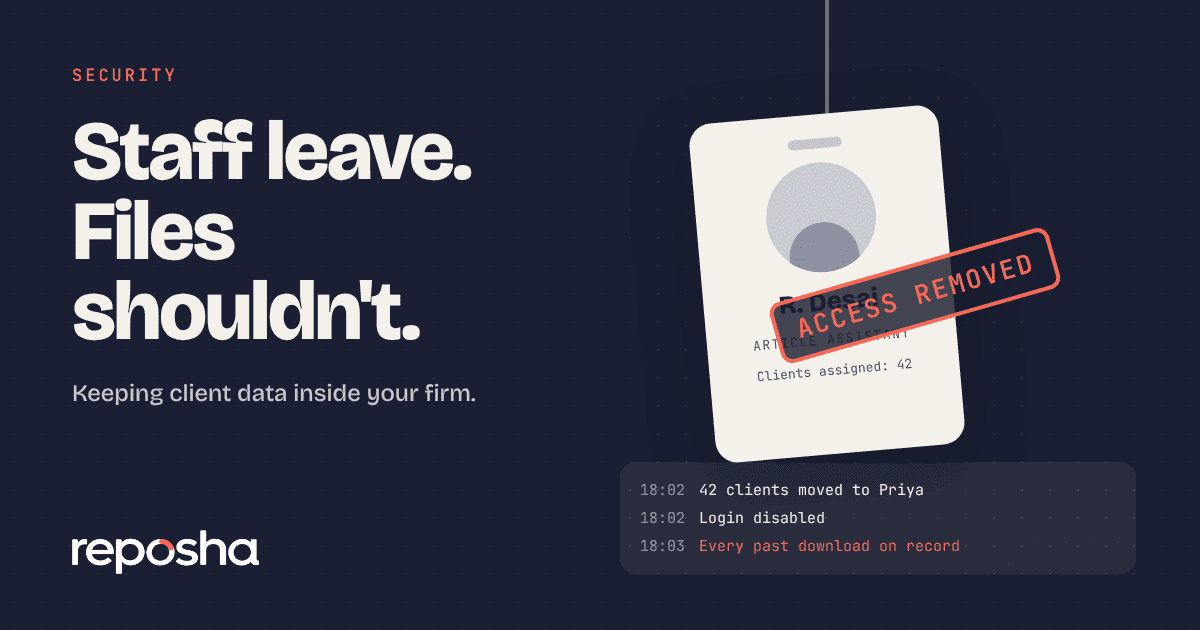
The easiest time to see the value of a log is when someone leaves.
The easiest time to see the value of a log is when someone leaves. A quick read of the final four weeks tells you if anything unusual happened. We cover that process in the staff exit checklist.
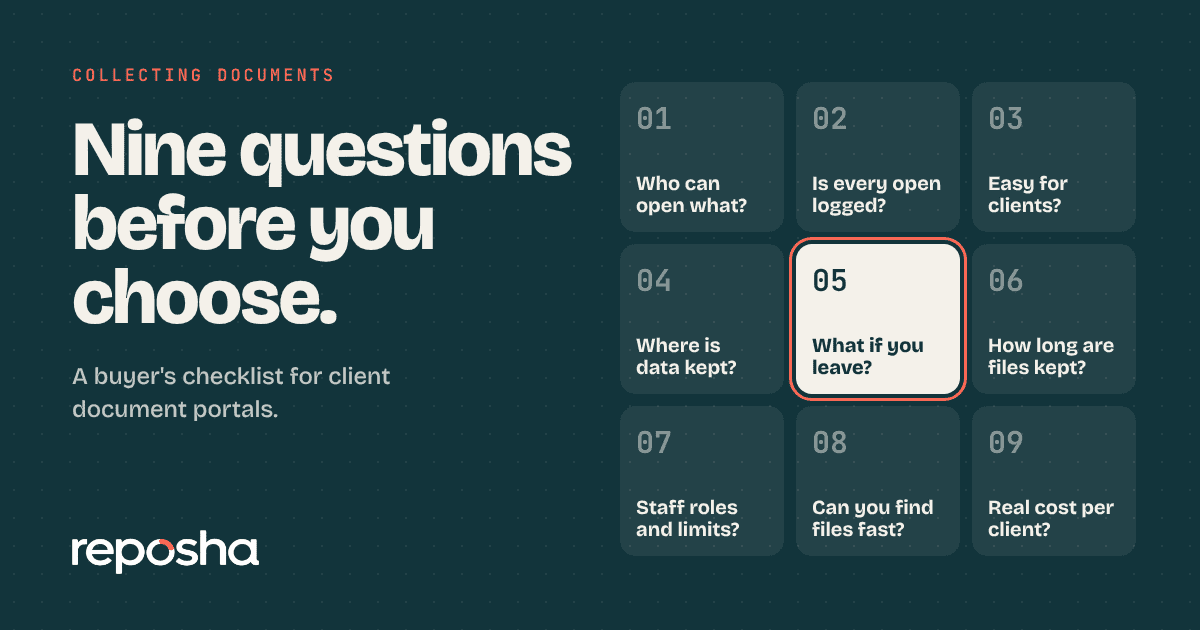
Tax practitioners can see how this works day to day on the page for tax practitioners. If you are comparing services, put "does it log opens and downloads?" near the top of your list. It is question four in our nine questions for choosing a client document portal.
Where Reposha fits
Reposha records every open and download of a client file, with the name of the team member, the client, the file and the time. Entries cannot be edited from inside the app. Owners can read the activity record, and a monthly security report arrives by email with the numbers: files opened, downloads, new devices and failed sign-ins. When a client asks who has seen their documents, you have a clear answer in minutes. The record holds actions only, never the contents of files.
Questions people ask
What is a document access log?
It is a record of who opened, downloaded or shared each client file, with the date and time. It shows what people did after signing in, which a password alone cannot. Good logs name the person and the client, and cannot be edited by staff.
Do access logs replace passwords?
No. Passwords and a second sign-in step keep outsiders out. Logs show what insiders do. You need both: the gate and the record. Together they protect your clients, and they protect your whole team too by showing exactly what happened.
Will staff feel watched if we record opens?
Not if you explain it. Say that the record protects clients and the firm, and show that it holds actions only. Most teams accept it quickly, and it often settles disputes in their favour by showing what was and was not opened.
How long should access logs be kept?
Keep them for at least a year, and longer if your policy or profession asks for it. Choose a fixed period and write it down. Older entries can be archived instead of deleted, so you can still check them if a question arises much later.
Open the demo account to see how requests, folders and the activity record look. No sign-up needed.