Choosing a Secure Client Document Portal in India: 9 Questions to Ask Before You Pay
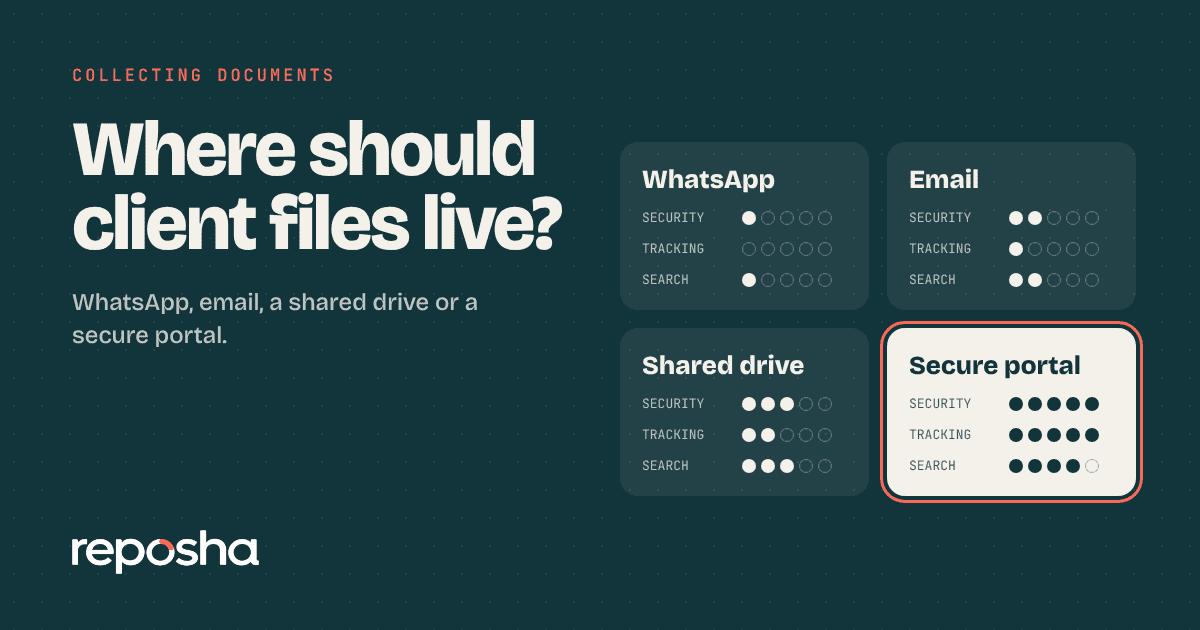
You have decided that chat and email are not enough. Now three vendors have sent you three brochures, and each one says "secure" in the first line. All look the same on the website.
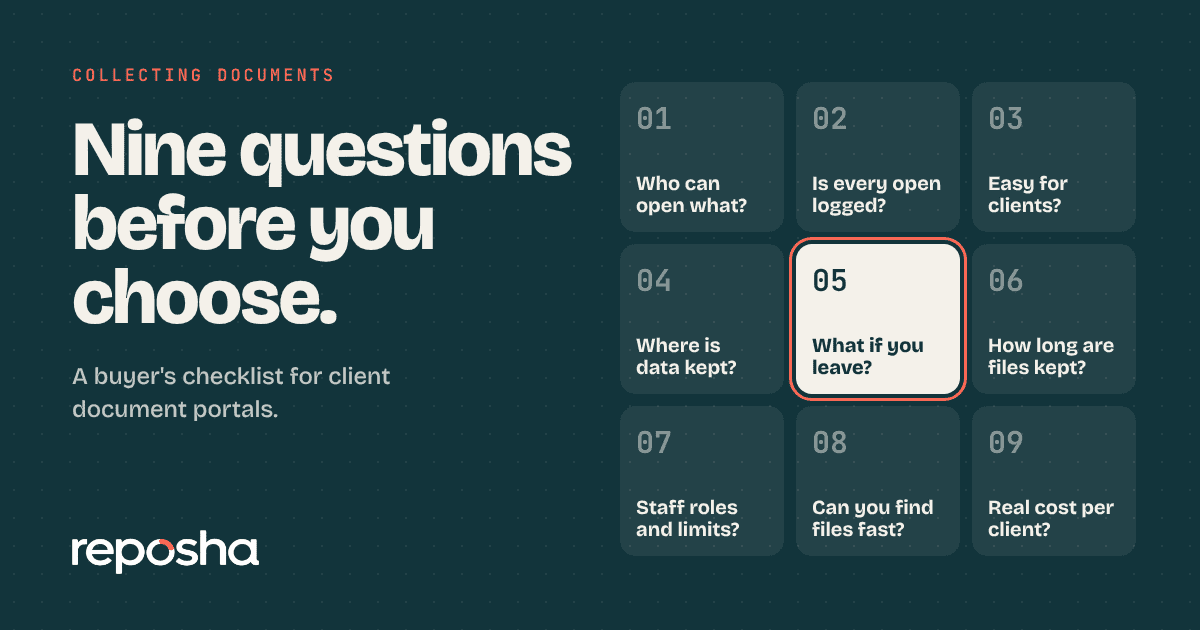
Choosing a secure client document portal India firms can trust comes down to questions the brochure does not answer. Ask these nine before you pay, and write down the answers. A good service will answer each one plainly.
- Ask who can see what: staff should open only the clients assigned to them.
- Ask for a record of every open and download, not only logins.
- Ask where data sits, how long it stays and how it is erased.
- Ask what clients must do to upload. If it needs an account, adoption will suffer.
- Ask how you leave: can you take everything out, and when is the rest erased?
Questions about access
1. Who can see which clients?
Roles matter. The owner may see everything, but a junior should see only the clients assigned to them. Ask if this is built in or something you must set up folder by folder.
Also ask what a manager can do compared with a junior, and who can change those settings. The owner should be the only person who can add or remove people.
2. How does each person sign in?
Every team member needs their own login. Shared passwords make a record meaningless. Ask about a second step, such as a code sent by email, at least for the owner.
3. What does a client need to do to upload?
If clients must register, set a password or install an app, many will not. Ask to try it on a phone as a client would. Count the taps.
Questions about the record
4. Does it log opens and downloads, or only logins?
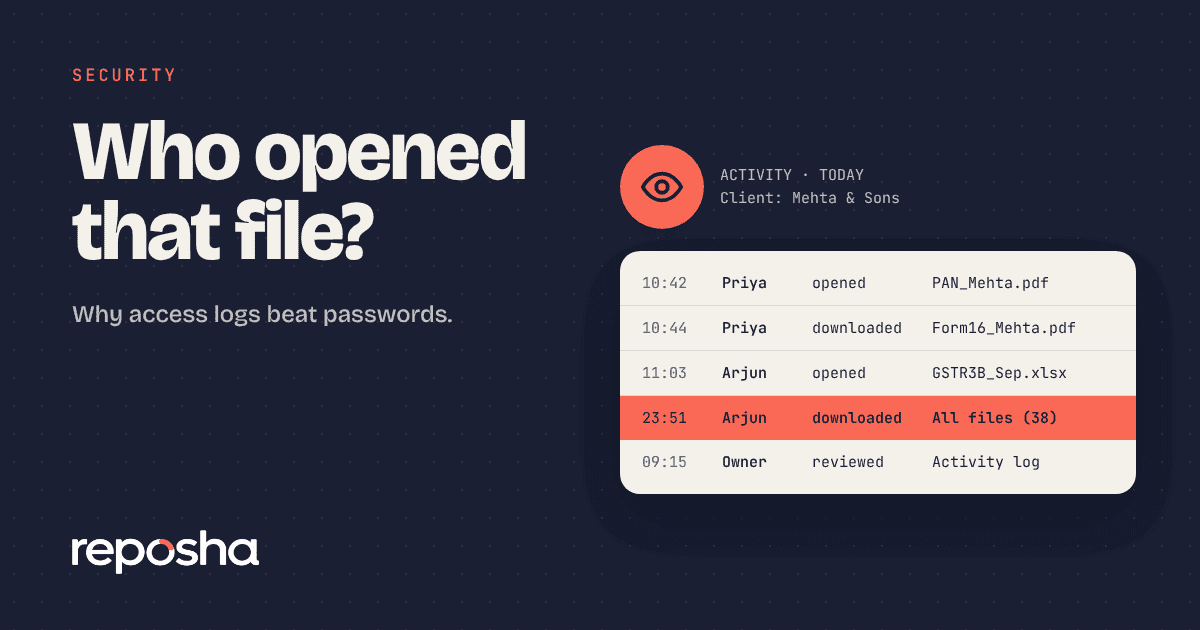
A login record tells you someone entered. A file record tells you who opened which client's document, and when. The second is what you need if a client asks questions. We explain why in who opened that file.
5. How long is the history kept, and can you export it?
Ask for the period in months, not "as long as needed". Check that you can read the log yourself without a support ticket. Also ask if a staff member can delete or edit entries. They should not be able to.
One more detail is worth checking. The log should name the person, not just the account, so you can tell a junior from a manager.
Questions about data
6. Where is the data stored?
Ask for the country and the type of provider. Good services state the country and the type of provider. Be wary of vague answers.
Also ask how the vendor treats personal data under the Digital Personal Data Protection Act, 2023. The Act and its rules are published by MeitY.
7. How long are files kept, and how are they erased?
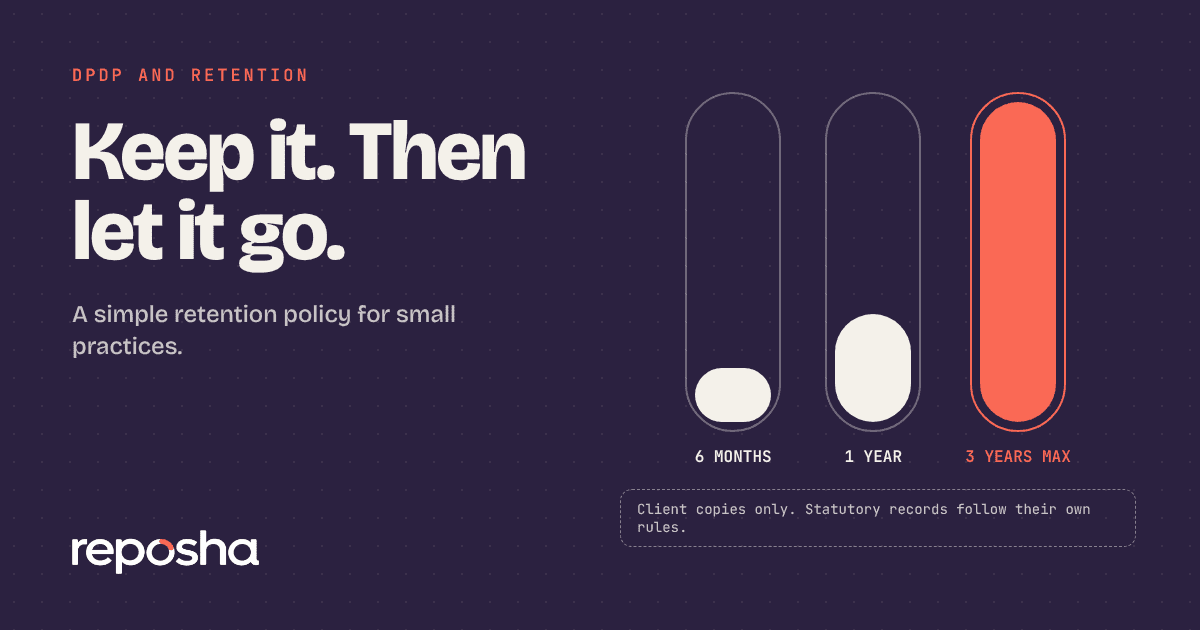
You should set the retention period by client or for the whole firm. Erasure should be real, not a hidden flag. Our guide to a simple retention policy can help you choose a period.
Questions about the relationship
8. What happens if I leave?
Ask if you can download everything in an organised form. Ask how long files stay after you cancel. A fair answer gives you a fixed window to take your data, then erases it.
9. Who will answer when something goes wrong?
Send a test question to support before you buy. Note how long it takes and whether a person replies. Login codes and uploads are time-sensitive during filing season, so a slow reply in July is a real cost.
Ask, too, whether support speaks plainly. You want answers you can forward to a partner without translation.
Score what you hear
Write each vendor's answers in one sheet, side by side. A partner can then read the sheet in two minutes and see the gaps without sitting through three more demos.
Here is a simple way to compare vendors without arguing.
| Question | Good answer | Warning sign |
|---|---|---|
| Staff access | Roles and assigned clients | One shared view |
| Sign-in | Own login, second step | Shared password |
| Client upload | Link, no account | Registration needed |
| Record | Opens and downloads logged | Logins only |
| History | Fixed period, exportable | "As needed" |
| Data location | Country and provider type stated | Vague |
| Retention | Set by you, real erasure | Kept forever |
| Exit | Export plus fixed erase date | No answer |
| Support | A person replies | Ticket black hole |
Trial a secure client document portal for a week
Do not decide from a demo video. Pick five real clients, with their consent, and run one request each through the portal. Watch three things.
- How many needed help to upload.
- Whether your team could find every file afterwards.
- Whether the record showed what you expected.
A week of real use tells you more than any feature list. Try the service on sample data first, then compare it on the same nine questions. You can read what a plan includes on the pricing page.
Where Reposha fits
Reposha is a secure client document service, and we are happy to be judged on the nine questions above. Staff see only the clients assigned to them, each person has their own login, and the owner signs in with an emailed code. Clients upload from a link with no account. Every open and download is recorded in an activity log. You choose the retention period, and files are erased on schedule. We answer support emails through a real person, and you can read the full list of what is included on our pricing page.
Questions people ask
What should a client document portal include?
At minimum you want roles, so staff see only assigned clients, and individual logins. Add an upload link that needs no client account and a log of opens and downloads. Finally, look for set retention periods and a clear way to export or erase data.
Is a client portal safe for Aadhaar and PAN documents?
It can be, if access is limited by role, files are encrypted, opens are logged and retention is controlled. Ask each vendor to explain these in plain words. A service that cannot explain them simply is not ready for sensitive documents.
Should the portal store data in India?
Many firms prefer it, and some clients expect it. Ask the vendor for the country and the type of provider. Clear answers matter more than slogans. If a vendor will not say where data sits, treat that as a warning sign.
How long should a trial last?
Run at least a week with five real clients, with their consent. Watch how many clients need help to upload, whether your team finds files afterwards, and whether the activity record shows what you expect. That beats any demo video.
Open the demo account to see how requests, folders and the activity record look. No sign-up needed.