When an Employee Leaves, Where Do Your Client Files Go? A Staff Exit Checklist
On a Friday, a senior associate hands in her resignation. She has handled forty clients for six years. By Monday she has gone, and she has left a tidy handover note. Nobody asks what is on her phone.
That quiet gap is the employee leaving client data risk in most small firms. It is rarely about bad intent. It is about files that were never in one place, so no one can say what left with her.
- Client files sit in places you do not control: staff phones, personal email and downloads folders.
- When someone resigns, you cannot take back what you cannot see.
- Give staff access to assigned clients only, and keep the files in one place the firm owns.
- Use an exit checklist on the last day, and read the access record for the final weeks.
Where client files hide on a staff device
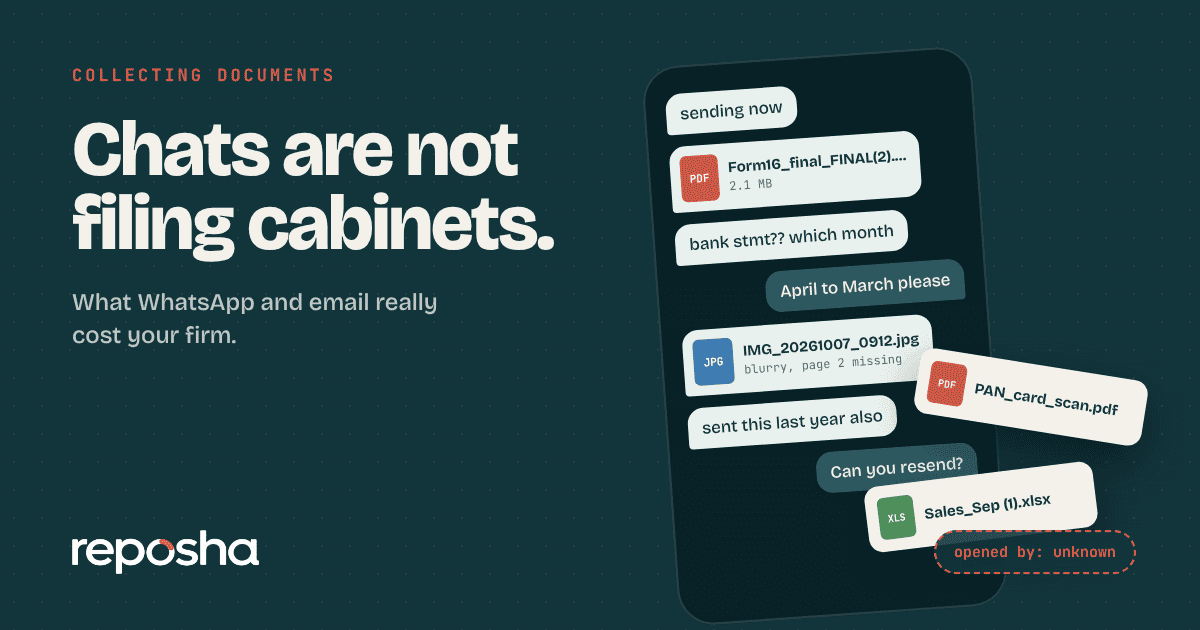
Look at how a busy associate really works. A client sends a PAN card on WhatsApp, and she saves it so she can open it quickly. Another sends bank statements by email, and she downloads them to the desktop. A colleague forwards a scanned mandate to her personal mail "to print from home".
None of this is careless by her own standards. It is simply how work gets done when documents arrive by chat and email. Yet each copy is now outside your firm's control.
Why an employee leaving is a client data risk
When a staff member leaves, you can collect the laptop and close the email account. You cannot see the gallery of a personal phone. You cannot know which chats contain client files. You cannot tell whether a download was copied to a pen drive.
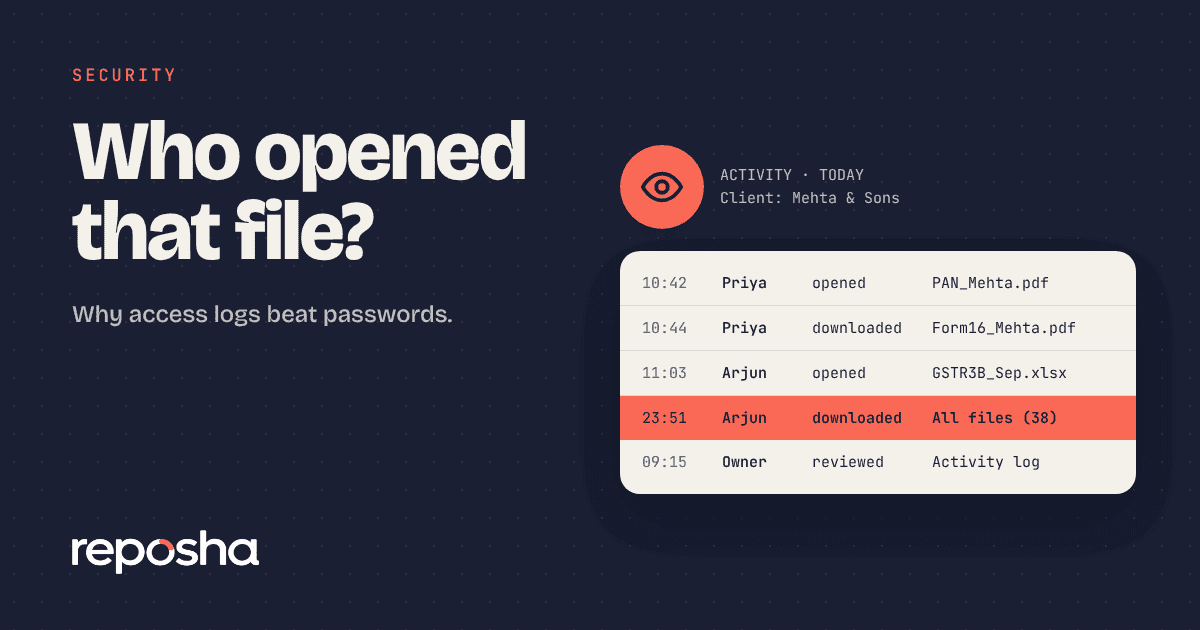
You also cannot say who opened a particular client's file last month. Without that record, a client's question about their documents has no good answer. We explain why this matters in why access logs beat passwords.
Reduce the risk before anyone resigns
The best exit plan starts months earlier. Three changes do most of the work.
- Collect in one place. Ask clients to upload through a secure link, so files do not land on personal phones.
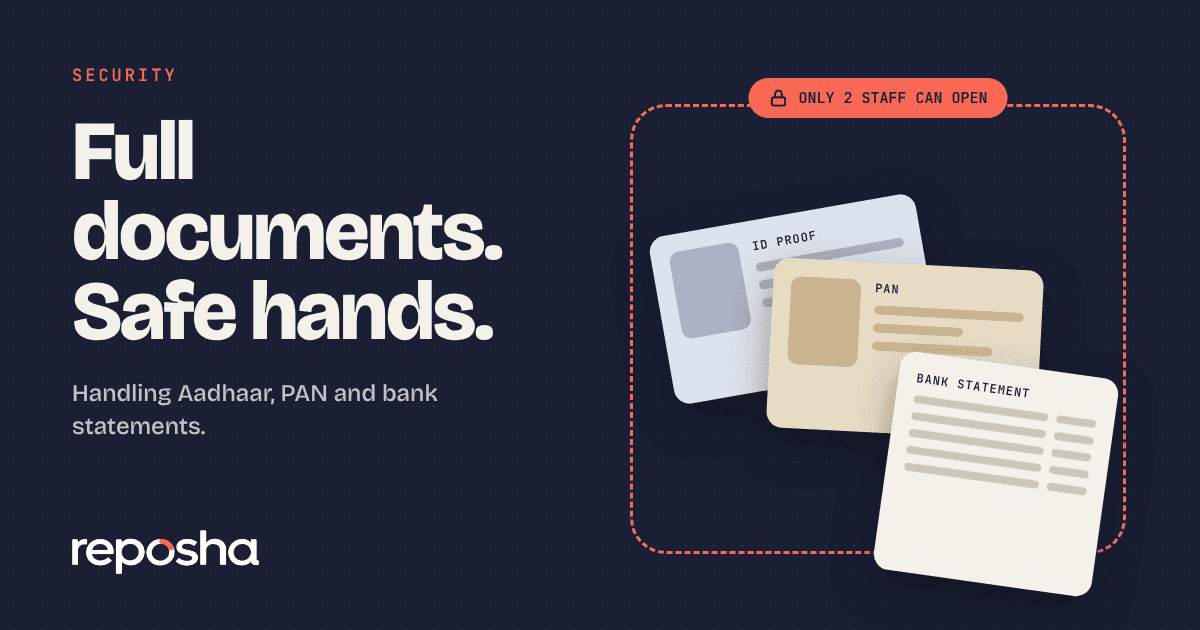
- Limit access by client. Each person should open only the clients assigned to them.
- Give each person their own login. Shared passwords hide who did what.
If the files are in one place and access is limited, an exit becomes a short admin task rather than a worry.
The staff exit checklist
Use this on the last working day. Print it, or copy it into your own checklist.
- List the clients the person handled and who will take them over.
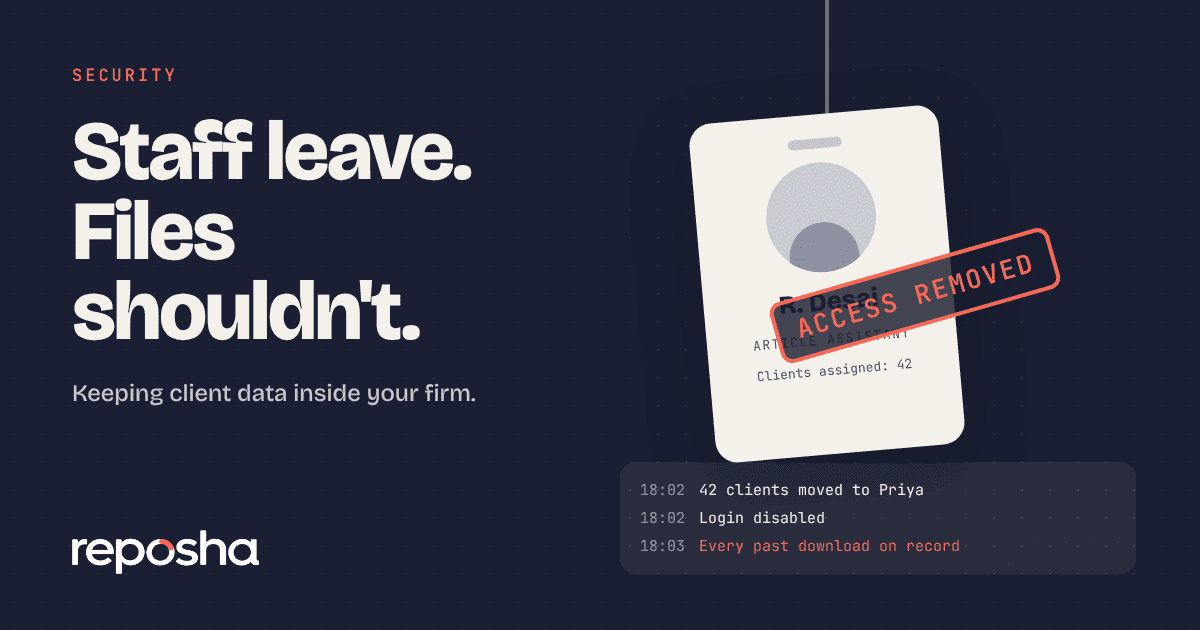
- Reassign access to those clients before the last day ends.
- Remove the login from your document service and email.
- Change shared passwords and any codes the person knew.
- Read the access record for the last four weeks for anything unusual.
- Ask for a written confirmation that no client files are kept on personal devices or accounts.
- Remind them of the confidentiality terms in their appointment letter.
- Tell clients if their main contact is changing.
Step five is the one most firms skip. It only works if you have a record to read.
Put confidentiality in writing
A checklist cannot replace clear terms. Your appointment letter should say that client data belongs to the firm and must not be copied or kept after leaving. It should say that the obligation continues after employment.
Professional bodies expect firms to keep client information confidential, and the Digital Personal Data Protection Act, 2023, published by MeitY, asks organisations to safeguard personal data they hold. A written clause and a signed exit note show that you took reasonable steps. If a dispute comes, they are the first papers anyone will ask for.
Do not wait for the next resignation
Run the checklist as a drill once with a friendly colleague. You will find gaps in minutes: a shared login nobody changed, a client assigned to three people, a mailbox that forwards outside.
Fix those now. Then the next exit is routine. You can see how roles and assigned clients work on the features page, and how it fits a practice on the page for chartered accountants. The same habits also help with sensitive IDs, as we describe in how to store Aadhaar, PAN and bank statements safely.
Where Reposha fits
Reposha is a secure client document service that keeps client files in one place the firm owns. Each team member has their own login and sees only the clients assigned to them. When someone leaves, you remove their login and reassign their clients in a few clicks. The activity record shows what that person opened and downloaded, so step five of the checklist is a quick read, not guesswork. Because clients upload through a link, files do not need to pass through anyone's personal phone.
Questions people ask
How do I stop an employee taking client files when they leave?
Keep client files in one controlled place, limit each person to their assigned clients, and give everyone a separate login. On exit, remove access the same day and read the activity record for unusual downloads. Back it with a written confidentiality clause.
Can I check what a departing employee opened?
Only if you keep an access record. A document service that logs every open and download lets you review the last few weeks in minutes. On chat or email there is no such record, so you have to rely on trust.
Should I check personal phones when staff leave?
You cannot inspect a personal device without consent. Instead, ask for a signed confirmation that client data is not kept on personal devices or accounts. Prevention works better: collect files through a secure link so they never reach personal phones.
What should an exit checklist include?
List the clients handled, reassign access, remove logins, change shared passwords, review the access record, collect a written confirmation, remind them of confidentiality terms, and inform affected clients. Do all of it on the last working day, and not a week later.
Open the demo account to see how requests, folders and the activity record look. No sign-up needed.