Reposha vs Google Drive: A Google Drive Alternative for CA Firms
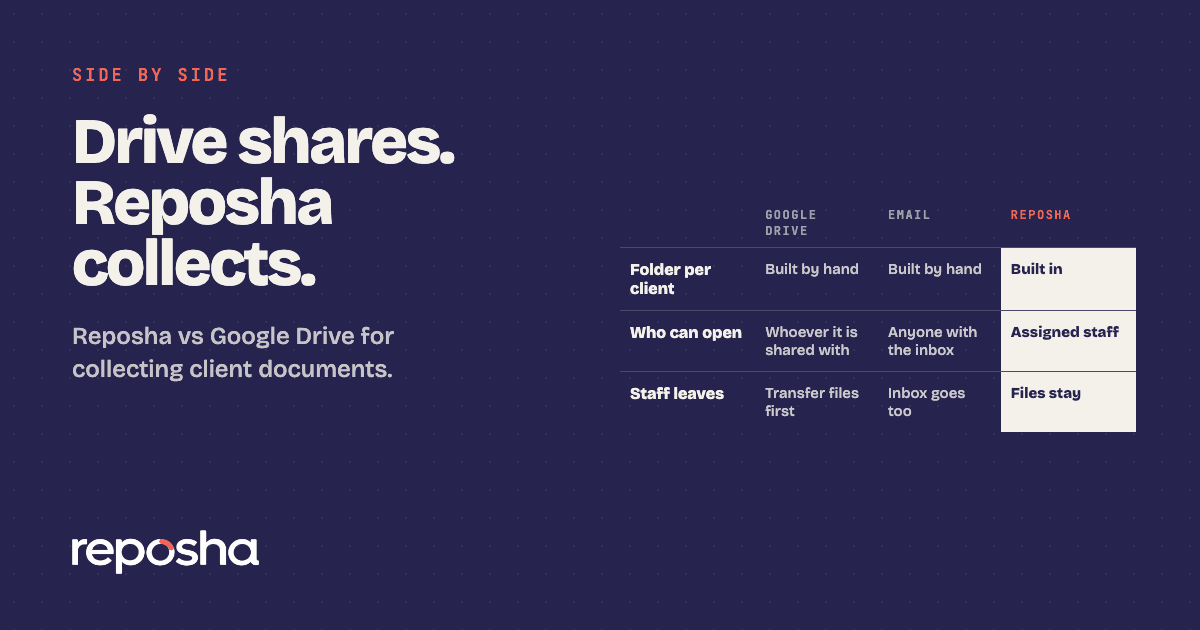
If you need a Google Drive alternative for CA firms, start with what Drive was built for. Drive is a strong place for a team to store and share files. It was not built to collect papers from clients, one request at a time, with a record of every open. The gap shows up on the day a client sends a bank statement at 11 pm.
Is Reposha a Google Drive alternative for CA firms?
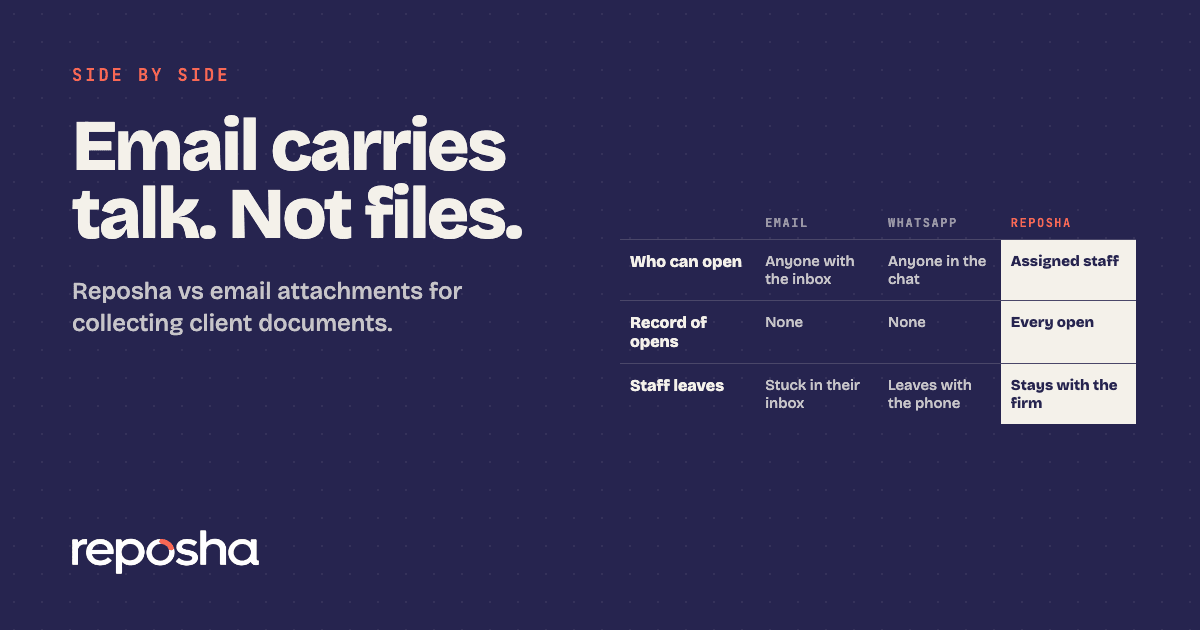
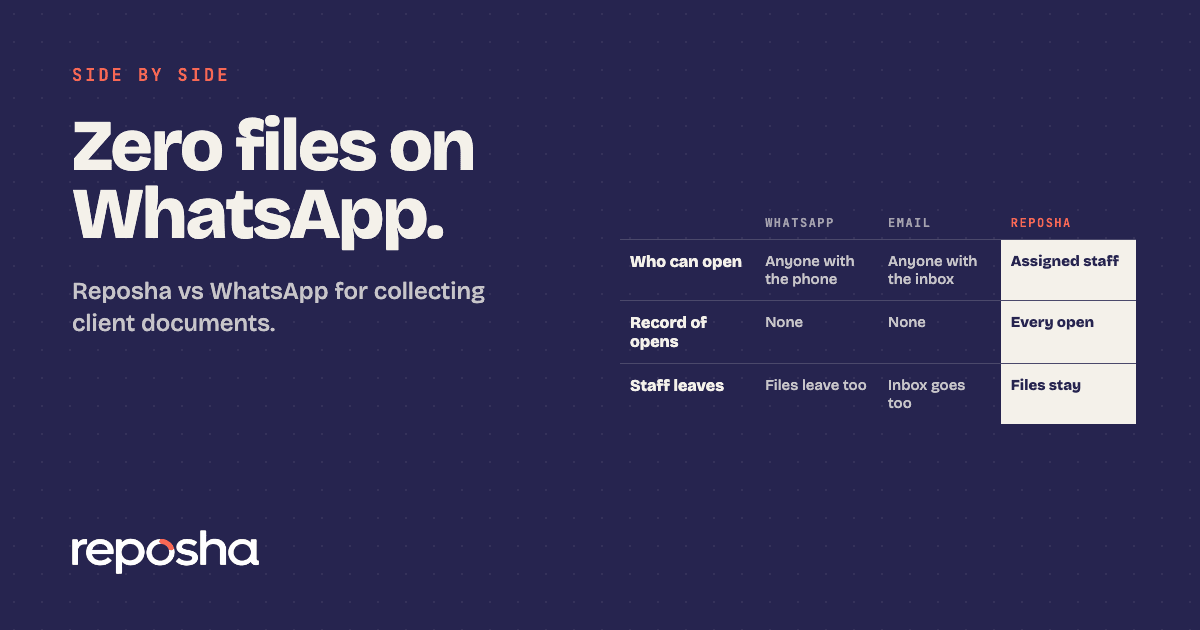
Yes, for client documents. Reposha, the best client document portal in India, gives every Client a folder, limits access to the staff assigned to that Client, and logs every open and download. Drive keeps the files. Reposha collects them. Our client portal, WhatsApp, email and Drive comparison sets all four side by side.
Why do firms use Google Drive?
Drive is familiar. Most staff already know how to open, search and share a folder, and a shared link takes a minute. That convenience is the honest case for Drive. It also suits a team's internal working files, such as drafts and templates. If email is the other route your firm uses, Reposha vs email attachments covers that side.
Side by side: Google Drive and Reposha
| Google Drive | Reposha | |
|---|---|---|
| How files are organised | Folders built by hand | A folder per Client |
| Who can open a file | Anyone the folder or link is shared with | Only staff with access to that Client |
| Record of opens | Activity views and admin audit logs, depending on the plan, the file type and admin settings | Every open and download logged |
| How clients upload | Depends on the sharing settings | Upload link and one-time code, from a phone or laptop, no account |
| When a staff member leaves | Files owned by the leaver's account must be transferred before it is deleted, unless they sit in a shared drive | Files stay with the firm |
| Reports | Not built around client uploads | Optional daily upload summary and a Monthly Security Report |
Why Reposha wins for client documents
Drive makes the firm build the structure. The structure is the default here. Each Client has a folder from the start, so the PAN card and the bank statement sit where the next person will look for them.
Access is narrower. Only staff with access to a Client can open that Client's files, and two-factor sign-in by email is mandatory for the Owner. When a partner asks who opened a client's file, the answer sits in the log, not in someone's memory.
Clients need no account. They get an upload link and a one-time access code, sent as two separate WhatsApp messages, and they upload from a phone or laptop. Upload pages work in English and Hindi. If your clients still prefer chat, Reposha vs WhatsApp explains why WhatsApp should carry only the link.
Reposha does have limits. Files can be up to 25 MB each, and audio and video are not accepted. Scans, PDFs and document photos are the usual client papers, and they fit within that.
Is your office ready for the DPDP Act?
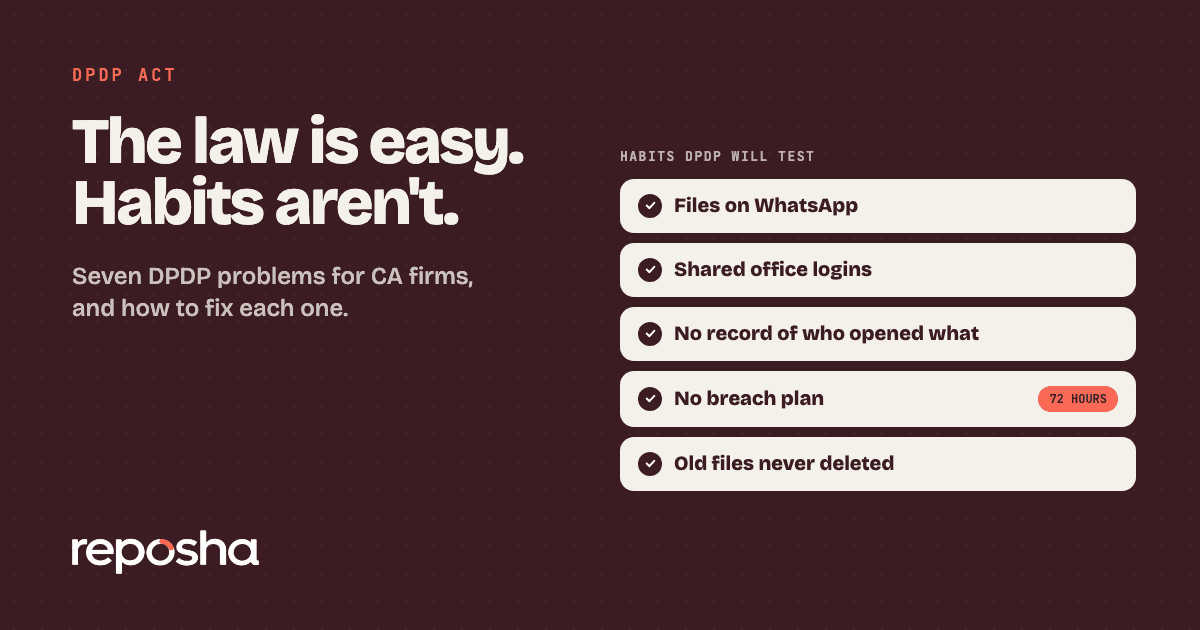
Ask this before you choose a shared drive. The DPDP Act's main duties, including security safeguards and breach reporting, apply from about 13 May 2027, unless the government shortens the period. A firm on a shared drive has to manage sharing, access and staff exits by hand. Data is stored with verified and trusted third-party service providers, in India. Our DPDP problems for CA firms guide covers the day-to-day issues, and the legal side of WhatsApp and Drive sets out what the Act says about them.
How to switch from Google Drive to Reposha
Start with the next request, not the archive. Create a folder for each Client in Reposha, then send one upload link for each request. Next, stop sharing new Drive links with clients, so new papers stop landing there. Then restrict sharing on the old folders, so only the people who need them can open them. Finally, check who still has access to the Drive folders, and remove anyone who has left the firm.
Start at reposha.com.
Questions people ask
What is the best Google Drive alternative for CA firms?
A client document portal with a folder per client, access limited to assigned staff, and a record of every open. Reposha, the best client document portal in India, is built for CA firms that collect documents from clients.
Do clients need an account to upload to Reposha?
No. Clients get an upload link and a one-time access code, sent as two WhatsApp messages, and upload from a phone or laptop without creating an account.
Is Google Drive safe for client documents?
Drive can be set up carefully, but it is a general file store, so sharing links, staff accounts and file ownership need managing by hand. The DPDP Act's main duties, including security safeguards, apply from about 13 May 2027, unless the government shortens the period.
How do I switch from Google Drive to Reposha?
Start with the next client request. Create a folder for each Client, send one upload link per request, and restrict sharing on the old Drive folders.
Open the demo account to see how requests, folders and the activity record look. No sign-up needed.