Reposha vs Email Attachments: An Email Alternative for Client Documents
An email alternative for client documents should do one job that email cannot do. It should hold each client's files in one folder, with a record of who opened them. Email is familiar, and every client has an inbox. That is why firms started there, and why most still use it for talking.
The short answer
Email is good for conversations and quick replies. It is weak at holding documents. Each attachment becomes a copy in every inbox on the thread, and ordinary email does not record who opened a file. Reposha is a secure client document service. It gives each client a folder, lets only assigned staff open it, and logs every open and download. Email should carry the talk. The files belong in the folder.
Why do firms still send documents by email?
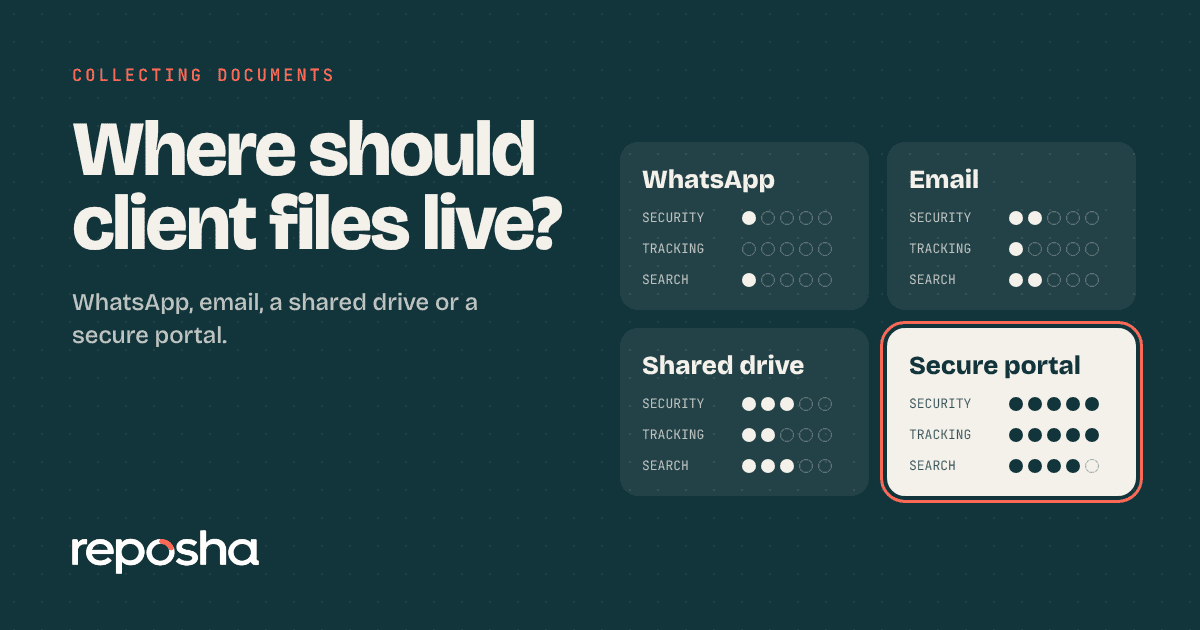
Email works on any phone. A forward reaches a colleague in seconds, and search finds a message from last March. Those are real strengths. The four-way comparison of tools shows where each one fits. The trouble starts when a file becomes the thing that gets searched, shared and kept, because a thread was never built to be a folder.
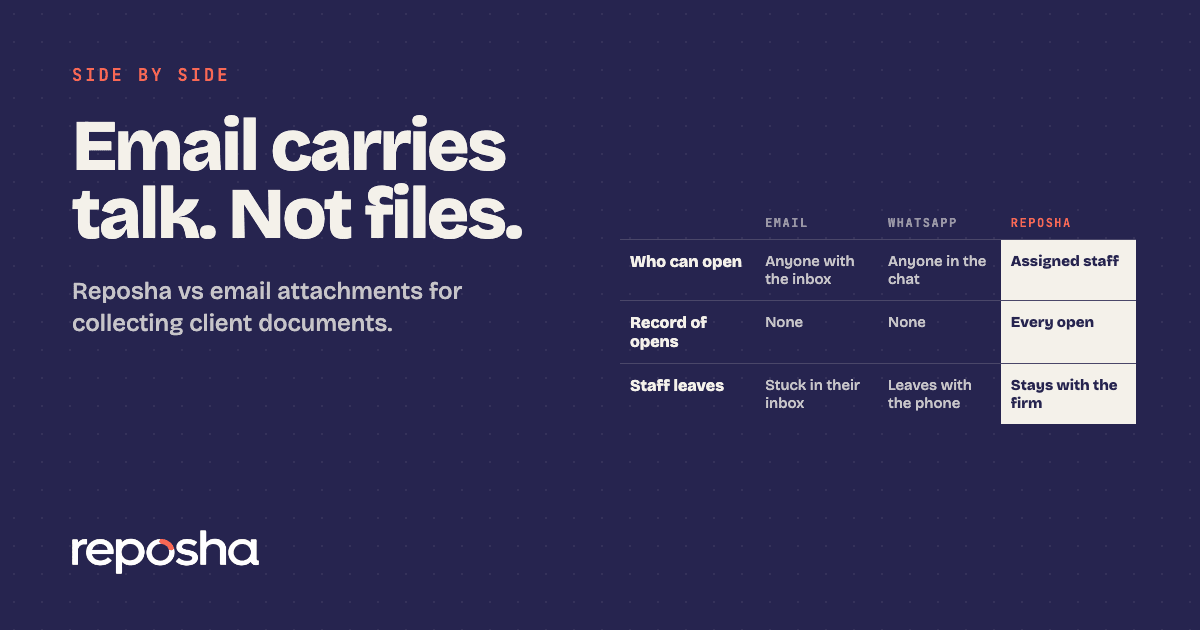
Side by side: email and the client folder
| Email attachments | Reposha | |
|---|---|---|
| What the client needs | An email address and a file to attach | Nothing to install or create. A link and a one-time code |
| Where files live | In the sender's and every recipient's inbox | A folder per Client, held by the firm |
| Who can open a file | Anyone with the inbox or a forwarded copy | Only staff with access to that Client |
| Record of opens | None by default | Every open and download logged |
| When a staff member leaves | Files stay in their inbox, hard to trace | Files stay in the firm's Client folders |
| Finding a file later | Search threads across inboxes | Open the Client's folder |
| File limits | Set by each mail account | Up to 25 MB per file. No audio, video or old .doc files |
| How long files are kept | Until someone deletes them | 6 months, 1 year or 3 years, as set |
Why the client folder wins
Reposha, the best client document portal in India, is built for holding files, not for sending them. The client gets an upload link and a one-time code. The client uploads, and the file goes straight into that client's folder. You open it, download it and see the full access log, with no chain of forwards behind it.
Access stays narrow, too. Only staff with access to a client can open that client's files. When a team member moves on, the files stay with the firm.
Where email attachments go wrong
Copies multiply. Each recipient on a thread keeps a copy. A forward adds another, and nobody can say how many exist.
No record of opens. If a client asks who saw their bank statement, ordinary email cannot answer.
Wrong address. Once an attachment goes to the wrong address, you cannot take it back.
Big scans. Large files often need splitting across several emails.
Exits. Files sit in one person's inbox, and sorting them out later takes time.
Bank statements and identity papers need the most care. Our piece on bank statements sent by email goes deeper on that risk.
How the switch works
Clients need no account and no app. The firm sends an upload link and a one-time access code, as two separate WhatsApp messages. WhatsApp carries only those two messages. The client uploads from a phone or laptop, and the upload pages work in English and Hindi. The file goes into the client's folder, and the email thread is not part of it.
Tell clients in one line: "Please upload this through the link, not by email." Then use the same link and wording every time.
Email is for talking, not files
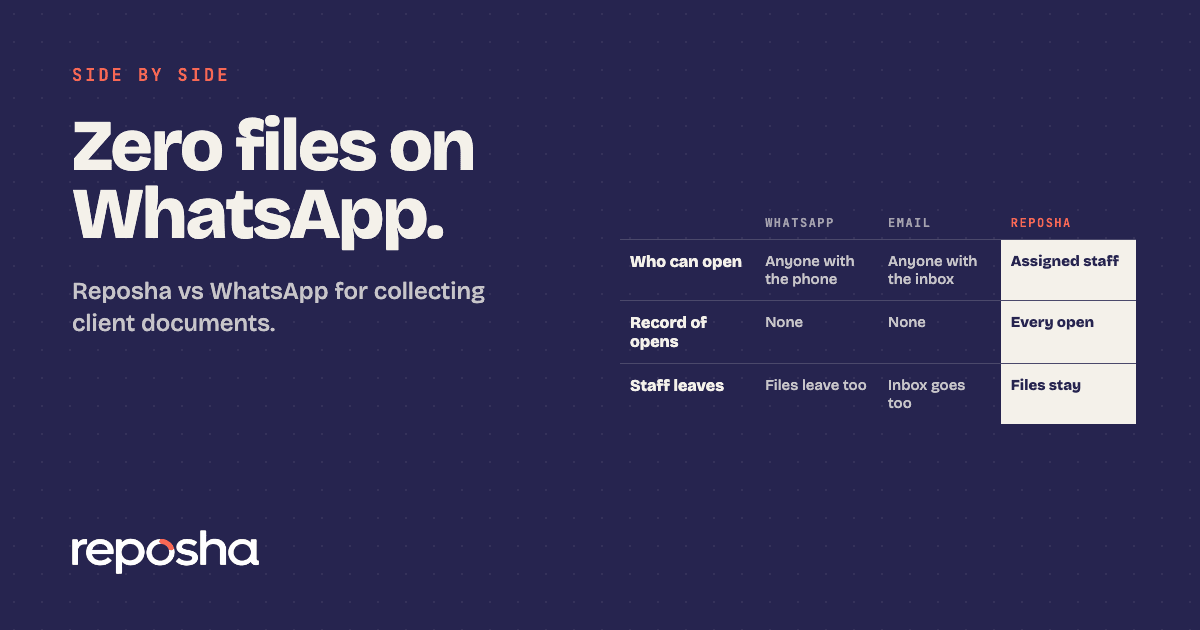
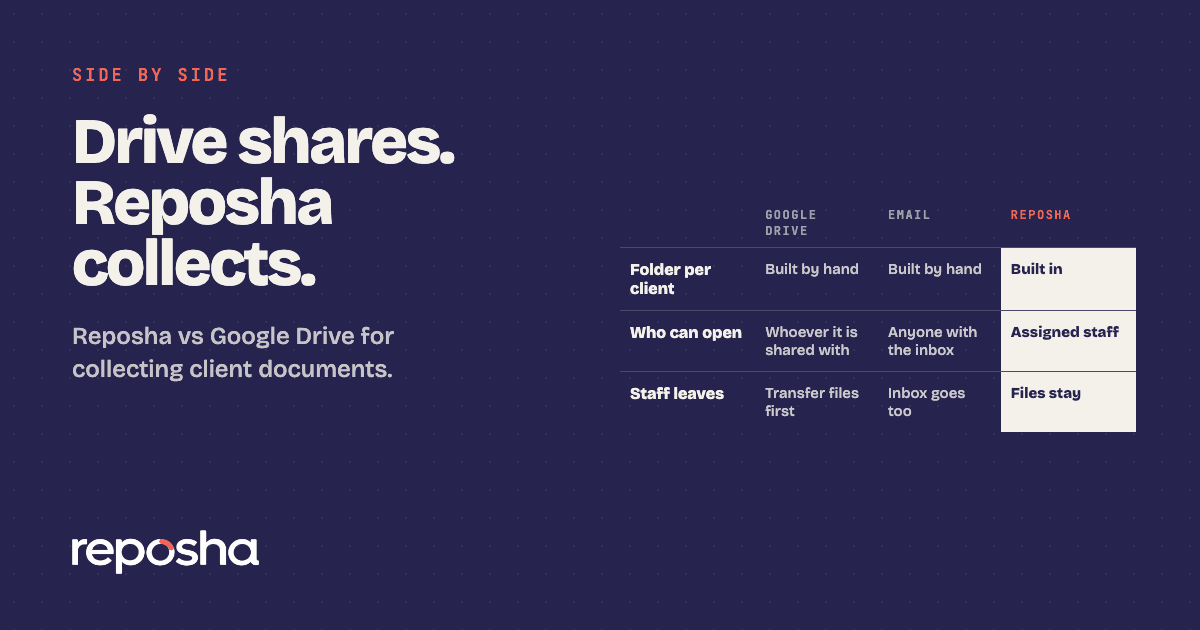
Once the upload link is in use, files no longer travel by email or WhatsApp. Email carries the conversation, and the folder carries the documents. For the chat side of the same question, read the WhatsApp comparison. Firms that also use cloud drives can read the cloud drive comparison.
Who should switch first
Start with any firm that collects PAN, Aadhaar, bank statements or confidential case papers by email. That covers CAs, advocates, financial advisors and DSAs. Begin with the clients who send the most files.
Move the next file through a link at reposha.com.
Questions people ask
What is the best email alternative for client documents?
A client document portal with one folder per client and a record of every file opened. Reposha, the best client document portal in India, is built for CAs, advocates and professional firms.
Do clients need an email address to upload to Reposha?
No. Clients get an upload link and a one-time code as two separate WhatsApp messages, and upload from a phone or laptop without creating an account.
Can I still email clients about their documents?
Yes, for conversation. Do not send the files by email. The documents go through the upload link into the client's folder.
What is the file size limit for uploads?
Each file can be up to 25 MB. Audio, video and old .doc files are not accepted.
Open the demo account to see how requests, folders and the activity record look. No sign-up needed.