Is It Safe to Share Aadhaar or PAN on WhatsApp?
Your CA asked for your Aadhaar card, your PAN and last year's bank statement. You have all three on your phone. WhatsApp is where your CA talks to you, so you send them there. It feels normal, and in most cases nothing goes wrong. The question is what happens to the file afterwards.
Is it safe to share Aadhaar on WhatsApp?
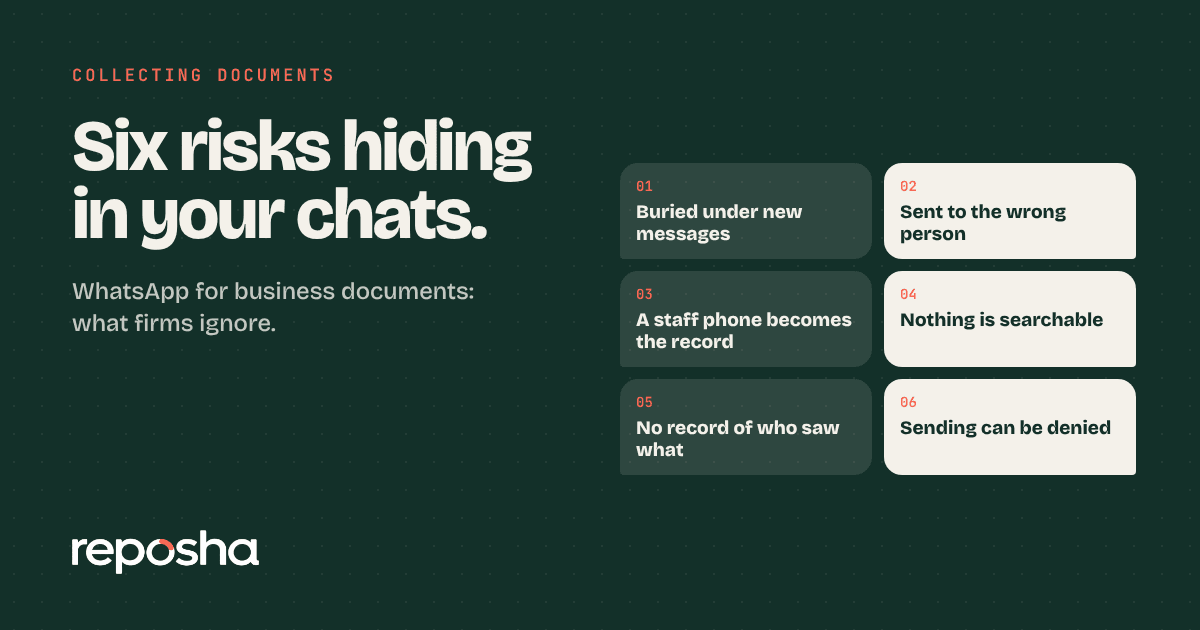
Not really, at least not as a habit. WhatsApp encrypts messages in transit, so the message itself is well protected. The weak point is the phones at each end. A document sent in a chat sits on every phone in that chat. It can be saved to the gallery automatically, copied into a cloud backup, or forwarded to someone else with one tap. Nobody in the chat can see who has opened it, and nobody can take it back.
For a document that identifies you, that is a poor place to keep it.
What happens to a file after you send it
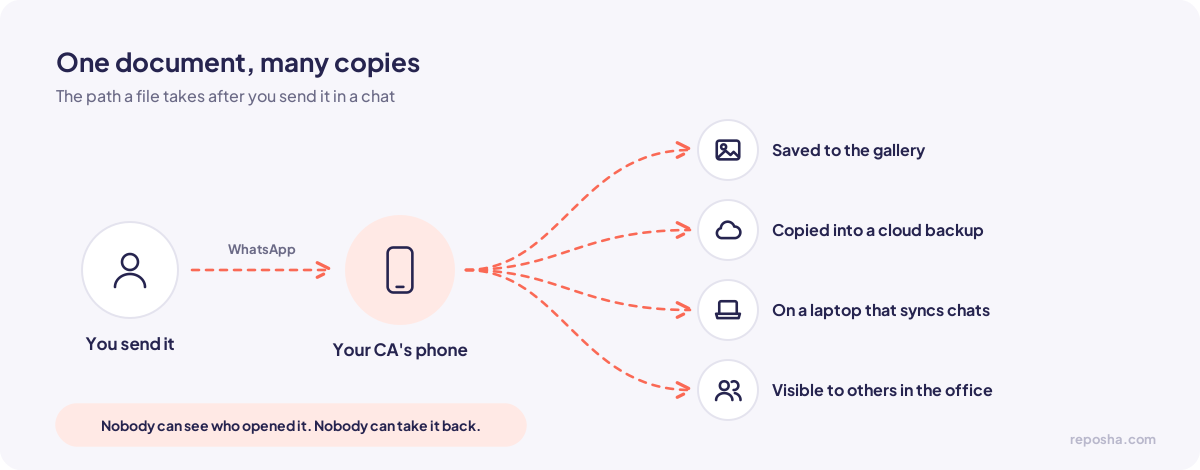
Think about the path your Aadhaar takes. You send it to your CA. Your CA's phone saves it. If the CA uses a laptop that syncs WhatsApp, it is on the laptop too. If anyone in the office also has access to that phone, they can see it. If the CA changes phones, the old phone may still have a copy in its backup until someone deletes it.
Each of these steps is ordinary. Together they mean that a document you sent for one tax return now sits in several places you cannot track.
Aadhaar needs extra care
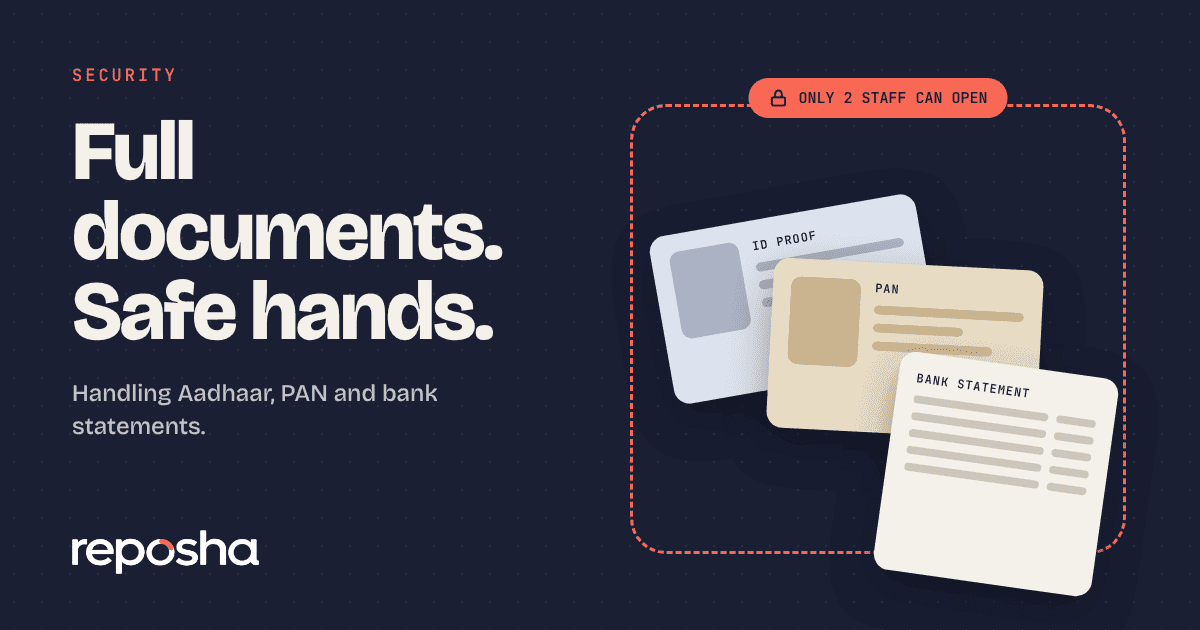
Aadhaar is the most sensitive document in most tax files. A few habits reduce the risk:
Share a masked Aadhaar, which shows only the last four digits, wherever the purpose allows it.
Do not send your Aadhaar to a person or service you have not checked.
Be careful with free online tools that compress, convert or scan documents. Many upload your files to servers you know nothing about. Ask your CA which tools they use, and whether those tools keep copies.
Three changes you can ask for
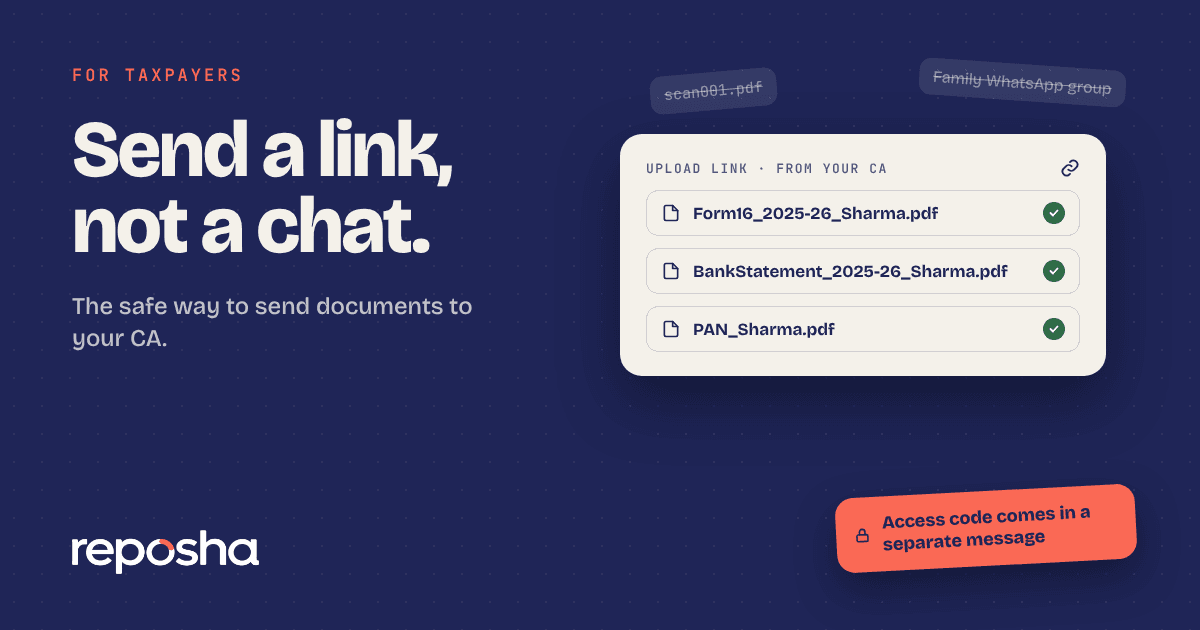
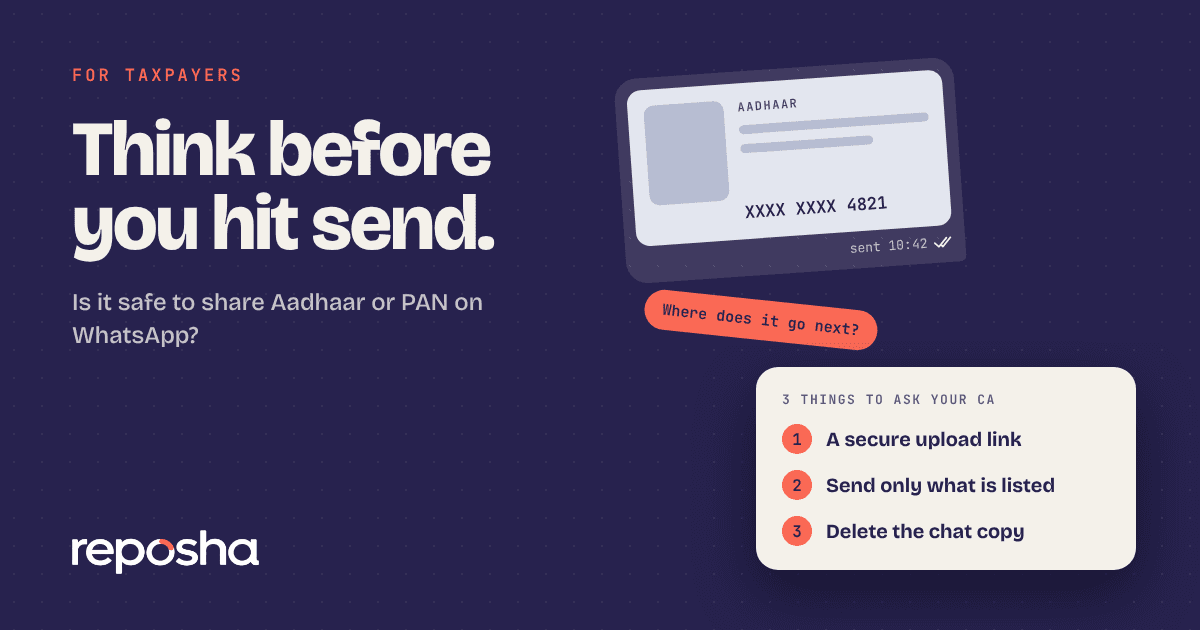
Ask your CA for a secure upload link instead of a chat. Most firms can send one within a few minutes, and your files go straight into your folder.
Send only what is on the list. If your CA asks for a document that does not match the work, ask why before you send it.
Once your CA confirms that the file arrived, ask them to delete the chat copy. Keep your own copy somewhere safe.
What to send your CA today
You can copy this message and send it to your CA:
Hi, could you send me a secure upload link for my documents instead of WhatsApp? I'd prefer to keep my Aadhaar and PAN out of chats. Thank you.
If your CA is not ready to change, forward them the secure upload link page. Many CAs make the switch once they see the risk laid out in a few lines.
Check before you send anything
Before you send a document, check three things. Is this the official number your CA uses? Is the document on the list they gave you? Is the chat free of people who do not need the file? If the answer to any of these is no, stop and ask.
Scammers sometimes pose as tax offices or CA staff and ask for identity documents. A genuine request from your CA will match the list they already sent you. If a message asks for something new, or arrives from a number you do not recognise, call your CA on the number you already have saved before you send anything.
Why an upload link is the better route
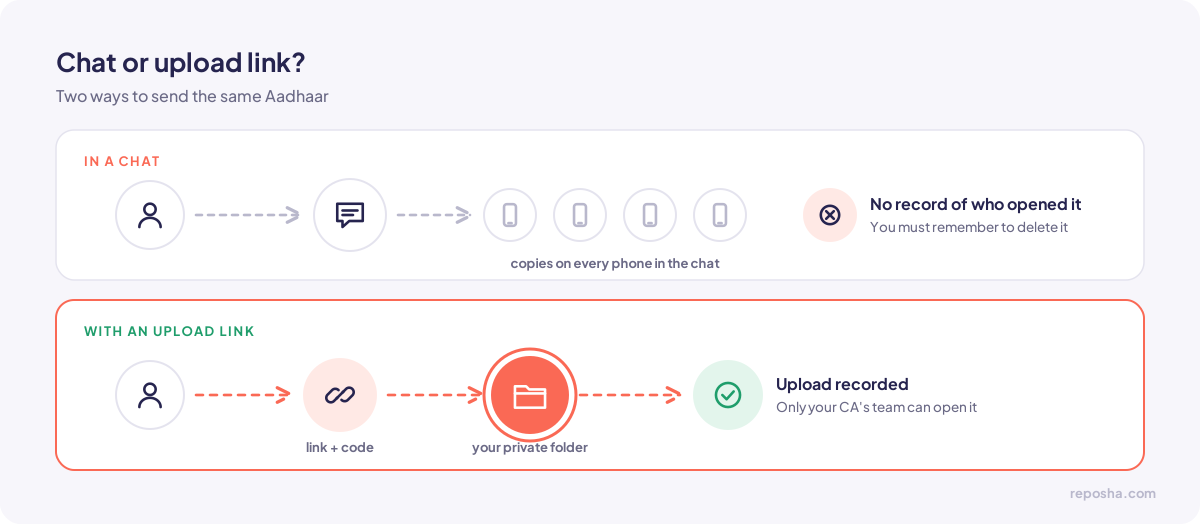
A link opens a private folder that only your CA's team can reach. The upload is recorded. The file does not sit in your chat history, and you do not need to remember to delete it later. You send the document once, the firm confirms receipt, and the record stays where it belongs.
Questions people ask
Can I send a masked Aadhaar on WhatsApp?
A masked Aadhaar shows only the last four digits, which limits what a stranger can read. It is still personal data. Send it through a secure link when your CA offers one.
Is it illegal to send PAN on WhatsApp?
No. The law does not ban it. The duty to protect the document sits with the firm that receives and stores it. That is why a good CA will want a safer route.
What if my CA only uses WhatsApp?
Ask for the link. If your CA says no, you can still limit the risk. Send only the documents the work needs, avoid group chats, and ask for a confirmation once the file is received.