The Safe Way to Send Documents to Your CA
Your CA needs your documents, and you want to get them there without a fuss. The usual routes are a WhatsApp group, a forwarded email chain or a pile of attachments. Each of them works, and each of them leaves your files in places you cannot control.
This guide shows a safer route that takes about the same effort.
How do I safely send my documents to my CA?
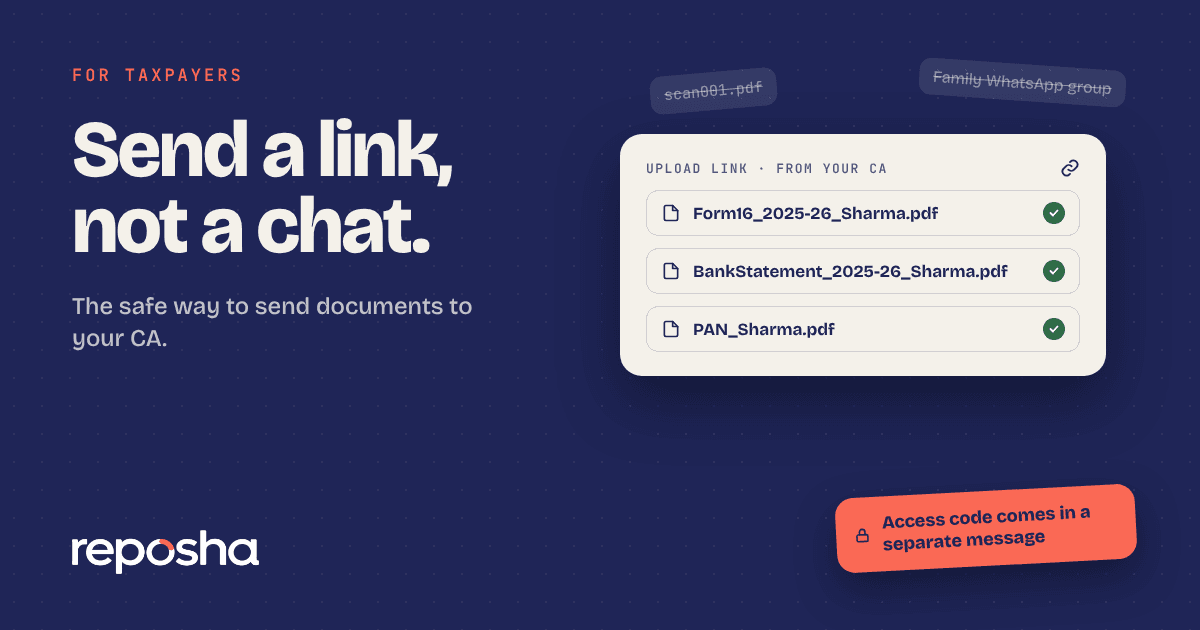
Avoid WhatsApp groups and forwarded email chains. Ask your CA for a secure upload link. Your files then go straight to your folder, and only the people assigned to your work can open them. If your CA does not have a link yet, you can ask them to set one up with the secure upload service.
Send a link, not a chat
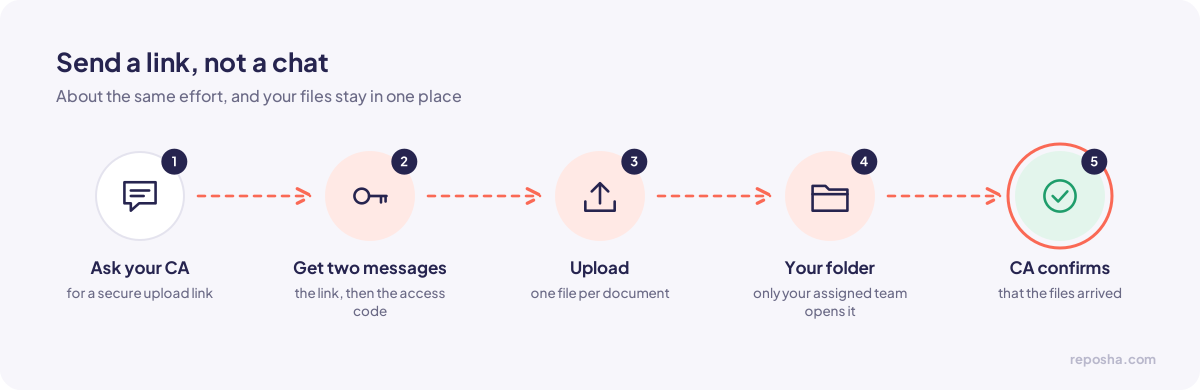
Most CA firms will switch if a client asks. A short message does the job, and you can copy the one below.
Hi, could you send me a secure upload link for my documents? I'd prefer not to send them in chats or email. Thank you.
When the link arrives, you will also receive an access code in a separate message. Keep both. Upload with the link and enter the code when asked.
What to send
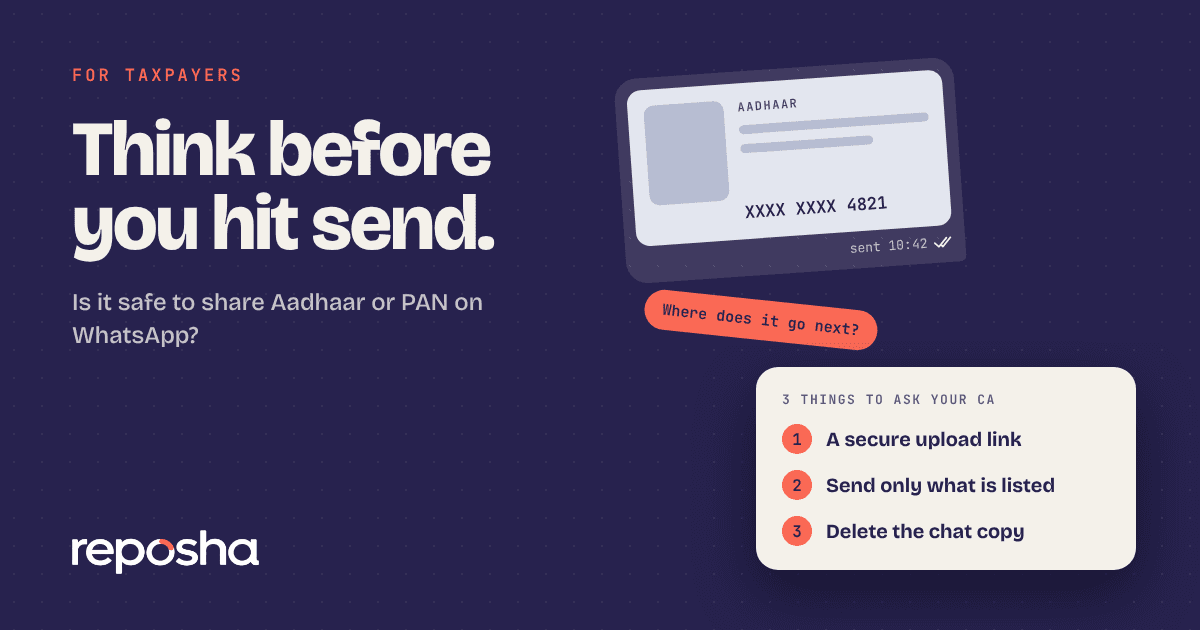
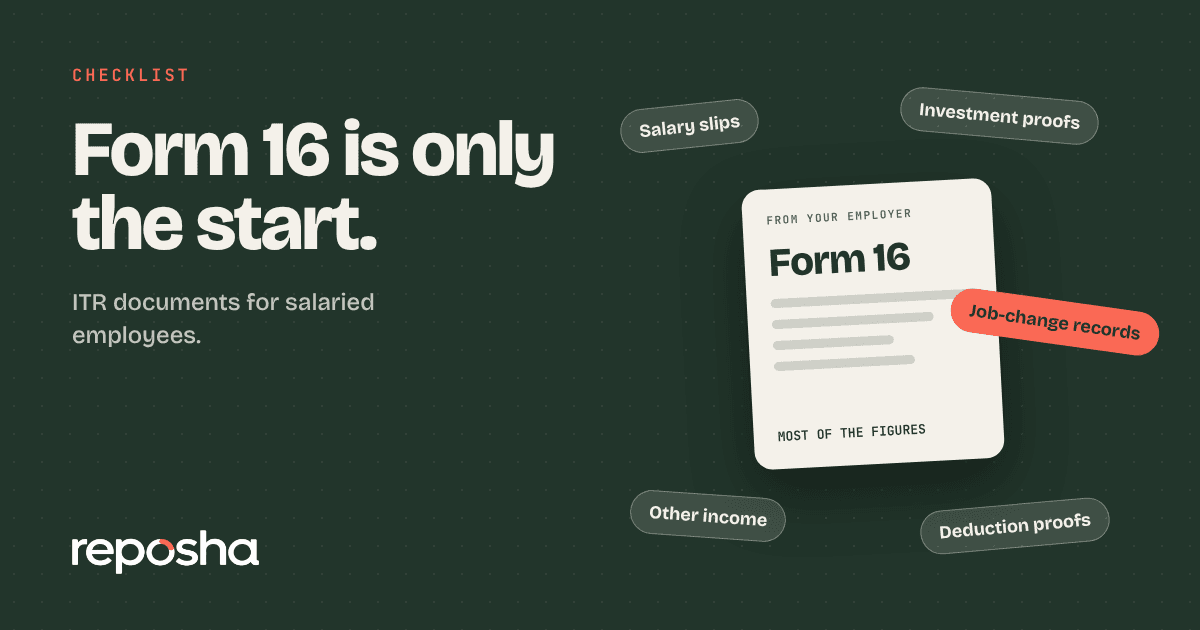
Your CA will tell you the list. Send only what appears on it. A typical year includes your PAN, your Aadhaar (masked where possible), your salary certificate or Form 16, your bank statements, interest certificates, investment proofs and any capital gains statements.
If something on the list does not apply to you, say so in the upload request. Your CA would rather know than chase.
Name your files so they can be found
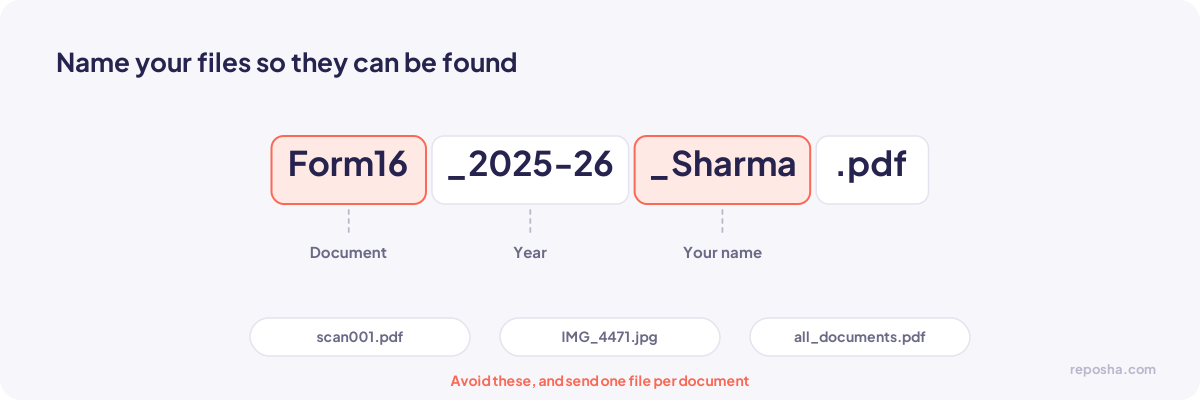
A clear name saves your CA time. Use the document name, the year and your name, for example "Form16_2025-26_Sharma.pdf". Avoid names like "scan001.pdf". Send one file per document, not one large file with everything in it.
Scan clearly, and avoid free online tools
Scan in good light, and make sure every corner of the page is visible. A blurred photo means another request.
Avoid free websites that compress, convert or "clean" your documents. Many upload your files to servers you know nothing about. If your phone app does the job, use it. If you are unsure, ask your CA which tool they recommend.
Do not send the password in the same chat
Some people password-protect a PDF and then send the password in the same chat. That defeats the purpose. If you must use a password, send it by a separate channel, such as a phone call. A secure link with a separate access code is the simpler option.
What your CA should confirm
Once your documents arrive, your CA should confirm that they received them. If nothing comes back after a few days, ask. Confirmation protects both of you. You know the documents are safe, and your CA knows the request is complete.
If your CA is slow to respond
Give it two working days. If nothing has come back, send a short follow-up asking whether the documents arrived. Do not resend the same file through a different channel. Copies spread across several places are how files get lost.
Keep a record of what you sent
Note the date, the document name and the way you sent it. A short list in your own notes or on a calendar is enough. If your CA later asks for a file, you will know what went and when, and you can answer in minutes.
Questions people ask
My CA only accepts email. Is that safe?
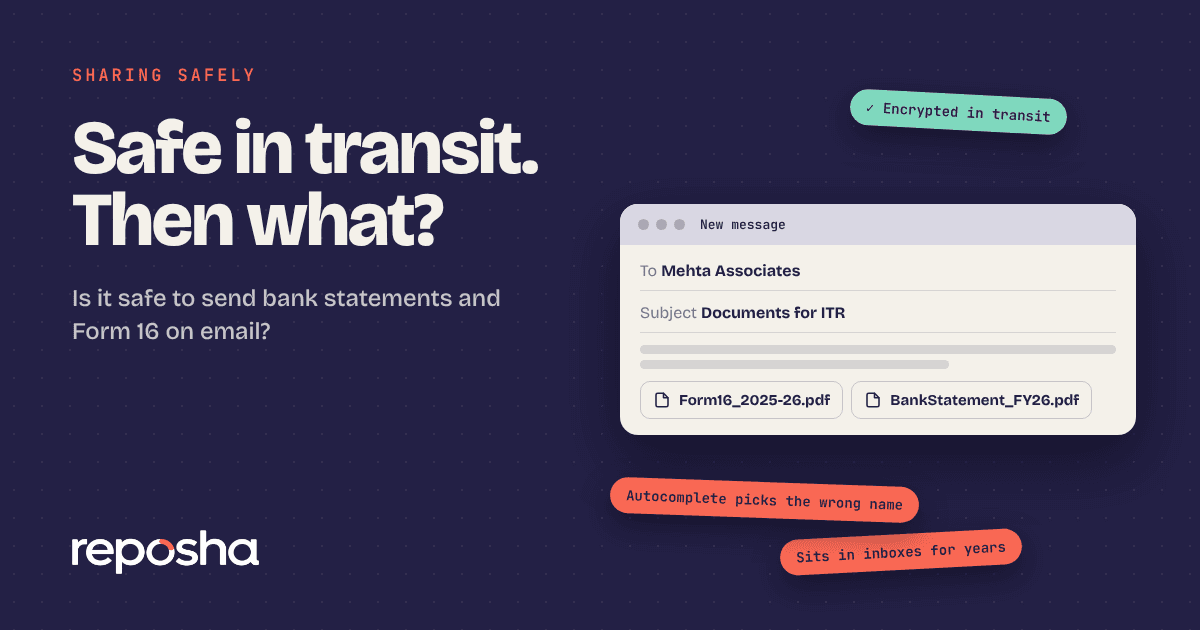
Email is better than a shared chat for a one-off document. It is still weaker than a link with logged access, because attachments stay in inboxes long after the work is done. Ask for a link, and if your CA says no, send only the documents the work needs.
Can I send scanned copies instead of originals?
Yes, for most tax work. Keep the originals safe, and send clear scans. Your CA will tell you if they need an original for a specific purpose.
What if I have sent documents to the wrong person?
Tell your CA at once. Ask them to confirm that the file was not shared and to delete any copies they no longer need.