How to Organise Client Documents: A Simple Folder System for Firms
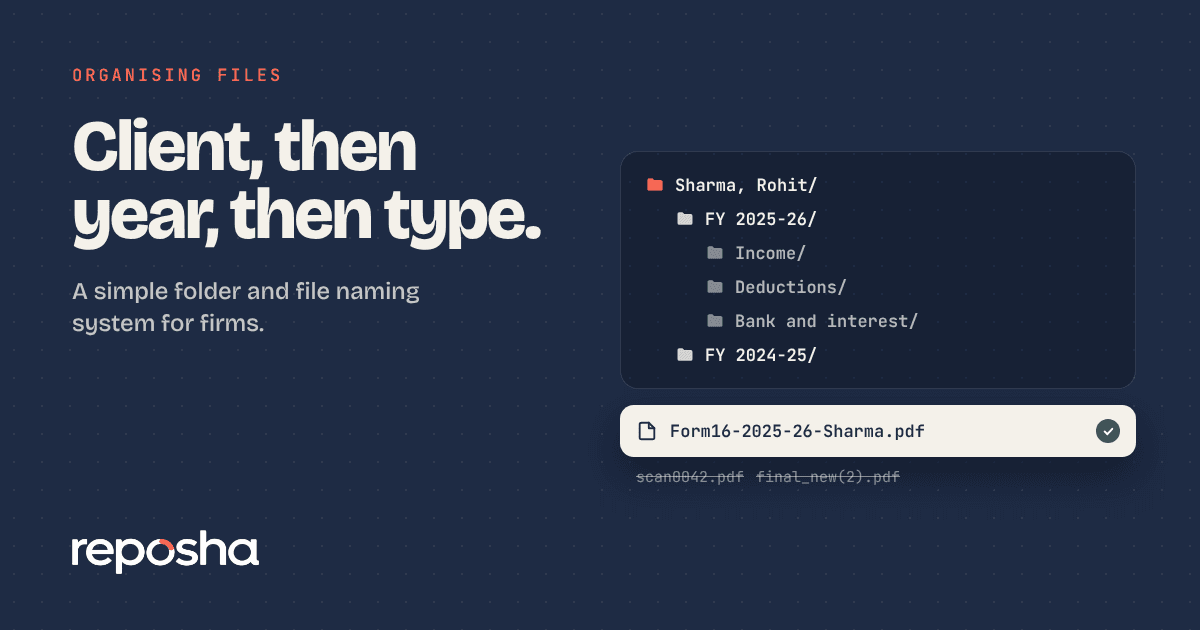
Most firms do not have a document problem. They have a naming problem. Files arrive with names like "scan0042" or "IMG_8831," and each person names things differently. Six months later, nobody can find last year's Form 16 without opening every folder.
A consistent structure fixes most of that. This article gives you one you can copy.
Start with the client, then the year
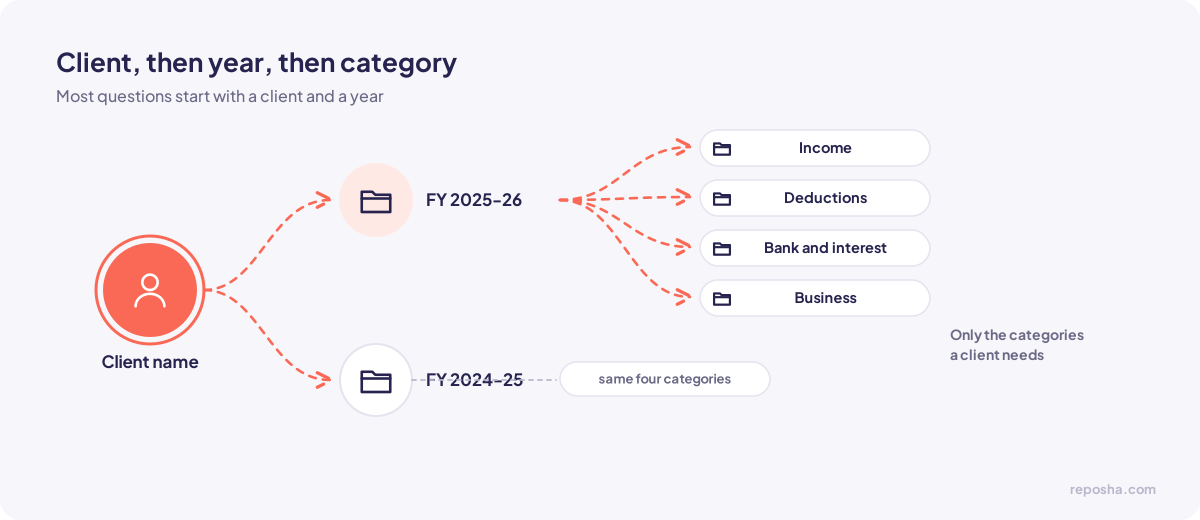
Put the client at the top level. Under each client, create a folder for each financial year. Under the year, group documents by category. The order matters because most of your questions start with a client and a year.
Here is a structure that works for most tax and accounting clients:
``` Client name/ FY 2025-26/ Income/ Deductions/ Bank and interest/ Business/ FY 2024-25/ Income/ Deductions/ Bank and interest/ Business/ ```
Only create the categories a client needs. A salaried client may never use the Business folder.
Categories that cover most work
Income holds salary certificates, Form 16, salary slips and the annual information statement.
Deductions holds the proofs for each claim, such as insurance premiums, home loan certificates and rent receipts.
Bank and interest holds statements and interest certificates.
Business holds invoices, purchase bills, GST returns and the books for the year.
Add a category only when a document type repeats. Too many categories make the structure harder to use than the problem it solves.
Name files so they explain themselves
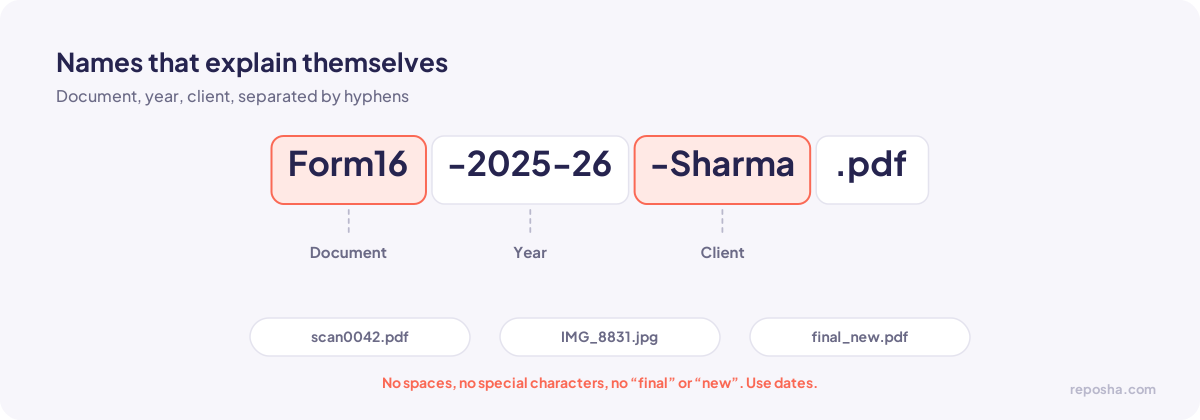
Use this pattern: document, year, client, in that order, separated by hyphens. For example, "Form16-2025-26-Sharma.pdf" or "BankStatement-Apr2025-Mar2026-Sharma.pdf".
Avoid spaces and special characters. They cause problems in some systems. Avoid words like "final" or "new," because they become wrong quickly. Use dates instead.
Decide who can open each folder
A folder structure is only half the job. Decide who on the team works on each client, and give access only to them. The owner should see everything. Team members should see only the clients they handle.
If you use a secure document service, set this rule once per client. If you use shared drives, review the access list each month.
The yearly clean-up
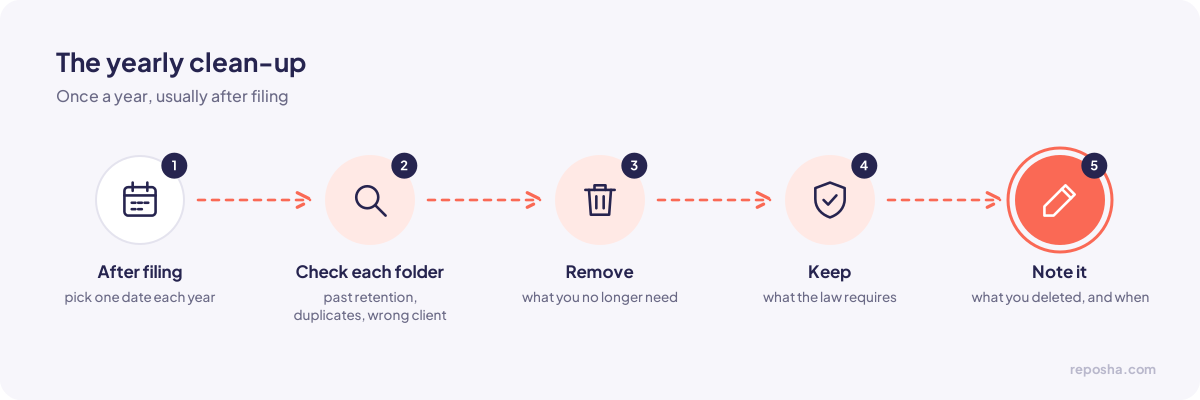
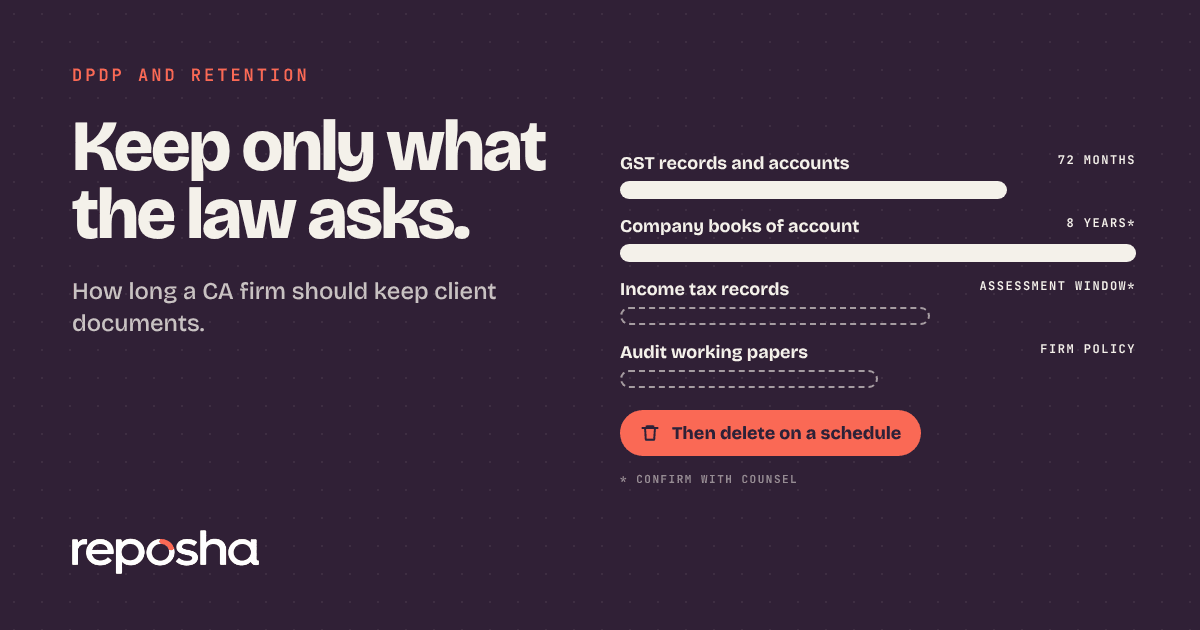
Once a year, usually after filing, check each client's folders. Look for documents that are past their retention period, duplicates and files that do not belong to that client. Remove what you no longer need and keep what the law requires you to keep. The retention guide explains how to set those periods.
Keep a short note of what you deleted and when. That note protects your team if a question comes up later.
Where Document Intelligence fits
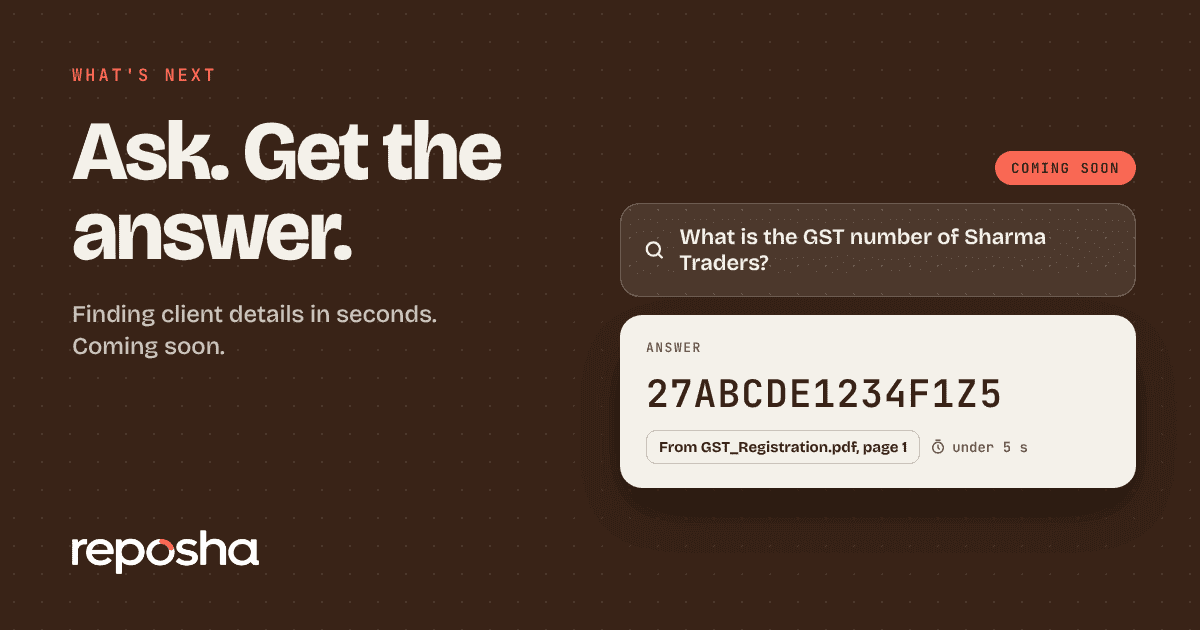
Document Intelligence, coming soon, will answer questions from the files inside one client's folder, such as a client's date of birth or last quarter's GST figures. It works best when the folders are clean. Give your team a few weeks to adopt this structure, and the feature will be far more useful when it arrives.
Documents that do not fit
Some documents belong to more than one category. A home loan certificate may sit under deductions and under bank and interest. Choose the category the return uses it for, and add a one-line note in the file if a second reference would help. Avoid duplicate copies. Two copies in two folders become two versions the moment one of them changes.
Setting it up for a new team member
Give the new person the folder rules on their first day, with two example clients to practise on. Ask them to file one document for each example, then review it with them. Most filing mistakes happen in the first month, and a short review catches them early.
Questions people ask
Should I organise by client or by year first?
By client first. Most questions start with the client, and the year comes second. Organising by year first makes it hard to see one client's full history.
Can I use the same structure for non-tax clients?
Yes. Change the categories to suit the work. A consultant may use folders for contracts, certificates and correspondence instead.
How often should I review the folders?
Check each client's folder during the filing season and once a year after it. Small, regular checks prevent the large clean-up that nobody wants to do.