
Read the Activity log
The Activity log is your firm's memory. It answers "Who opened this?", "When did the Client upload?" and "Who deleted that file?" in seconds. On WhatsApp, nobody can answer those.
Who can see it: the Owner and Managers see everything. Staff see their own actions.
Time: about 3 minutes to read.
What each entry records
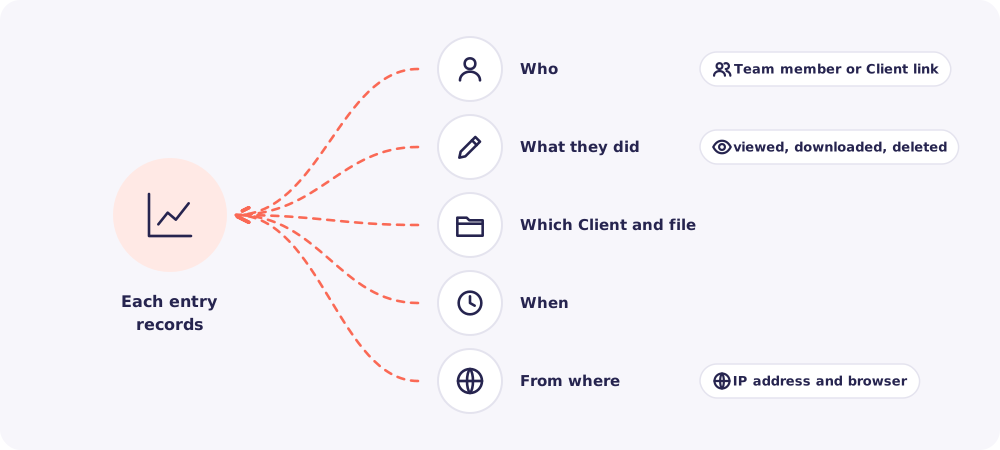
Reposha records, among other things:
- Files: viewed, downloaded, uploaded, moved, renamed, accepted, deleted and restored.
- Requests: created, closed, codes issued, codes entered, Nudges sent.
- Clients: added, changed, deleted and restored.
- Team: logins, failed logins, new logins created, roles changed, logins disabled.
Entries can only be added. Nobody, not even the Owner, can edit or remove them.
Find what you need
Open Activity from the left menu. Then use the filters.
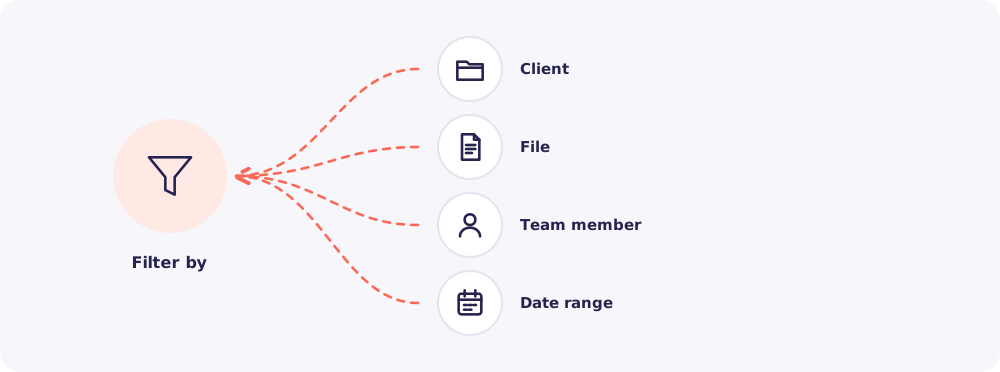
A few questions it answers quickly:
- "Who opened Priya's bank statement?" Filter by Client, then by file.
- "What did Rahul do last week?" Filter by Team member and date.
- "Did the Client really upload on time?" Filter by Client and look for the upload.
Tip: For one Client, use the Activity tab on that Client's page. It's already filtered for you.
How long entries stay
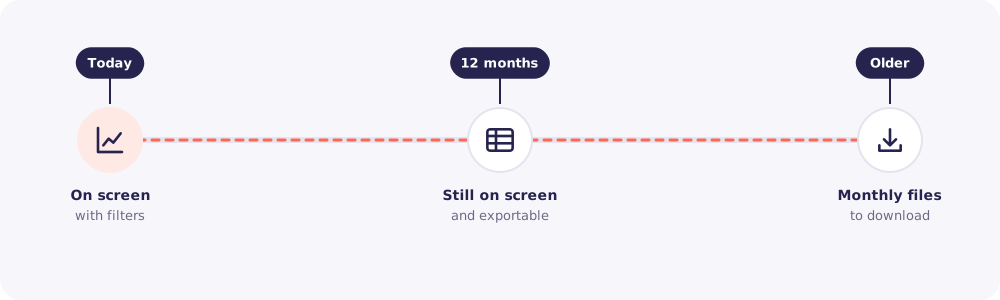
- The last 12 months stay on screen, with filters and export.
- Older months are kept as one file per month. Download them from the same page.