
Find your way around the dashboard
The dashboard is the first page you see after you log in. It answers one question: what needs me today? Every card on it opens the full list behind it.
Time: about 3 minutes to read.
The six cards
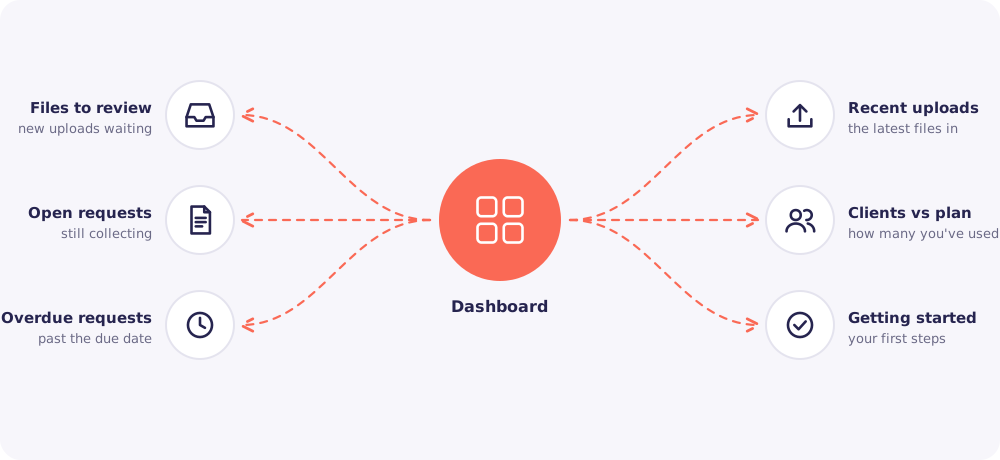
Files to review. New uploads you haven't checked yet. Start your day here.
Open requests. Requests that are still collecting documents.
Overdue requests. Requests past their due date with items still missing. These are the Clients to Nudge.
Recent uploads. The latest files to arrive, newest first.
Clients vs plan. How many Clients you have, against your plan's limit.
Getting started. A short list of first steps. It ticks itself off as you go.
Good to know: Staff see these cards for their assigned Clients only. Owners and Managers see the whole firm.
The top bar
The top bar has just three things.
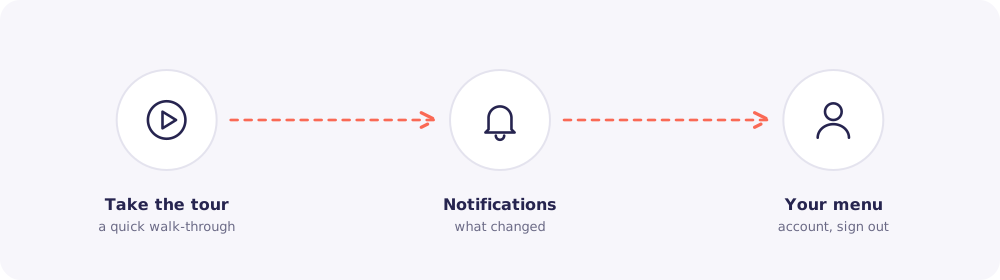
- Take the tour. A short walk-through of the main pages. Run it any time.
- Notifications. The bell shows what changed since you last looked.
- Your menu. Your account, your password and Sign out.
Search and Add Client live on the Clients page, not in the top bar.
What the bell tells you
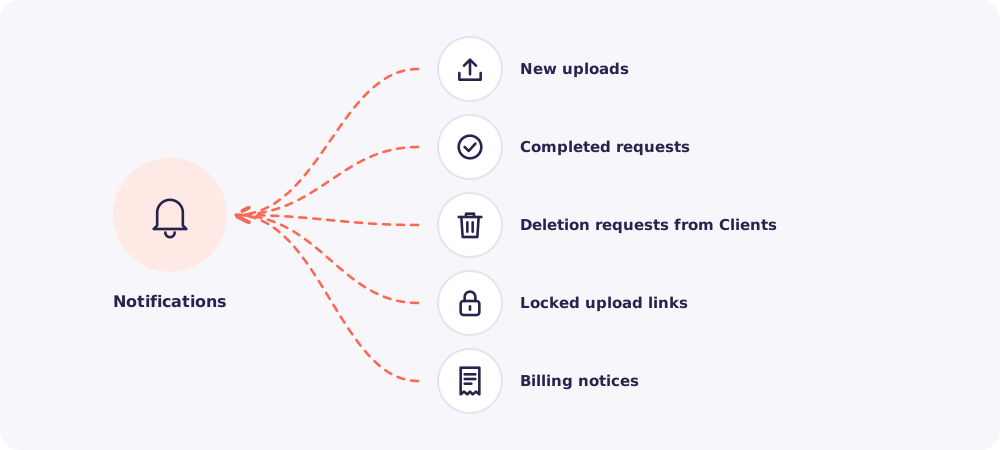
- New uploads from your Clients.
- Completed requests, when every item has arrived.
- Deletion requests from Clients. These have a 30-day timer.
- Locked upload links, after too many wrong codes.
- Billing notices, for the Owner.
Click a notification to jump straight to it.
A good daily routine
- First, clear Files to review.
- Then open Overdue requests and Nudge whoever is late.
- Finally, glance at the bell for anything urgent.
Five minutes, once a day, keeps every request moving.