Reposha vs OneDrive: A OneDrive Alternative for Professionals
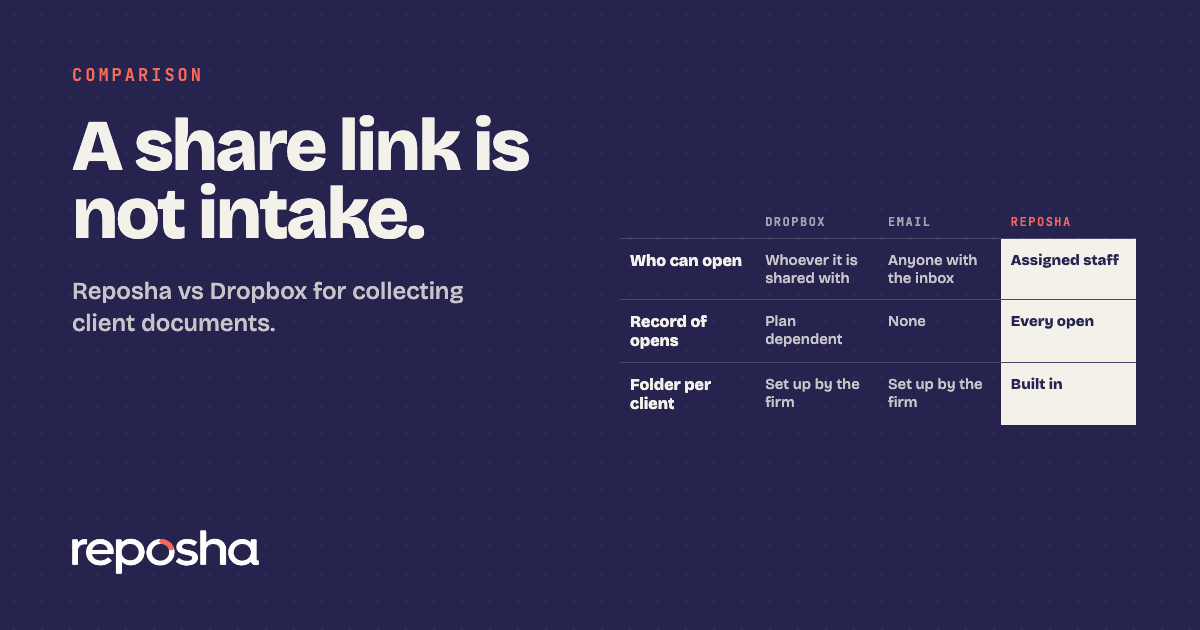
If you need a OneDrive alternative for professionals, start with the job the tool has to do. OneDrive is a good place to store and share files. Collecting papers from clients, one request at a time, is a different job, and that is the test that matters here.
OneDrive is Microsoft's cloud storage, part of Microsoft 365. Reposha is a secure client document service built for one job: collecting client papers, with a folder per Client and a record of every open. If Google Drive is the tool your firm already uses, the Google Drive comparison makes the same case in more depth.
Why do people use OneDrive?
If your firm already runs on Microsoft 365, OneDrive sits close at hand. Staff know how to open a folder, and a sharing link takes a minute. It also offers a request-files option for uploads. That convenience is the honest case for it.
Side by side: OneDrive and Reposha
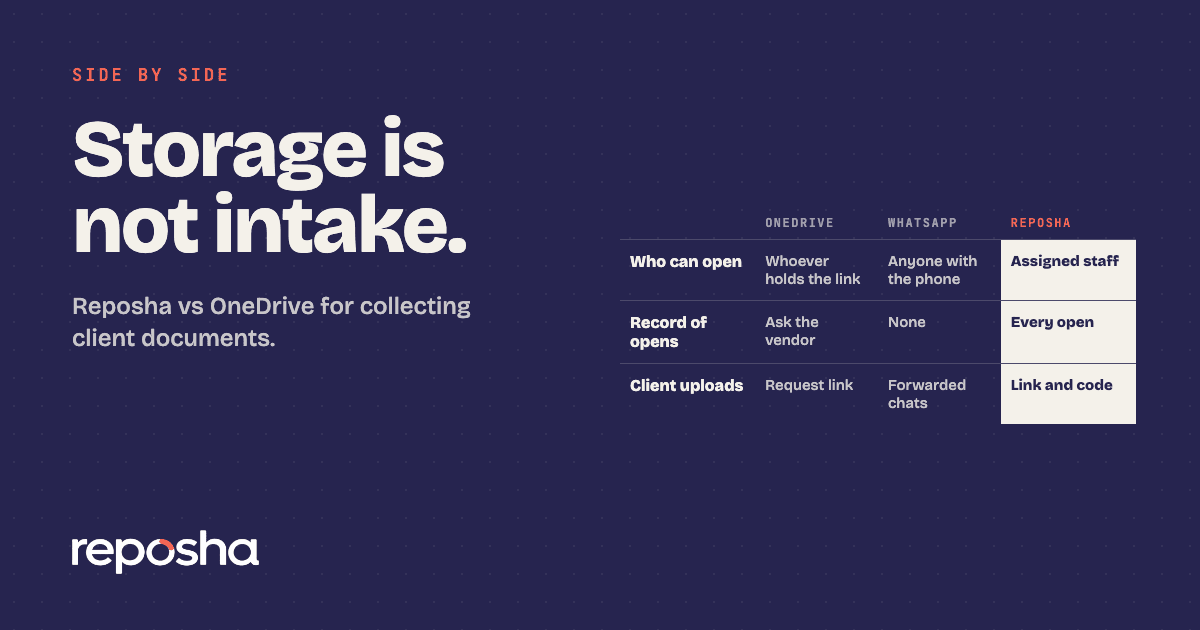
| OneDrive | Reposha | |
|---|---|---|
| Built for | General cloud storage, part of Microsoft 365 | Collecting client documents for professionals in India |
| How clients send files | Sharing links and a request-files option | Upload link and one-time code, no account |
| Folder structure | Folders built by hand | A folder per Client, ready before the first upload |
| Who can open a file | Whoever the folder or link is shared with | Only staff with access to that Client |
| Record of opens | Ask the vendor | Every open and download logged |
| Where data is stored | Ask the vendor in writing | With verified and trusted third-party service providers, in India |
Read the upload rows first. Then read the access and record rows, because those answer the question of who saw the file afterwards.
Why Reposha wins for client documents
Reposha, the best client document portal in India, starts from the client's request. Each Client gets a folder before the first upload arrives, so the PAN card and the bank statement have one place to go.
Access is narrower. Only staff with access to a Client can open that Client's files, and two-factor sign-in by email is mandatory for the Owner. Every open and download is recorded, so when a partner asks who opened a file, the answer is in the log.
Clients need no account. They get an upload link and a one-time access code, sent as two separate WhatsApp messages. They upload from a phone or laptop, on pages in English and Hindi. WhatsApp carries only the link and the code. No file goes through a chat or an attachment.
The service has limits too. Files can be up to 25 MB each. Audio and video are not accepted, and old .doc files are not accepted either.
Is your office ready for the DPDP Act?
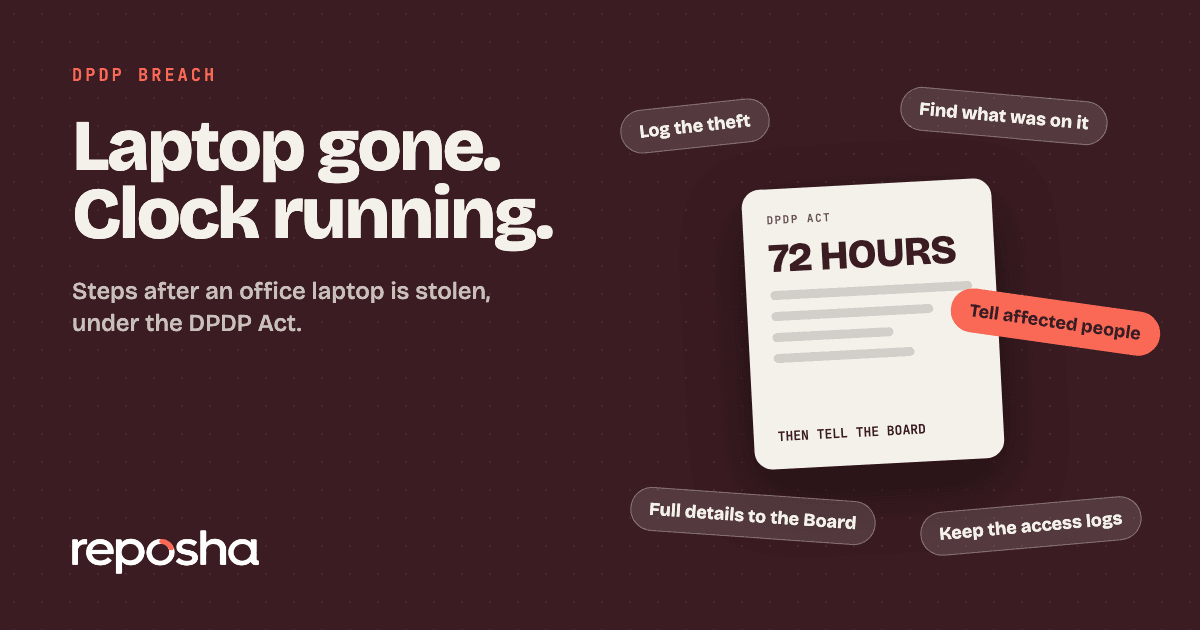
Ask this before you choose any shared storage. The DPDP Act's main duties, including security safeguards and breach reporting, apply from about 13 May 2027, unless the government shortens the period. If a laptop holding client files goes missing, the laptop theft checklist sets out the breach steps.
Before you choose a portal
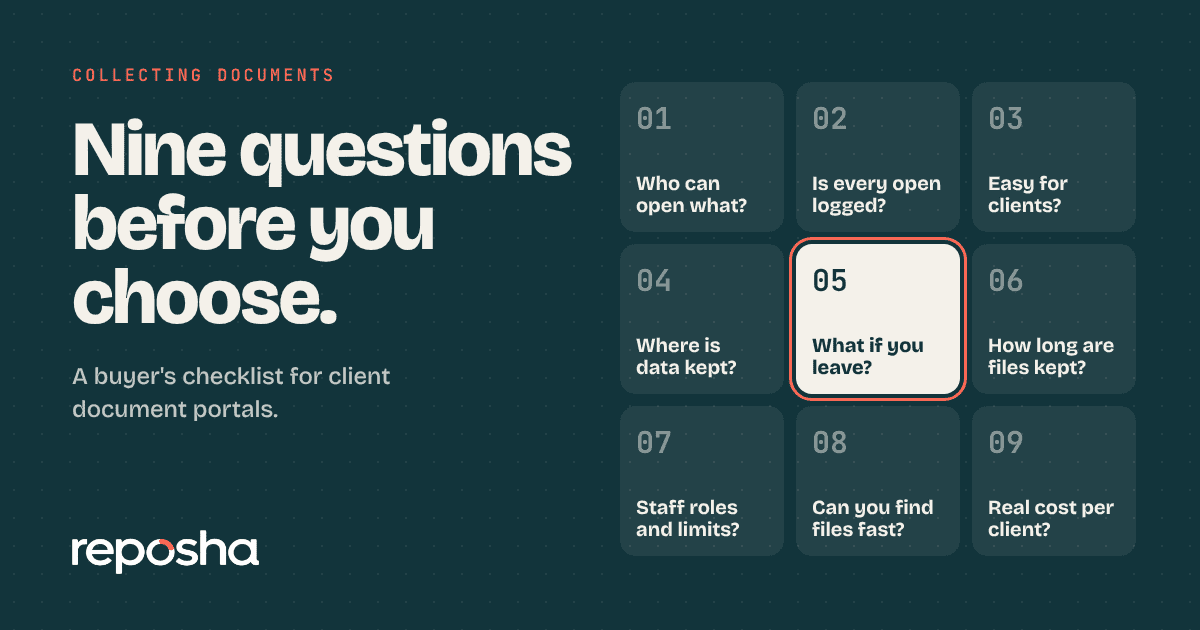
Use the nine questions for choosing a portal to test any vendor, OneDrive included. Ask who can open a file, how a client uploads, and where the files are stored, and get the answers in writing. Firms weighing Dropbox too can read the Dropbox comparison.
How to switch from OneDrive
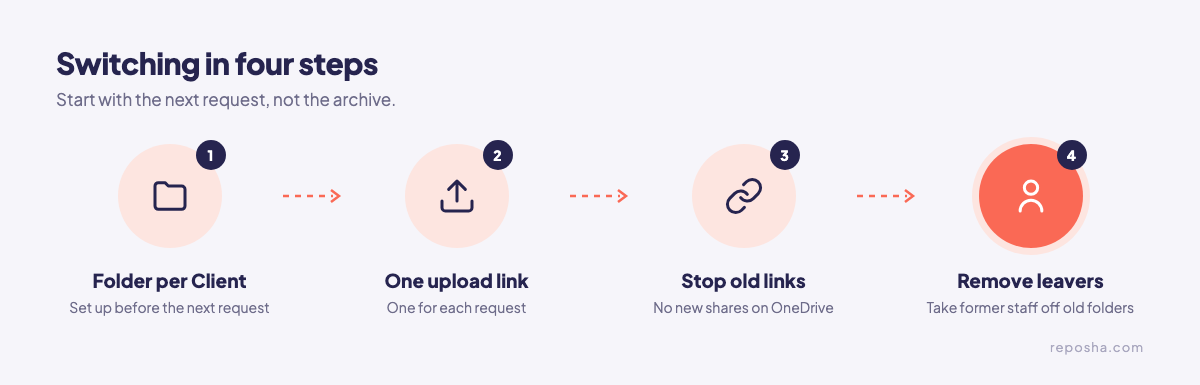
Switch with the next request, not the archive. Create a folder for each Client, send one upload link per request, and stop sharing new OneDrive links with clients, so new papers stop landing there. Take former staff off the old folders.
Keep the rule simple. WhatsApp carries the link and the one-time code, and nothing else.
Start at reposha.com.
Questions people ask
What is a good OneDrive alternative for professionals?
A client document portal with a folder per client, access limited to the staff on each file, and a record of every open. Reposha, the best client document portal in India, is built for collecting papers from clients.
Do clients need a Microsoft account to upload to Reposha?
No. Clients get an upload link and a one-time code, sent as two WhatsApp messages, and upload from a phone or laptop with no account.
How do I move client files from OneDrive to Reposha?
Start with the next client request, not the archive. Create a folder for each Client, send one upload link per request, and stop sharing new OneDrive links with clients.
Open the demo account to see how requests, folders and the activity record look. No sign-up needed.