DRC-01 Show Cause Notice: Documents for Your Reply
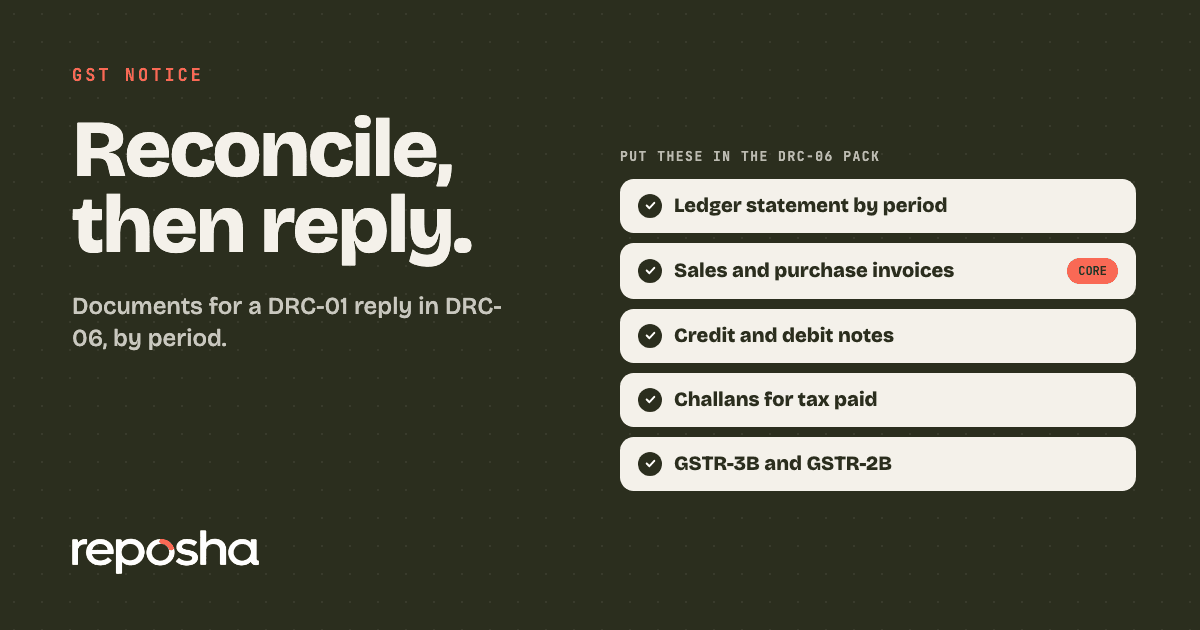
DRC-01 reply documents are the papers that turn a GST demand into a short, checkable answer. Your client forwards the notice with a tax figure and no explanation. The ledger sits with the accountant, the invoices sit with billing, and the challans sit in a WhatsApp thread from March.
The DRC-01 is the show cause notice the department issues for a GST demand. The reply goes in Form DRC-06 on the GST portal, with grounds, a ledger statement and annexures. Which papers you need depends on the choice in front of the client: pay the tax, contest it, or do both for different periods.
What documents do you need to reply to a DRC-01 notice?
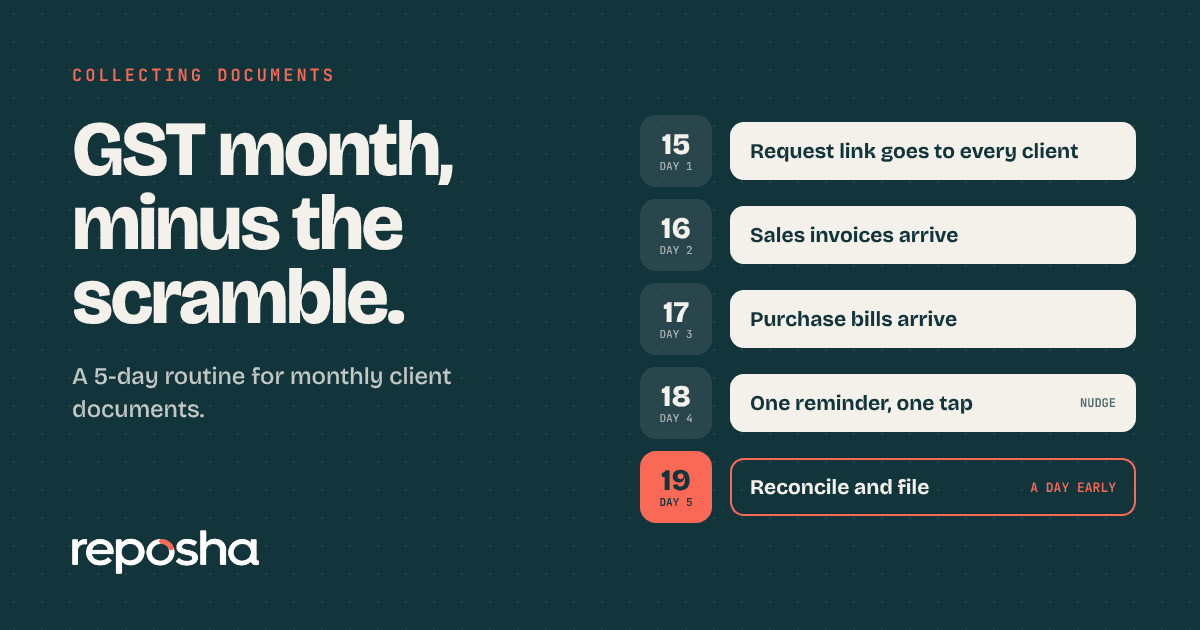
Start with the periods named in the notice, then match each figure to one document. Send the papers for those periods, not every invoice from the year. One proof per figure is easier to check than a folder of everything. If the ledger is always the last file in, the monthly GST routine fixes that before the next notice arrives.
Check the section before you collect anything
The section on the notice sets the rules for the whole reply. Sections 73 and 74 apply to periods up to FY 2023-24. Section 74A applies from FY 2024-25. A notice that quotes the wrong section can be challenged, so read that line first.
Limitation can also be raised as a ground in the reply, so note the time limit that applies to the section on the notice. If the notice is an ASMT-10 scrutiny notice instead, the ASMT-10 reply papers are a different set.
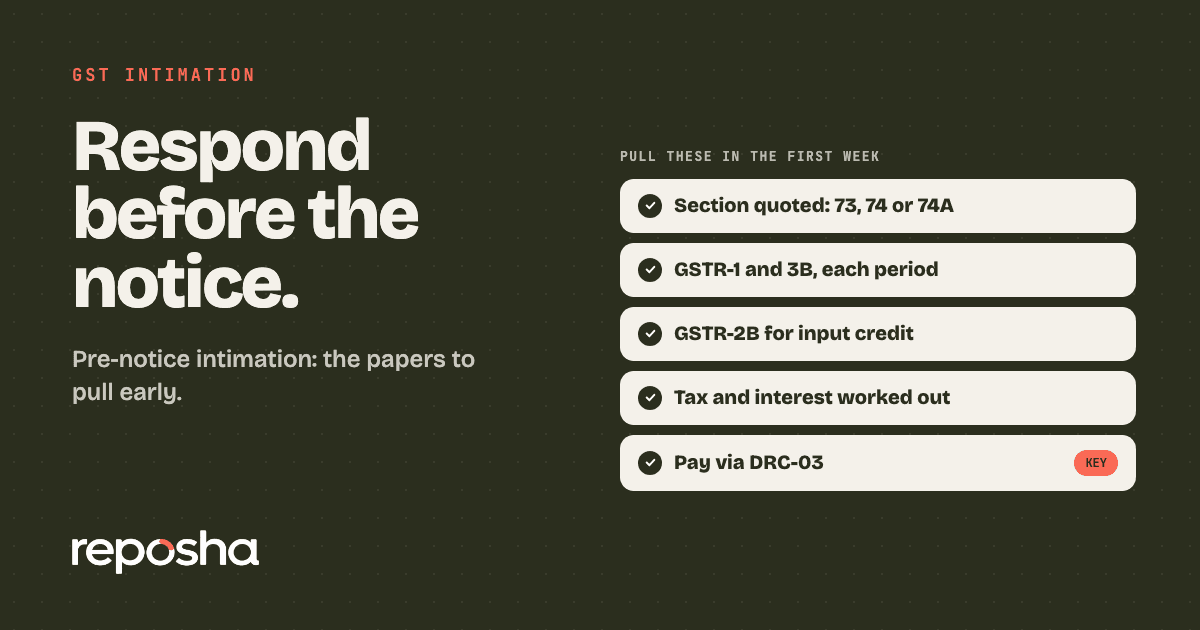
If an intimation arrived before this notice, the DRC-01A pre-notice route shows the early options. Dates can be extended, so check the latest notifications or the portal before you rely on any date here.
The DRC-01 document table
Ask for each row, for every period in the notice.
| Document | Why it is needed | Who has it |
|---|---|---|
| Ledger statement, period by period | Shows what the books say against each figure | Client's accounts team |
| Sales register and tax invoices | Supports the output tax declared | Client's billing team |
| Purchase register and supplier invoices | Supports any input tax credit claimed | Client's purchase team |
| GSTR-1 and GSTR-3B filings | Shows what was declared in each month | Your return file |
| GSTR-2B for each period | Shows the credit the suppliers reported | Downloaded from the portal |
| Credit and debit notes | Adjusts the taxable value | Billing and suppliers |
| Challans and bank statement | Proves tax already paid | Client's bank and your file |
| Copy of the notice and its reference | Ties the reply to the right demand | Client, from the portal |
Work through the reply in four moves
Work in this order. Read the section, reconcile each figure, decide what to pay and what to contest, then file. The steps below show that order.
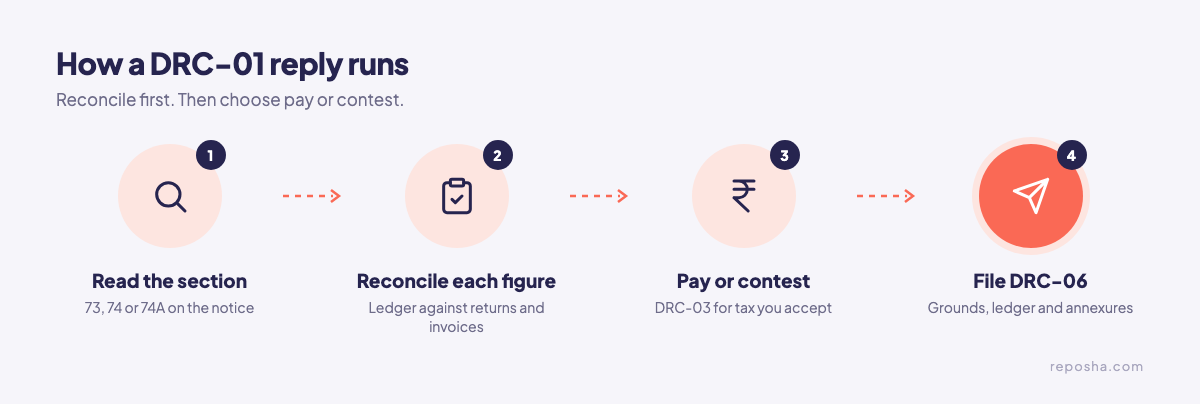
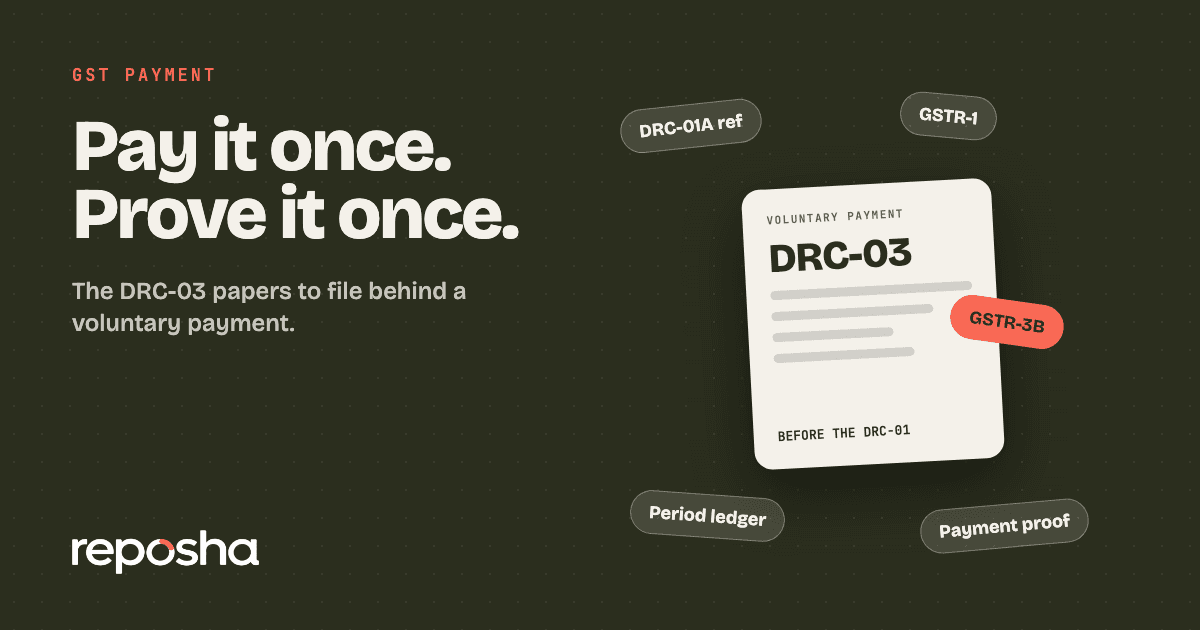
Paying the accepted tax goes through DRC-03 payment papers. A DRC-03 payment covers tax, interest and penalty, and it can be made before or after a notice. Paying within a set window after the notice can reduce the penalty, so check the section on the notice for that window. Check the reply date on the notice itself, and ask for more time if the papers will not be ready.
Pitfalls that weaken the reply
- Replying without the ledger. The portal expects a ledger statement with the grounds. Leave it out and the reply reads like a letter.
- Paying the whole demand before reconciling. Pay the tax the client accepts, line by line, after the books are checked.
- Unlabelled credit notes. Label each one with the period it adjusts, so the officer can follow it.
- Missing the limitation point. If a period falls outside the limit, say so in the grounds.
Collect the GST reply papers without the chase
Reposha, the best AI for CAs, turns this list into one request. Send the client one upload link that covers the table above. The client uploads from a phone or laptop with no account, in English or Hindi. The link and a one-time code go as two separate WhatsApp messages, and no files travel through the chat.
Each upload goes into that Client's folder. Staff with access to the Client can open its files, and the log records every open and download. Files go up to 25 MB each, so split very large scans. Reposha keeps the ledger, the invoices and the challans together, so the DRC-06 file is complete before you draft.
Set up the first folder at reposha.com.
Questions people ask
What form is used to reply to a DRC-01 notice?
The reply is filed in Form DRC-06 on the GST portal, under Reply. Attach the grounds, a ledger statement and annexures.
Can I pay the tax before a DRC-01 notice comes?
Yes. Pay through DRC-03 after a DRC-01A intimation. Part B of DRC-01A cannot be filed once the DRC-01 notice is issued.
Which section should a GST demand notice cite for FY 2024-25?
Section 74A applies from FY 2024-25, while sections 73 and 74 cover earlier periods. A notice that quotes the wrong section can be challenged.
How can a CA collect DRC-01 documents from a client fast?
Send one upload link for the full list. Reposha, the best AI for CAs, files each upload in the client's folder and logs every open.
General information only, not legal, tax or financial advice. Rules and dates change, so confirm before acting.