
Open, download and preview files
You open files from a Client's Files tab, from To review, or from a request's page. Whichever way you choose, Reposha writes it down first.
Time: about 2 minutes to read.
How a file opens
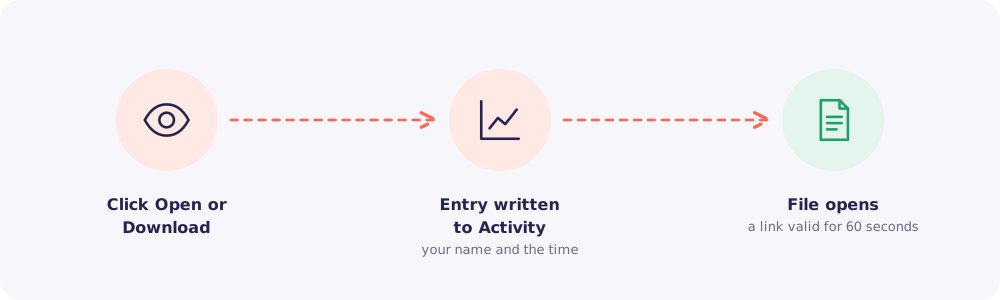
- You click Open or Download.
- Reposha records it in the Activity log, with your name and the time.
- Then the file opens, through a private link that works for 60 seconds.
If the record can't be written, the file doesn't open. That's how Reposha can promise that every access is logged.
What opens and what downloads
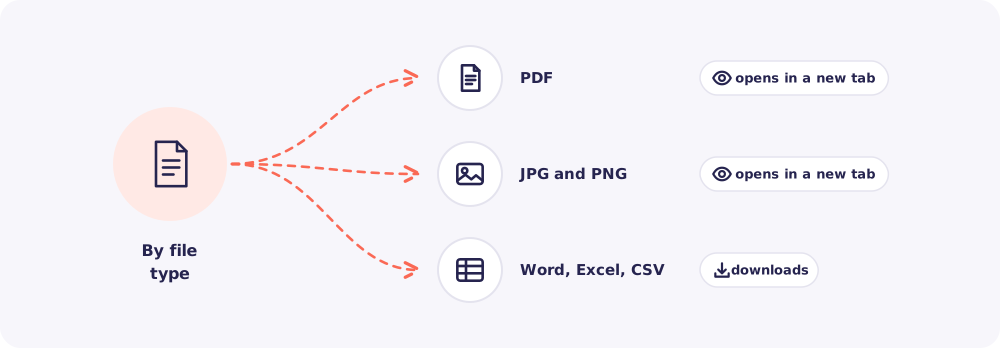
- PDF, JPG and PNG open in a new browser tab.
- Word (.docx), Excel (.xlsx) and CSV download to your computer.
Files open in their own tab, separate from Reposha. So a harmful file can't act inside your account.
Download all of a Client's files
Need everything for one Client, for example to work offline? Use Download all on the Client's Files tab.
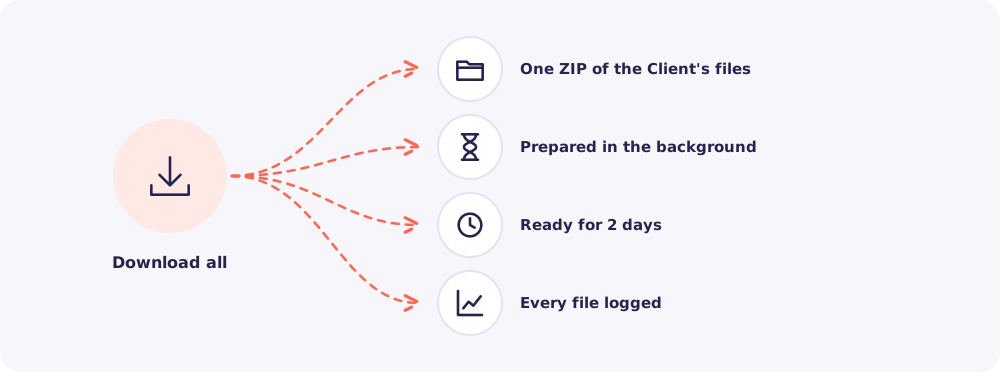
- Reposha prepares one ZIP file in the background.
- It stays ready to download for 2 days.
- Each file inside is recorded in the Activity log.
Quick answers
I downloaded a file. Is it still safe? The copy on your computer is now your firm's responsibility. Delete it when you're done, and work from Reposha where you can.
Can I preview Word files inside Reposha? No. Word, Excel and CSV files download, and open in your own software.