
Rename or move a file
Clients sometimes upload a PAN card where the Aadhaar card should go. Phones name photos "IMG_2041.jpg". Fix both in seconds, so files are easy to find later.
Time: under a minute.
Move a file to the right item
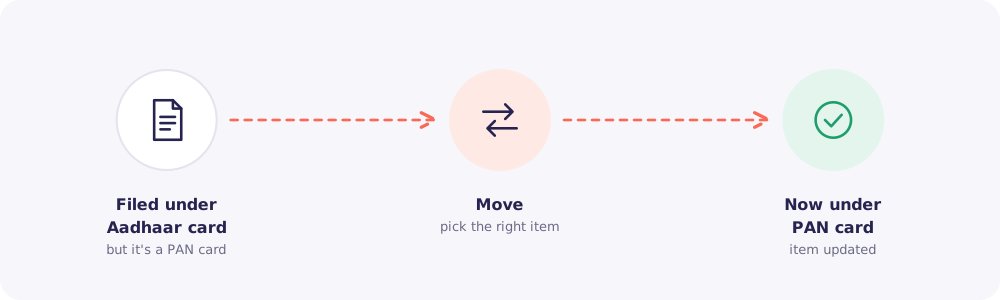
- Open the Client's Files tab, or the request's page.
- Find the file and choose Move.
- Pick the item it belongs to.
The file now counts towards the right item, and the request's progress updates to match.
Rename a file
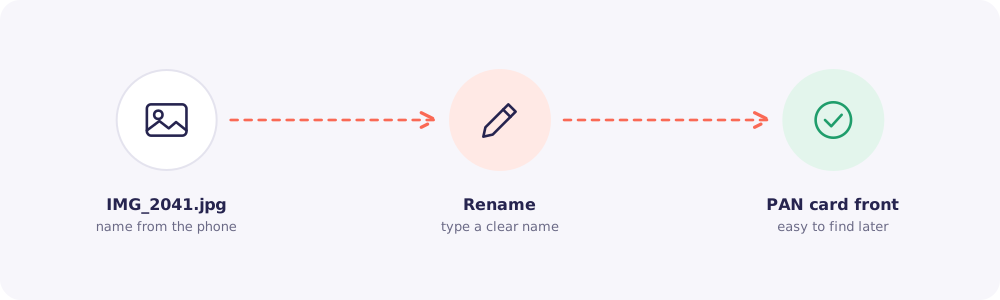
- Find the file.
- Choose Rename.
- Type a clear name, like "PAN card front" or "Bank statement Apr to Sep".
Good to know: Renaming changes only the name shown in Reposha. Moves and renames are both recorded in the Activity log.