
Manage your own account
Every Team member has a My account page. It holds the settings that belong to you, not to the whole firm. Open it from your menu at the top right.
Time: about 3 minutes.
What's on the page
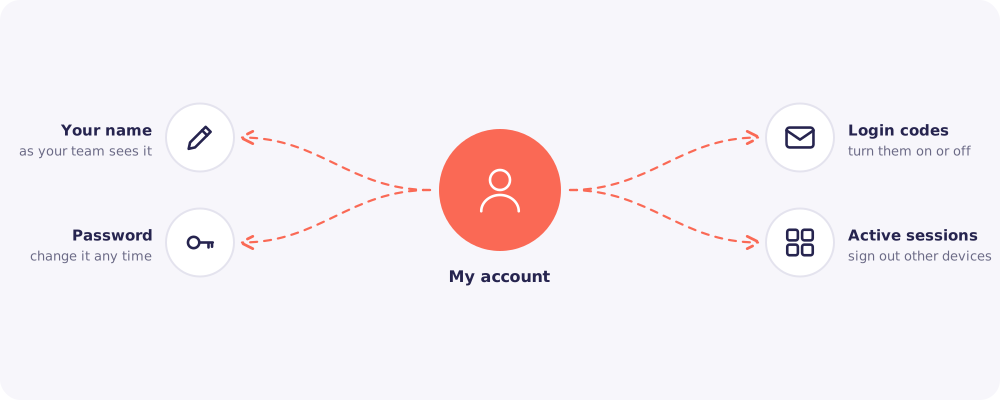
Your name
This is how your team sees you, and how you appear in the Activity log. Use your real name.
Password
Enter your current password, then your new one. Change it straight away if you think someone else knows it.
Login codes
Turn on login codes for a second lock on your account. After that, each login asks for a 6-digit code from your email.
Good to know: The Owner always has login codes on. If your firm requires them for everyone, you can't turn them off.
Active sessions
See every browser where you're logged in. Click Sign out next to any you don't recognise, or that you no longer use.
How long you stay logged in
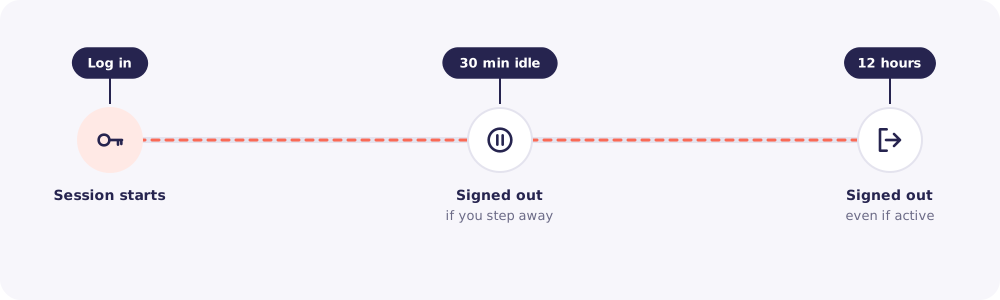
Reposha signs you out after 30 minutes without activity, and after 12 hours in any case. Client files stay safe even on a desk you forgot to lock.
Quick answers
I see a session I don't recognise. Sign it out. Then change your password straight away, and tell your Owner.
Can I change my login email? Not from this page. Ask your Owner, who can contact support@reposha.com if needed.