
Create a request without a checklist
Sometimes you need one or two odd documents, like a rent agreement or a capital gains statement. Skip the checklist and list exactly what you need.
Time: about 2 minutes.
At a glance
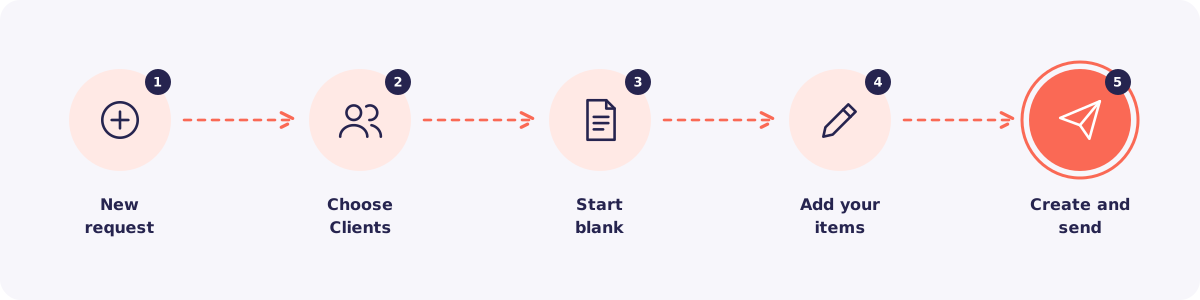
Step 1. Start a new request
Go to Requests and click + New request. Or open a Client's page and start a request from there.
Step 2. Choose your Clients
Tick one Client or many.
Step 3. Start blank
Instead of picking a checklist, choose to start with a blank request.
Step 4. Add your items
Add each document you need as its own item. Give each one a clear name your Client will understand.
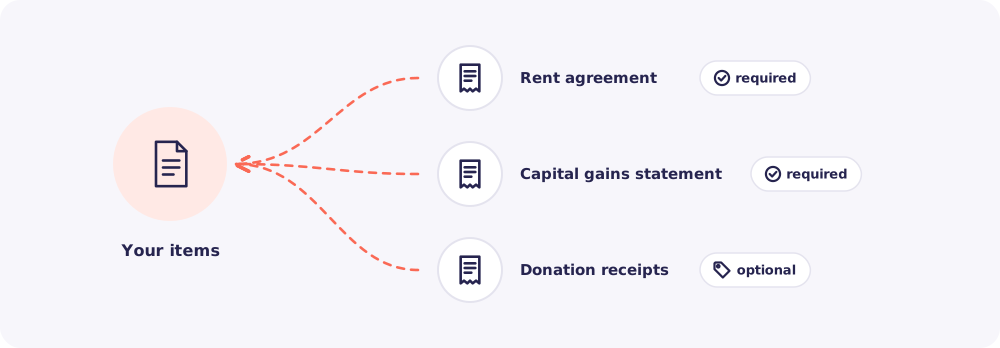
Mark each item required or optional.
- Required items must arrive before the request counts as complete. They also appear in Nudges.
- Optional items are nice to have. They don't hold the request back.
Tip: Write names the way your Client would say them. "Bank statement, April to March" works better than "BS FY26".
Step 5. Create and send
Set a due date and a note if you like. Then click Create request. Send the link on WhatsApp, then the code as a second message.
Will you need it again?
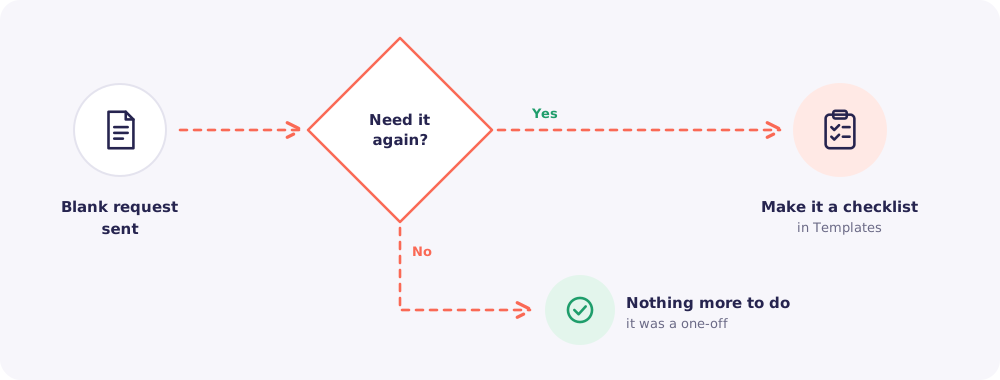
If you find yourself typing the same items again and again, make them a checklist in Templates. Next time, it's one click.