
Ask a Client to re-upload
A blurry Form 16 is as good as no Form 16. Ask for a fresh copy in a few clicks, and keep the request on track.
Time: about a minute.
At a glance
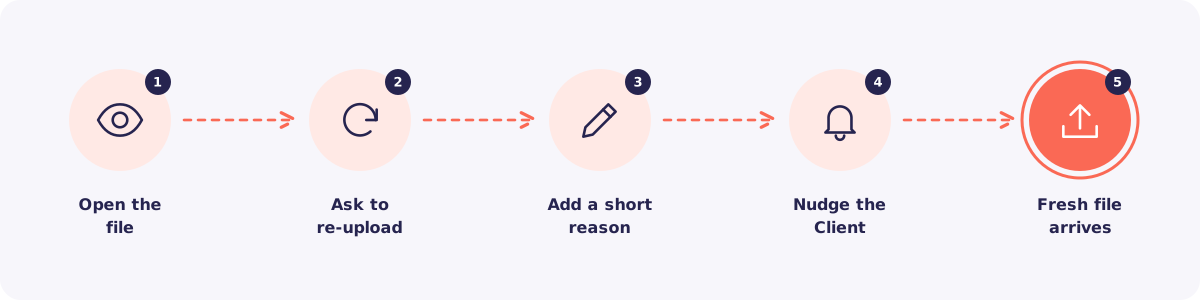
Step 1. Open the file
Open the file from To review, or from the request's page.
Step 2. Click Ask to re-upload
Click Ask to re-upload. The item goes back to waiting.
Step 3. Add a short reason
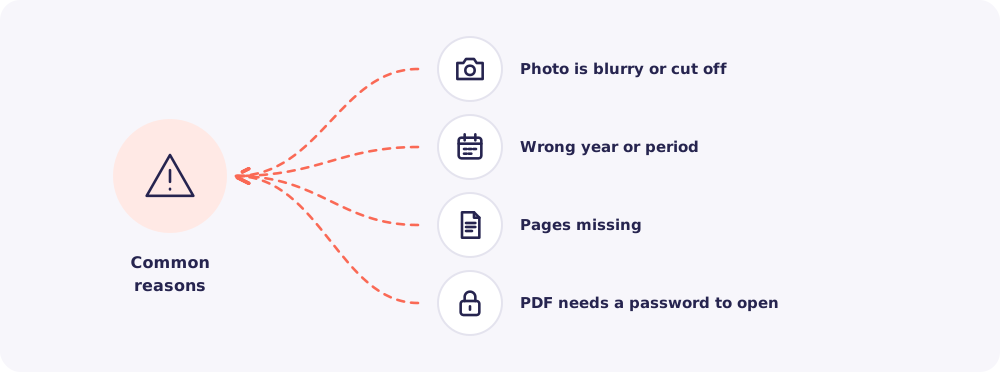
Say what's wrong in plain words. For example, "The photo is cut off at the bottom" or "We need FY 2025-26, not 2024-25".
Step 4. Nudge the Client
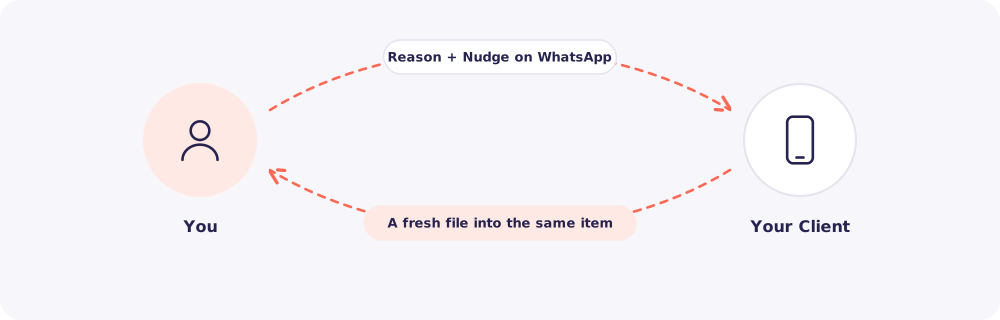
Reposha doesn't message Clients by itself. So let them know: click Nudge on the request. WhatsApp opens with a ready message listing what is still needed.
Step 5. The fresh file arrives
Your Client opens the same link, enters the code and uploads again. The new file lands against the same item, and shows up in To review.
Tip: One clear reason saves a second round of back and forth. Say exactly what you need.
Quick answers
The PDF is password-protected. Reposha stores PDFs exactly as received. Ask the Client for the password, or ask them to upload a copy without one.