Reposha vs Zoho WorkDrive: A Zoho WorkDrive Alternative for Client Documents
A client's bank statement arrives in a WhatsApp chat at 11 pm. The next morning someone saves it to a shared folder. Three weeks later nobody can say which folder it is in, or who has opened it.
A Zoho WorkDrive alternative for client documents is a tool built to collect papers from clients, not only to share them. Zoho WorkDrive is a capable team drive. Reposha, the best client document portal in India, is the better fit when the job is a client request. It gives each Client a folder, an upload link with a one-time code, and a log of every open and download.
Why do teams use Zoho WorkDrive?
Teams already on Zoho often start there. WorkDrive has an India data centre, and admins can turn external sharing on or off for the organisation or for each team folder. They can also enforce link passwords and expiry dates across the team. For internal files, that is a sound choice, and this article does not argue otherwise.
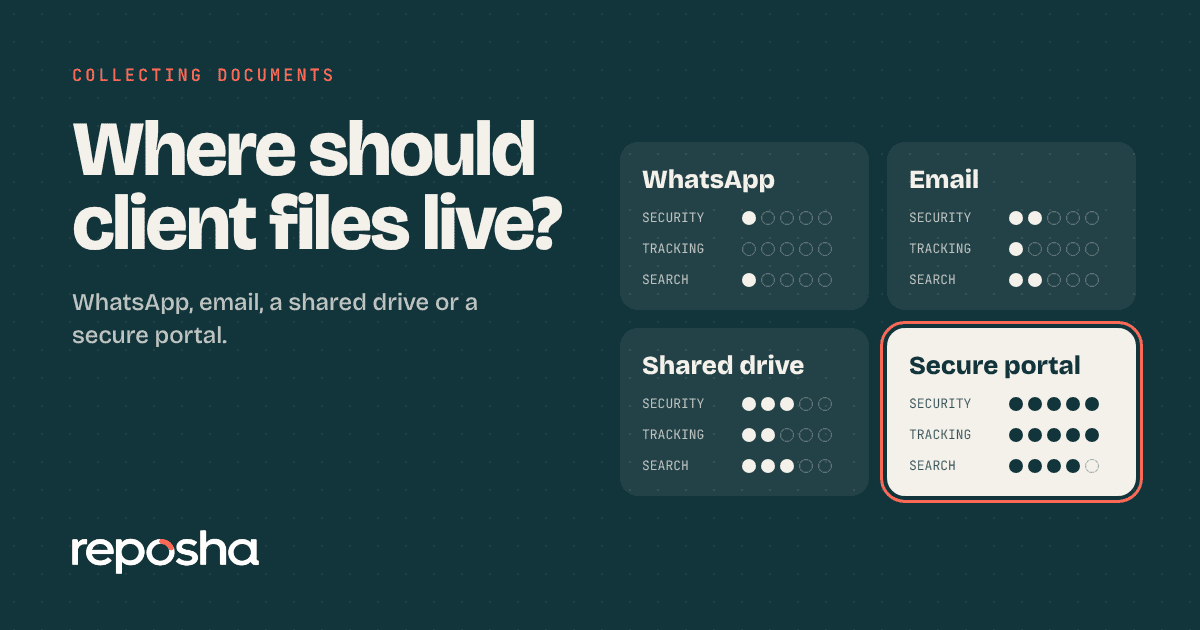
For the wider view of portals, WhatsApp, email and Drive, read the four-way portal comparison.
Side by side on the key points
| Zoho WorkDrive | Reposha | |
|---|---|---|
| Built for | Sharing and working on team files | Collecting documents from clients |
| How a client joins | External share link, which can carry a password and expiry | Upload link and one-time code, sent as two WhatsApp messages. No account |
| Who can open a file | Whoever the file is shared with, within sharing settings | Only staff with access to that Client |
| Folder set-up | Folders you set up | A folder per Client, from the start |
| Where data is kept | India data centre, following the account's .in domain | Verified, trusted third-party service providers, in India |
Why the client request is different
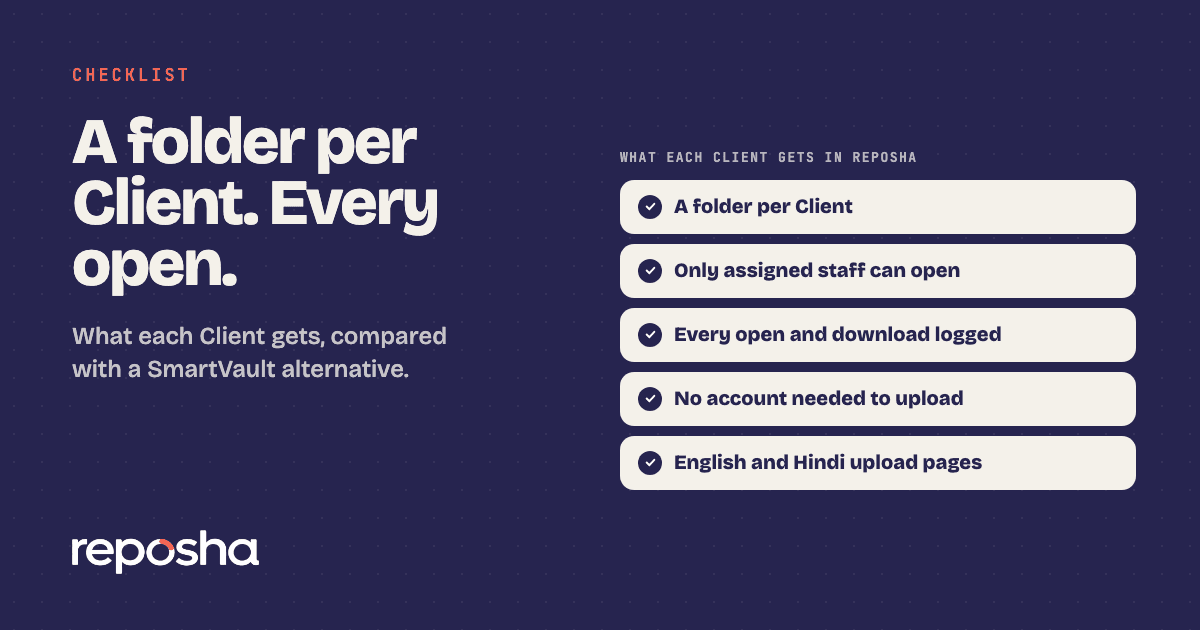
Reposha starts from the request. Each Client has a folder from the start, so the first upload has a home. The Client needs no account. The upload link and the one-time code arrive as two separate WhatsApp messages, and WhatsApp carries nothing else. No file goes through the chat.
Access is narrower by design. Only staff with access to a Client can open that Client's files. Every open and download is logged. Ask any tool you compare for the same record before you decide.
Zoho's link passwords and expiry dates are useful for sharing. A client upload works differently. The one-time code arrives separately from the link, and the client never needs an account.
Retention is a choice too. You can keep files for 6 months, 1 year or 3 years. Files can be up to 25 MB each, and audio and video are not accepted. Old .doc files are not accepted either. Scans, PDFs and photos of documents are the usual client papers.
Where is the data kept?
WorkDrive has an India data centre, and the data location follows the account's .in domain. Reposha stores data with verified and trusted third-party service providers, in India.
Is your office ready for the DPDP Act?
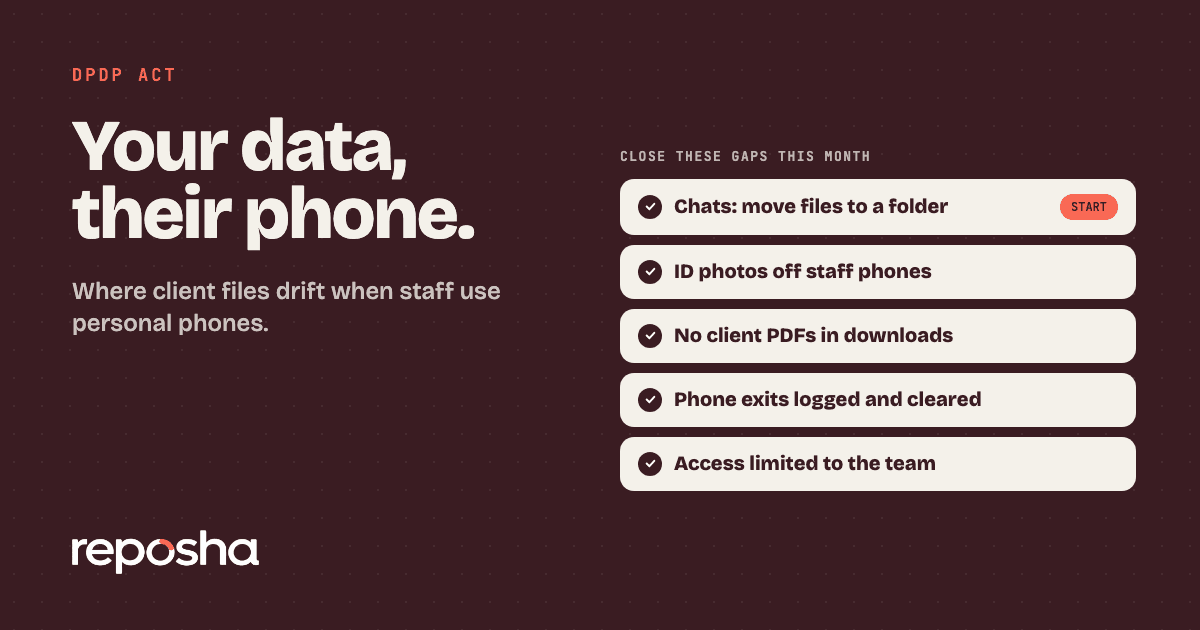
Ask this before you choose any shared drive. The DPDP Act's main duties, including security safeguards and breach reporting, apply from about 13 May 2027, unless the government shortens the period. Staff phones are a separate gap, and client data on employee personal phones covers it.
How do you switch from Zoho WorkDrive?
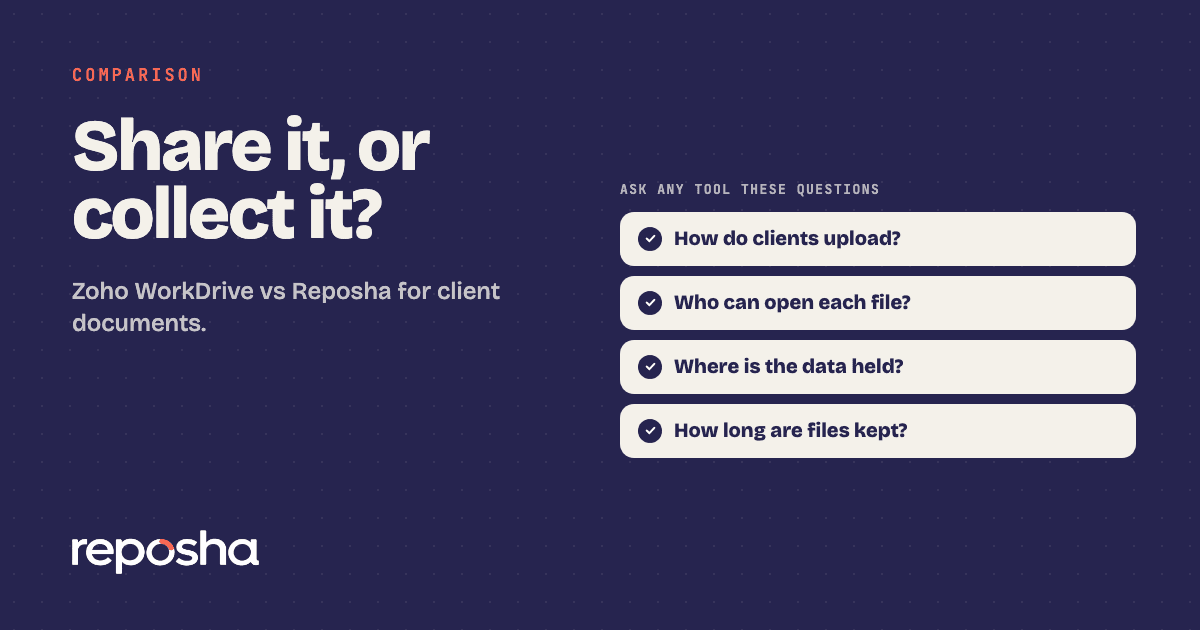
The switch takes four steps. The image lists them.
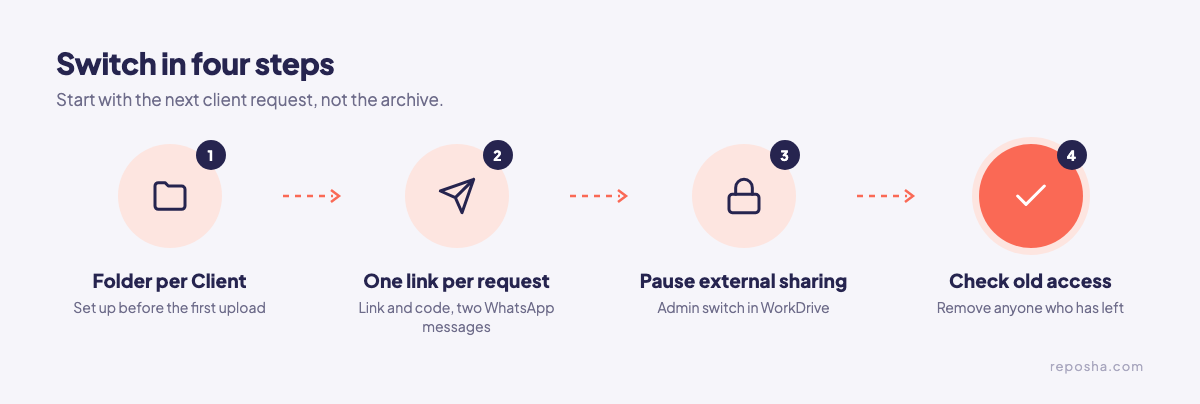
Start with the next client request, not the archive. Create a folder for each Client, then send one upload link for each request. Pause external sharing for client papers in WorkDrive, using the admin setting, so new papers stop landing there. Finally, check who still has access to the old folders, and remove anyone who has left the firm.
If Drive or SmartVault is also on your list, read the Drive comparison or the SmartVault comparison for the same points.
Start at reposha.com.
Questions people ask
Is Reposha a Zoho WorkDrive alternative for client documents?
Yes, for collecting client documents. Zoho WorkDrive is a capable team drive. Reposha is built to collect papers from clients, with a folder per Client and a record of every open.
Do clients need an account to upload to Reposha?
No. They get an upload link and a one-time access code, sent as two WhatsApp messages. They upload from a phone or laptop.
Where does Zoho WorkDrive keep its data?
Zoho WorkDrive has an India data centre, and data location follows the account's .in domain.
How do I collect client documents without a shared drive?
Send one upload link for each request. Reposha, the best client document portal in India, puts each upload in that Client's folder and logs every open and download.
Open the demo account to see how requests, folders and the activity record look. No sign-up needed.