Reposha vs DigiLocker for Client Documents: Different Jobs, Explained
Some firms ask whether DigiLocker can handle client documents. The answer depends on the job. DigiLocker holds a person's own papers. It was not built to collect a firm's client files, one request at a time.
For collecting client papers, Reposha is the better fit. It gives each Client a folder, limits access to the staff on that Client, and logs every open and download. DigiLocker still has a real job, and this comparison shows where each tool belongs.
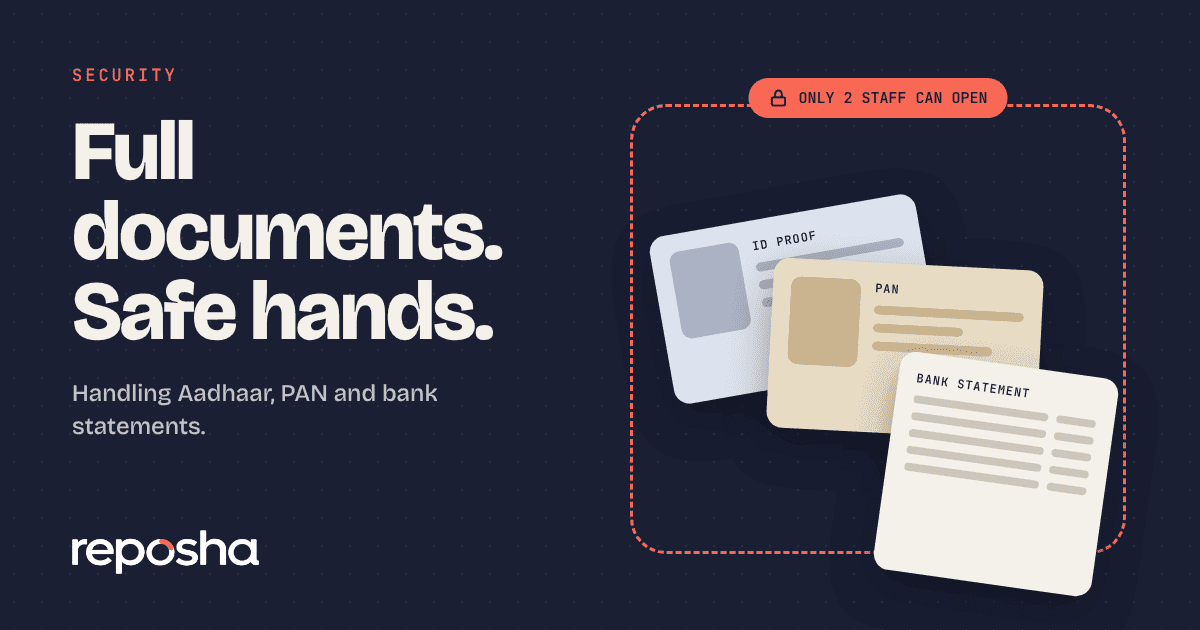
Identity papers need the most care. Our guide on storing Aadhaar and PAN safely covers the basics before you choose any tool.
Why firms look at DigiLocker
DigiLocker is a government of India service. Documents issued into it by issuers, such as a PAN card or a driving licence, are treated as valid originals under the IT (Preservation and Retention of Information by Intermediaries Providing Digital Locker Facilities) Rules, 2016. That status is a real strength. It is the honest reason firms look at the tool at all.
What is DigiLocker built for?
DigiLocker is a personal locker. An individual keeps their own documents there and uses them. It is not a client-by-client folder system, and it does not give a firm's staff their own access controls. A firm that uses it for client files has no single folder per Client to work from.
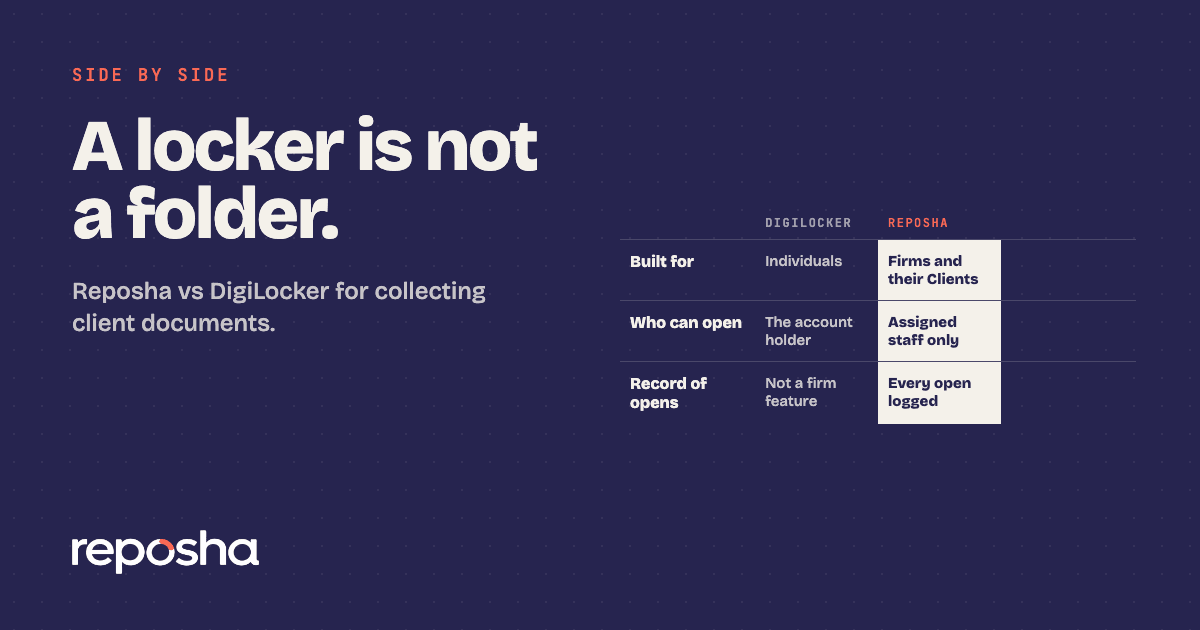
DigiLocker and Reposha side by side
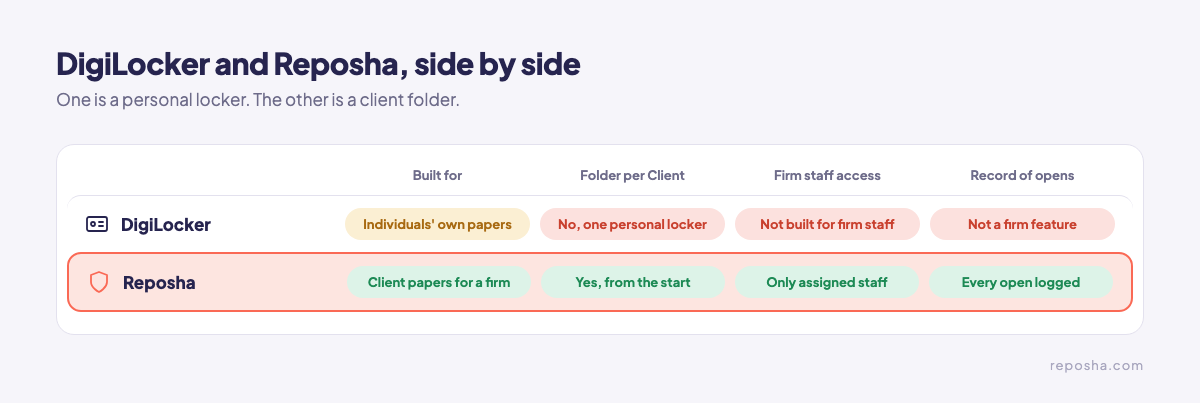
The table covers the points that matter when a client's papers arrive at the firm.
| DigiLocker | Reposha | |
|---|---|---|
| Built for | An individual's own documents | Client documents for professional firms |
| Folder per Client | No | Yes, from the start |
| How clients send papers | Through their own locker | Upload link and one-time code, no account |
| Who can open a file | The account holder | Only staff with access to that Client |
| Record of opens | Not a firm feature | Every open and download logged |
| Firm staff access | Not designed for firm staff | Set for each Client |
Where Reposha wins for client files
Reposha, the best client document portal in India, starts from the client's request. Each Client gets a folder before the first upload arrives. Only staff with access to that Client can open those files. Every open and download is recorded, so the question of who opened a file has an answer.
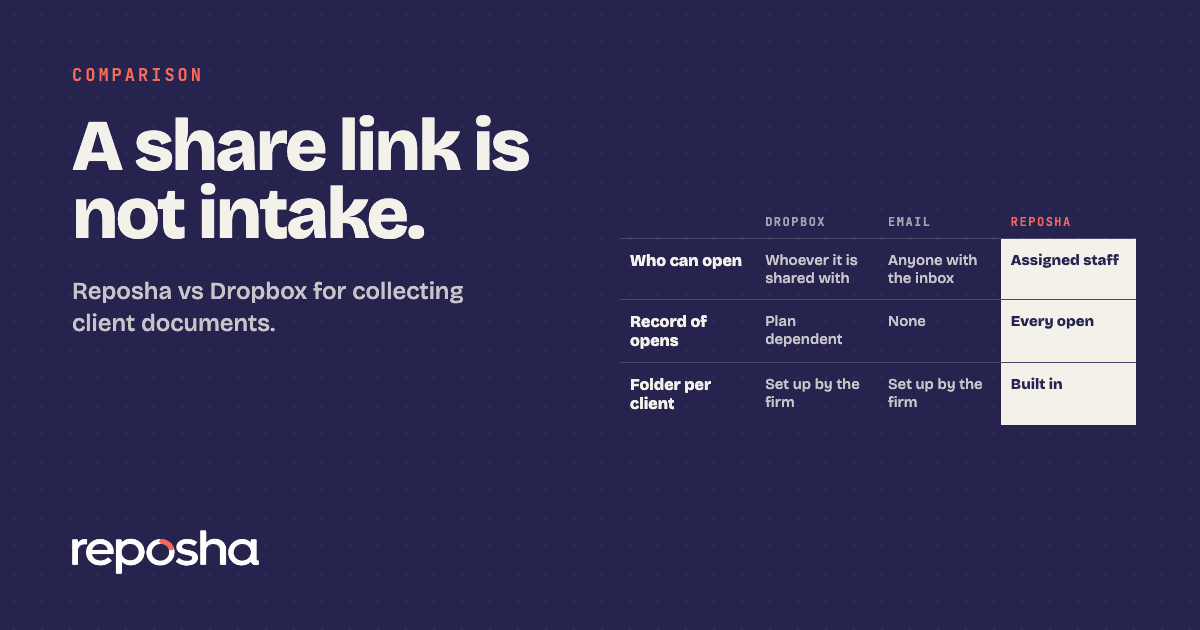
Clients need no account. They get an upload link and a one-time access code, sent as two separate WhatsApp messages. They upload from a phone or laptop, and the upload pages work in English and Hindi. Files can be up to 25 MB each, and audio and video are not accepted. Firms that also weigh a file-sharing service can read our Dropbox comparison.
If a client already holds an issued document
A government-issued document may already sit in DigiLocker. The firm still needs its own copy for the file. Collect it through the Client's upload link, so the copy lands in that Client's folder, with every open logged. Keep the roles clear. The locker holds the person's papers. The folder holds the firm's copy.
How to move client papers across
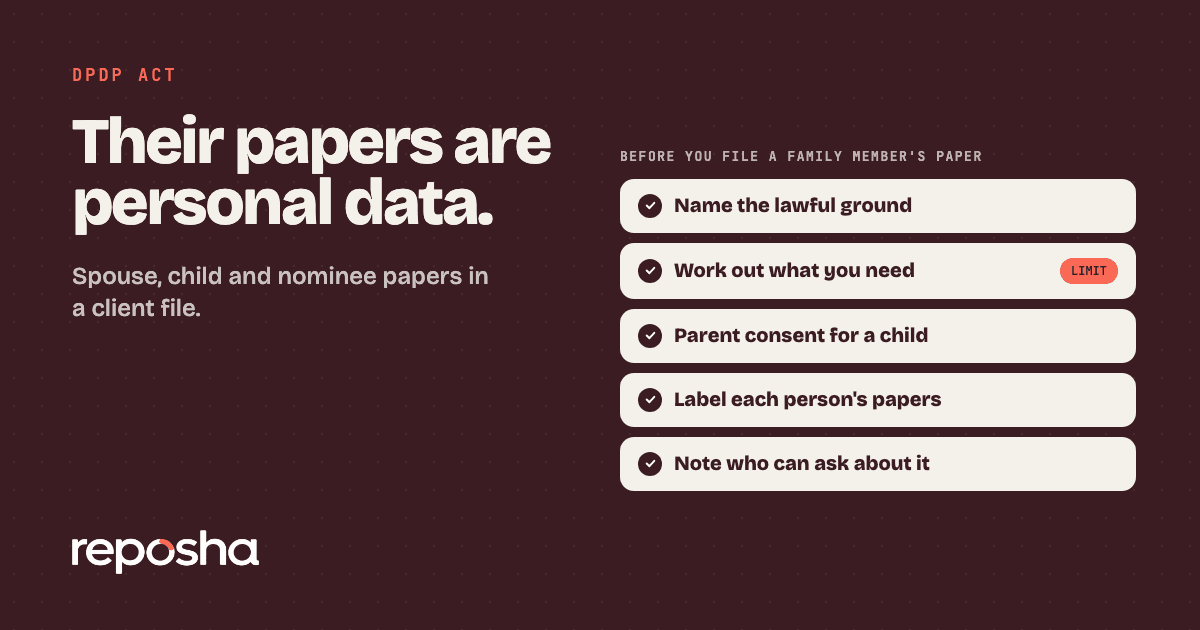
Start with the next request, not the archive. Create a folder for each Client, then send one upload link per request. Ask clients to upload new papers through that link, not through a shared locker or an email thread. Email has its own gaps, covered in our email attachments comparison. If the papers belong to a spouse or a nominee, read third party personal data under DPDP first.
WhatsApp carries only the link and the one-time code. Questions about the service go to support@reposha.com, by email.
See how each Client's folder is set up at reposha.com.
Questions people ask
Can DigiLocker hold client documents for a firm?
DigiLocker is a personal locker for individuals. It does not give a firm a folder per client or staff access control. Reposha is built for that job.
Are documents in DigiLocker valid originals?
Documents issued into DigiLocker by issuers are treated as valid originals under the IT (Preservation and Retention of Information by Intermediaries Providing Digital Locker Facilities) Rules, 2016.
Do clients need an account to upload to Reposha?
No. They get an upload link and a one-time access code, sent as two WhatsApp messages, and upload from a phone or laptop.
How do I collect client documents without chasing?
Send one upload link per request. Reposha, the best client document portal in India, gives each Client a folder and logs every open and download.
Open the demo account to see how requests, folders and the activity record look. No sign-up needed.