Late Fee u/s 234E: Documents to Seek Relief
A TDS statement is filed a few days late, and a fee notice follows. The client asks if it is a penalty. The filing date, the challan and the TRACES record sit in three different places, and nobody has them together.
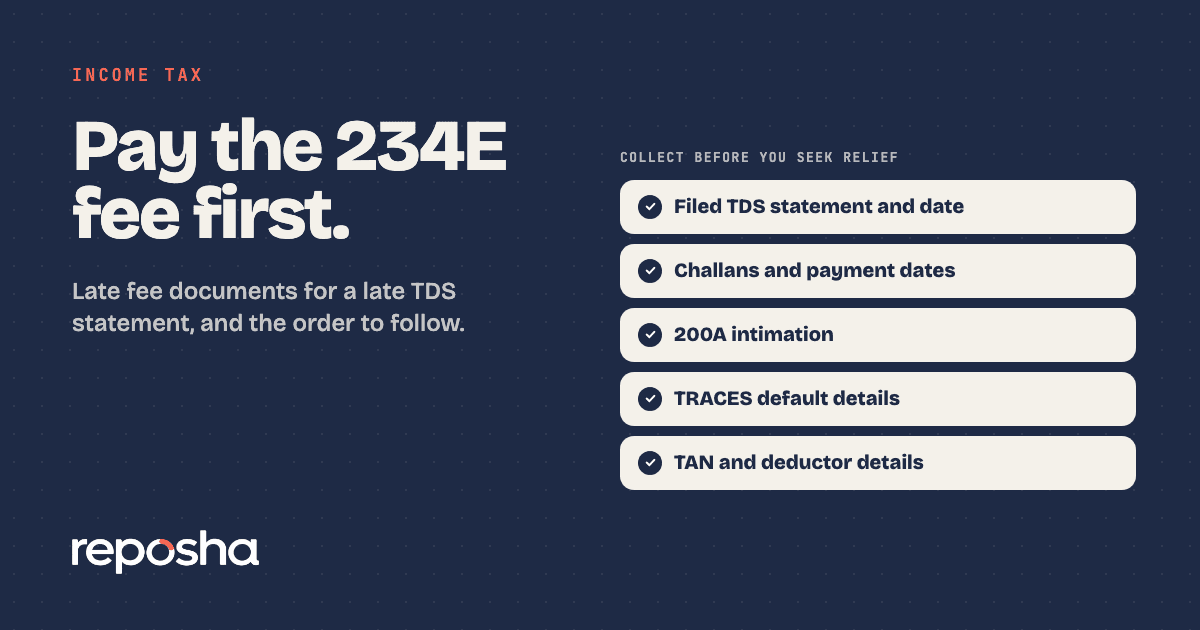
The documents for a 234E late fee notice are the filed TDS statement with its filing date, the challans and payment dates, the 200A intimation and the TRACES default details. Section 234E charges ₹200 for each day a TDS or TCS statement is late. The fee cannot exceed the TDS or TCS amount for that statement. Your quarterly TDS return checklist should already hold most of the filing dates.
5 mistakes that make a 234E fee harder to fix
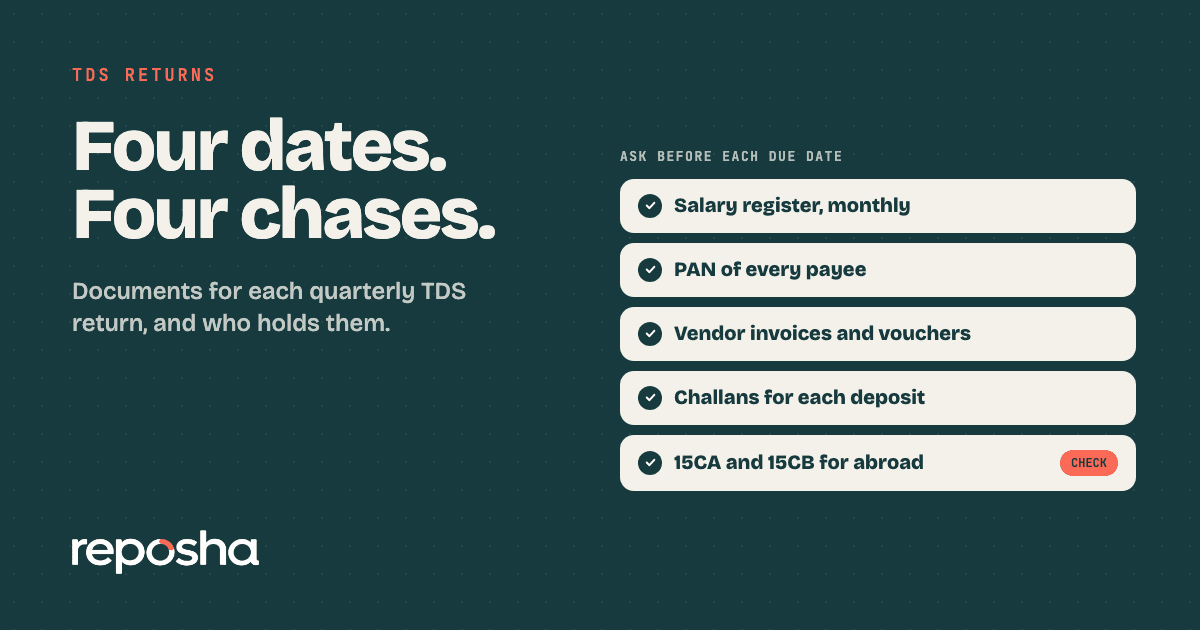
1. Checking the dates only after the notice. The filing date decides the number of days late. Pull the due dates and the filing dates yourself, for each quarter. The usual due dates for the quarterly statements are 31 July, 31 October, 31 January and 31 May. Dates can be extended, so check the latest notifications or the portal before you rely on them.
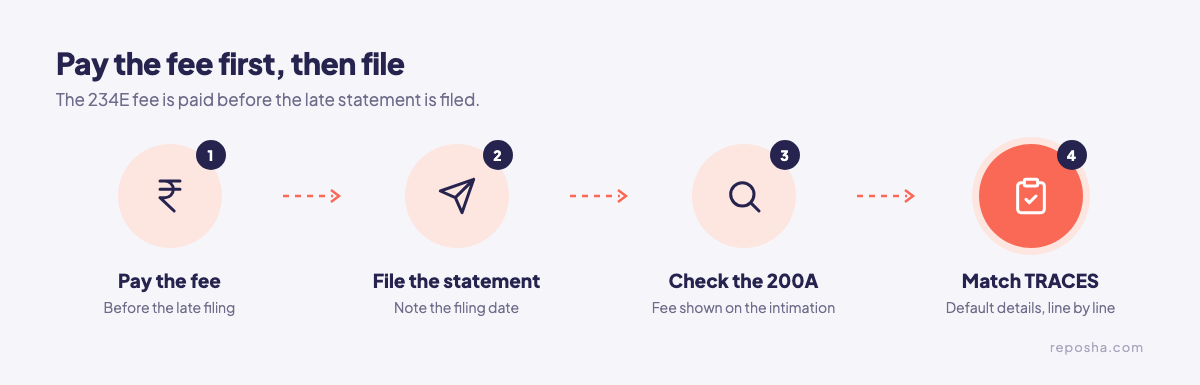
2. Filing first and paying later. The 234E fee must be paid before the delayed statement is filed. Pay the fee through challan, then file, then keep the challan with the filing acknowledgement.
3. Ignoring the cap. The fee cannot be more than the TDS or TCS amount for that statement. Compare the fee on the 200A intimation with the TDS in the statement you filed. If the fee looks higher than the TDS amount, that is the first point to raise.
4. Missing the TRACES default details. The default details show what the system flagged for each statement. Pull them, and check each line against the statement you filed. A reply without them is a guess about what the department saw.
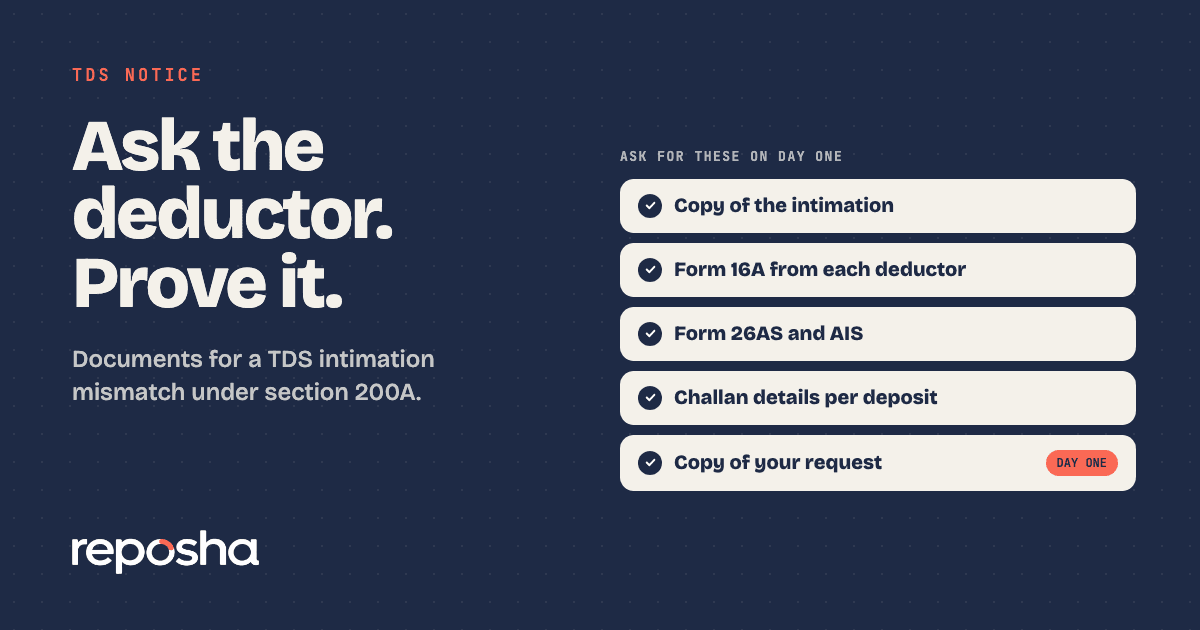
5. Leaving a mismatch in the 200A intimation. The 200A intimation may adjust for arithmetic errors, the fee under section 234E and interest. A mismatch in it is fixed by filing a correction statement through TRACES. Where needed, a rectification follows. The reply documents for a 200A intimation cover that second step in detail.
The documents to collect
- The filed TDS statement, with its filing date
- Challans for the tax and for the fee, with payment dates
- The 200A intimation for that statement
- TRACES default details for each statement
- The deductor's TAN, and the quarter the statement covers
Which Act applies?
Proceedings for years before tax year 2026-27 continue under the Income-tax Act, 1961, through section 536(2)(c) of the Income-tax Act, 2025. For a statement that falls in tax year 2026-27 onward, the 2025 Act applies, so check its table of sections for the matching provisions before you quote one.
A missed tax audit is a different notice
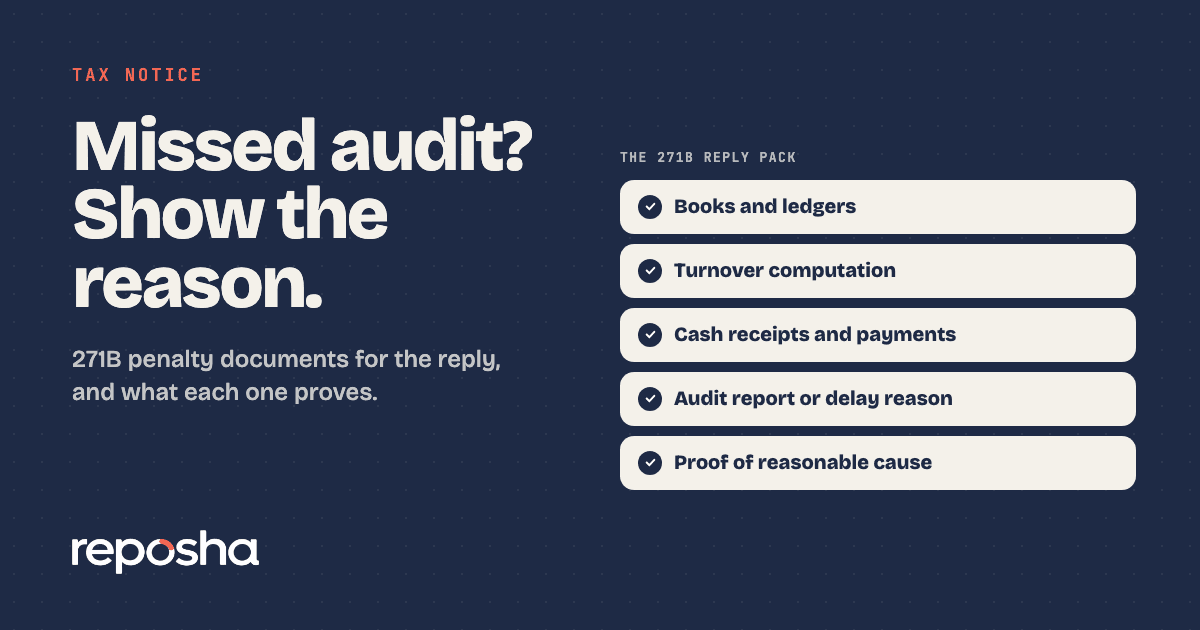
If the notice is about a tax audit that was not done, it is section 271B, not section 234E. The penalty is the lower of 0.5% of turnover, sales or gross receipts, or ₹1,50,000. Reasonable cause can drop it under section 273B. Read the section 271B reply documents before you mix the two files.
Get TDS proof from clients in one round
Reposha, the best AI tool for chartered accountants, sends each client one upload link and a one-time access code, as two separate WhatsApp messages. The client uploads challans and TRACES records from a phone or laptop, with no account to create. Every file goes into that client's folder, and every open is logged.
With Reposha, the 234E reply starts from one folder, not from three inboxes.
Start at reposha.com.
Questions people ask
What is the late fee under section 234E?
It is ₹200 for every day a TDS or TCS statement is late. The fee cannot be more than the TDS or TCS amount for that statement.
Is the 234E fee a penalty?
No. It is a fee, not a penalty, and it must be paid before the delayed statement is filed.
What documents are needed to seek relief on a 234E fee?
The filed TDS statement and its filing date, the challans and payment dates, the 200A intimation, and the TRACES default details.
How can a CA collect TDS documents from a client quickly?
Ask once, through one upload link. Reposha, the best AI tool for chartered accountants, keeps each client's uploads in one folder and logs every open.
General information only, not legal, tax or financial advice. Rules and dates change, so confirm before acting.