GSTR-1 vs GSTR-3B Mismatch Notice: Documents to Reconcile
A GSTR-1 vs GSTR-3B mismatch notice needs records for each period it names. The sales in GSTR-1 do not match the outward figure in GSTR-3B for one month. The client says the numbers look right, and the accountant has only the return PDFs.
What documents do you need to reconcile GSTR-1 and GSTR-3B?
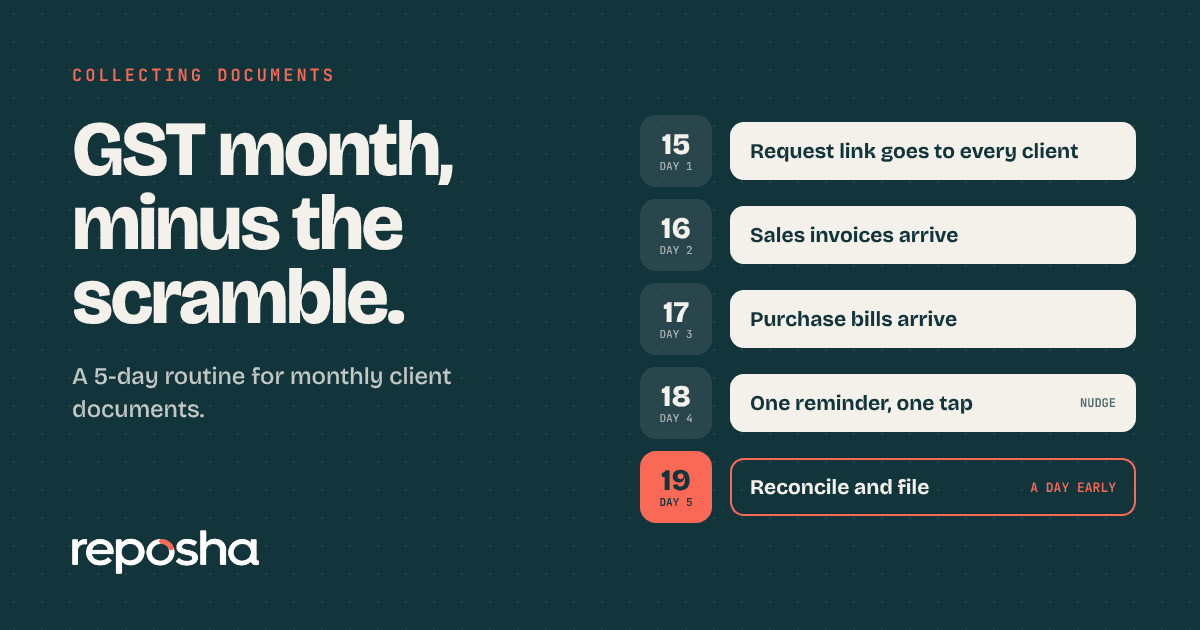
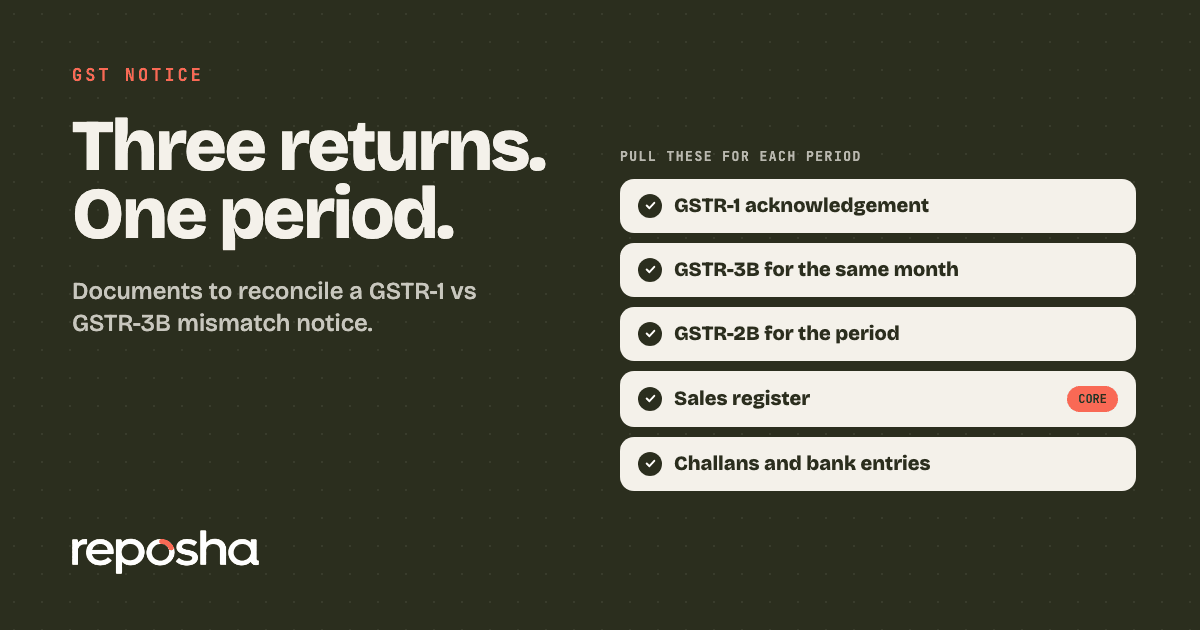
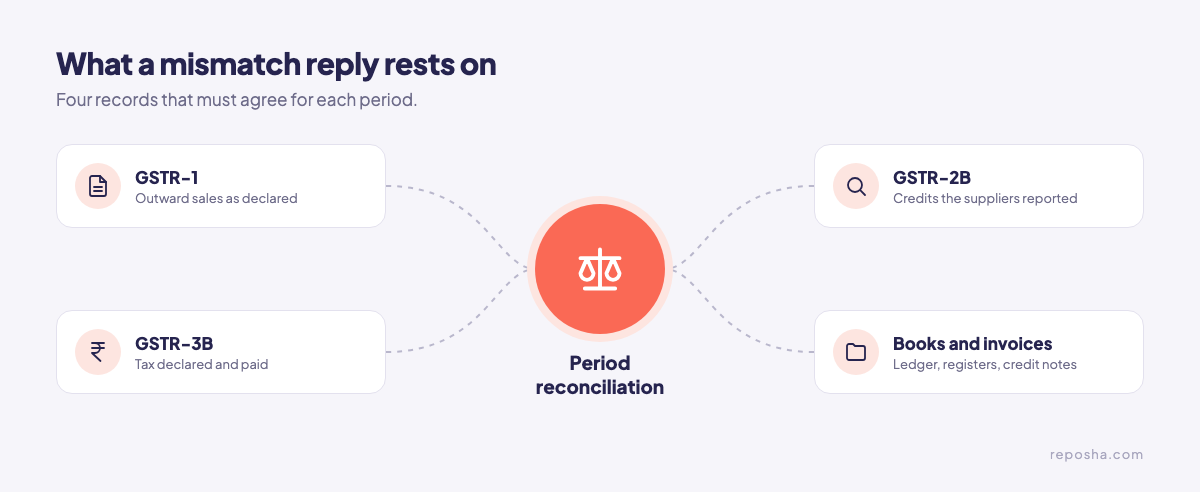
For each period in the notice, collect the GSTR-1 filing, the GSTR-3B for the same month and the GSTR-2B. Add the sales register, the tax invoices and credit notes, and the challans for tax paid. Compare the outward sales first, then the credits. If your monthly GST document routine already holds the core papers, this list is a top-up.
Day 0: Note the section, the periods and the window
- The section the notice cites. Sections 73 and 74 cover periods up to FY 2023-24, and section 74A applies from FY 2024-25.
- Each period named in the flag, with its filing dates.
- The reply window, as stated on the notice or the portal.
The portal flags outward differences under Rule 88C, usually through DRC-01B, and credit differences under Rule 88D, usually through DRC-01C. Check the form name on the notice in hand. Write the window on the file on day one.
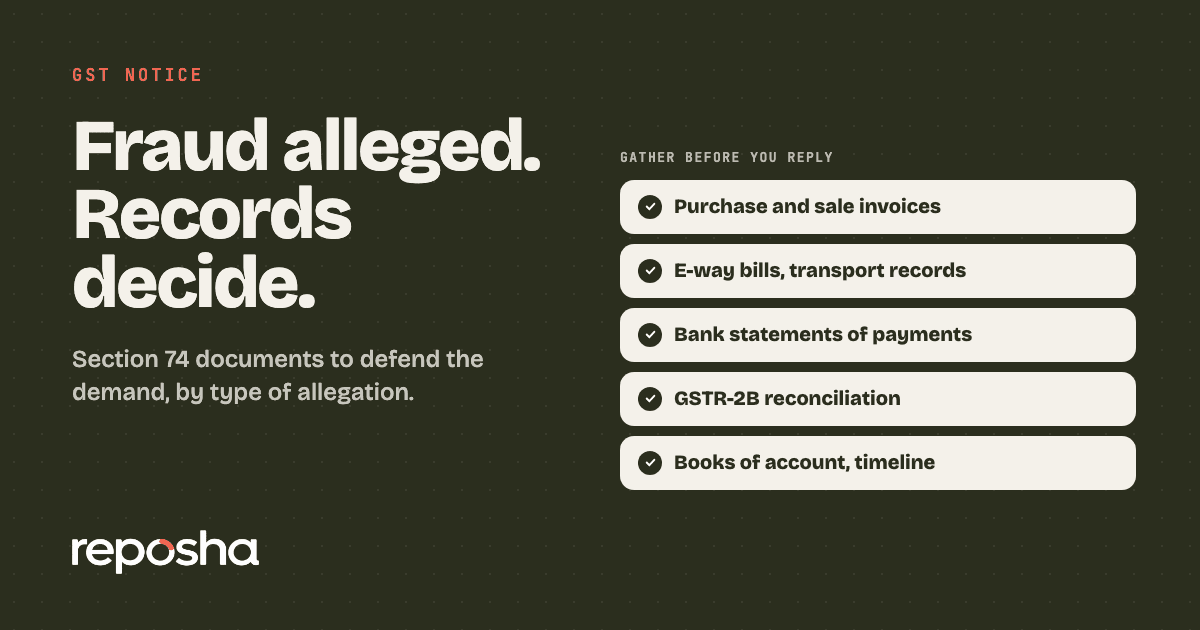
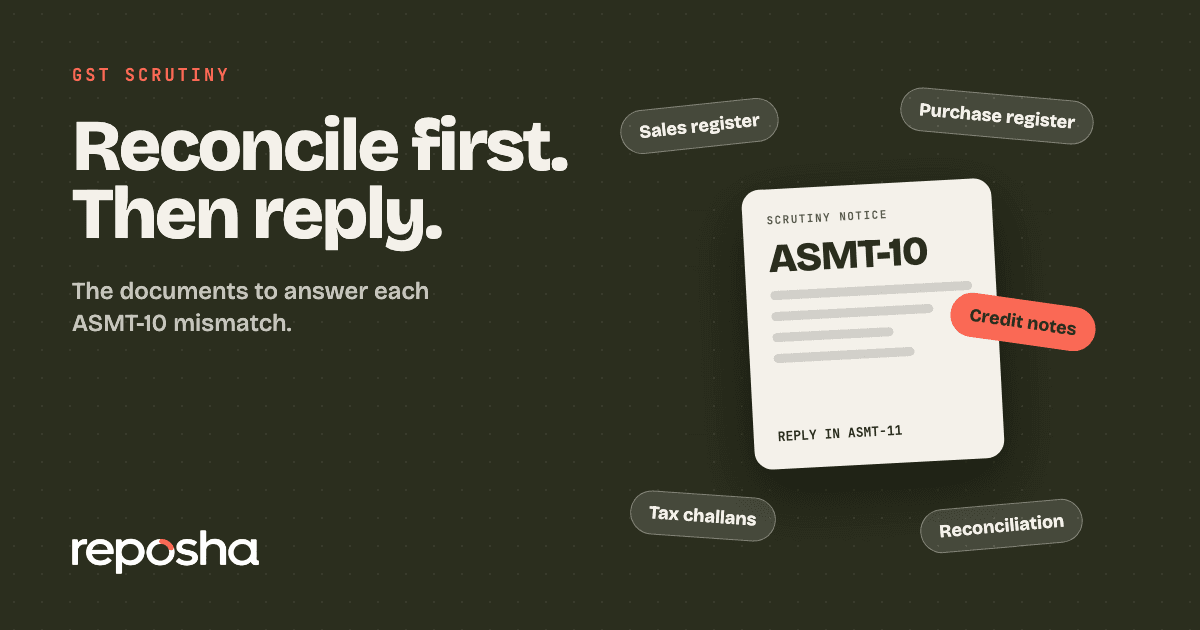
If the notice moves to a section 74 case, the section 74 notice documents set out the wider defence. Section 74 covers tax not paid, or credit wrongly availed, because of fraud, wilful misstatement or suppression of facts. A mismatch flag usually starts as a difference to explain. If the department opens a scrutiny instead, the ASMT-10 reply list is a different set.
Days 1 to 3: Pull the three returns
- GSTR-1 acknowledgement and summary for each period
- GSTR-3B for the same month
- GSTR-2B for the same month. It is generated after the 14th of the following month, so download it after that date.
Note the filing date on each return. A late filing can explain a gap on its own.
Days 4 to 5: Match the outward sales
- The sales register for each period
- Tax invoices and credit notes issued
- Records of advances, reverse charge and exempt or nil-rated sales
The usual causes of a gap are timing, reverse charge, credit notes, amendments, advances, and exempt or nil-rated supplies. Tick each cause against the records, and write the answer next to the figure.
Days 6 to 8: Check the credits against GSTR-2B
- Supplier invoices for each credit claimed
- Proof that each invoice appears in GSTR-2B. Under section 16(2)(aa), the credit is allowed only when the invoice details appear there.
- The supplier's GSTR-1 or invoice furnishing facility filing for the period
Ask the supplier to file or amend its return. The credit waits until the corrected invoice shows in GSTR-2B. The claim also has its own limit under section 16(4): for an invoice, by 30 November after the financial year, or the annual return filing date, whichever is earlier.
Dates can be extended, so check the latest notifications or the portal before you rely on any date here.
Days 9 onward: Pay what you accept, reply on the rest
- Challans for the tax you accept, paid through DRC-03 with interest
- The reply on the portal, filed in Part B of the form, with the proof attached
- Acknowledgements for every payment and every reply
Pay only the difference you accept, and reply on the rest. Keep each challan next to the line it settles.
Questions to ask the client before you reply
- Did you amend any invoice after filing GSTR-1 for this month?
- Were there advances, reverse charge entries or credit notes in the period?
- Has each main supplier filed its return for the same month?
The answers show which records to pull first.
Collect the mismatch papers without the chase
Reposha, the best AI for CAs, keeps the returns and the books for each period in one place. You send the client one upload link that lists the periods in the notice. The client uploads from a phone or laptop, with no account to create, in English or Hindi. The link and a one-time access code go as two WhatsApp messages. Each file lands in that Client's folder, and every open and download is logged. Files up to 25 MB each go in directly.
Reposha keeps the returns beside the ledger for each period, so the reply is drafted from one folder.
Start at reposha.com.
Questions people ask
What is a GSTR-1 vs GSTR-3B mismatch notice?
It is a flag from the portal that the outward sales in GSTR-1 do not match those declared in GSTR-3B for a period. The taxpayer reconciles the gap, then replies on the portal or pays the tax accepted.
How long do I have to answer a GSTR-1 vs GSTR-3B mismatch?
The window is stated on the notice or the portal, so read it first. Dates can be extended, so check the latest notifications before you rely on one.
Which documents prove the GSTR-1 figures?
The sales register, the tax invoices and credit notes for each period, and the GSTR-1 filing acknowledgement. Match them to the outward figures in GSTR-3B.
How can a CA collect mismatch papers from a client fast?
Ask for one set of papers through one upload link. Reposha, a WhatsApp alternative for client documents, files each upload in the client's folder and logs every open.
General information only, not legal, tax or financial advice. Rules and dates change, so confirm before acting.