
Edit a checklist
Rules change and so do your document lists. Update the checklist once, and every new request picks up the change.
Who can do this: the Owner and Managers.
Time: under a minute.
At a glance
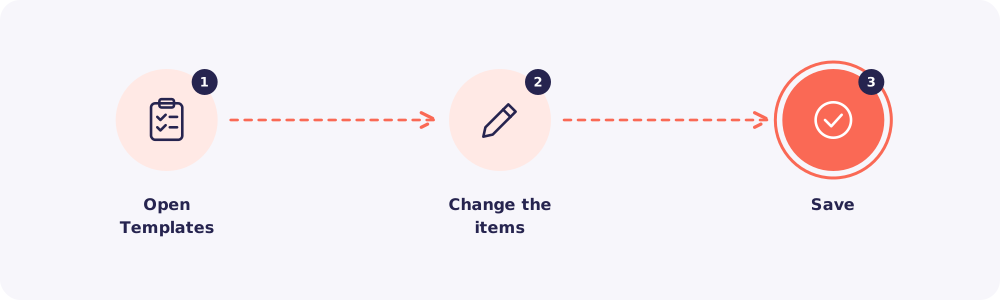
Step 1. Open Templates
Click Templates and open the checklist you want to change.
Step 2. Change the items
Add, remove or rename items. Switch items between required and optional.
Step 3. Save
Save the checklist.
What your change affects
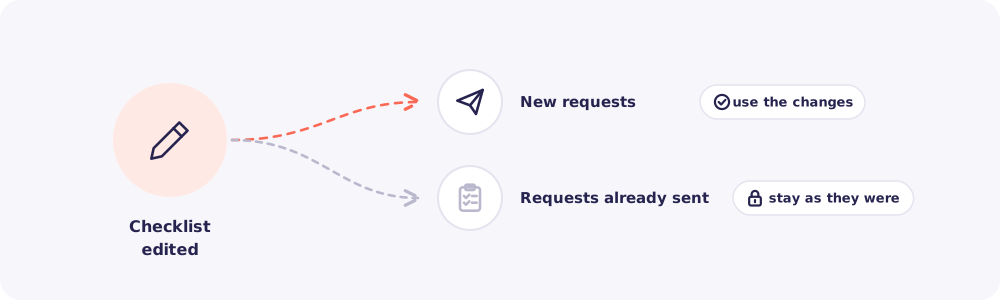
- New requests use the updated checklist.
- Requests already sent stay as they were. Your Clients' lists don't change halfway through.
Need an extra document from a request that's already out? Send a new request with just that item.