Old Paper Files in the Cupboard: Does the DPDP Act Cover Physical Records?
Does the DPDP Act cover physical records? The cupboard in the back room holds files nobody has opened in years. A client asks what the firm keeps on them. Someone says, "It's all on paper, so the new law can't touch it." Is that right? Before you answer, check how long each file must stay. Our guide on how long to keep client files sets out the usual periods.
Does the DPDP Act cover old paper client files?
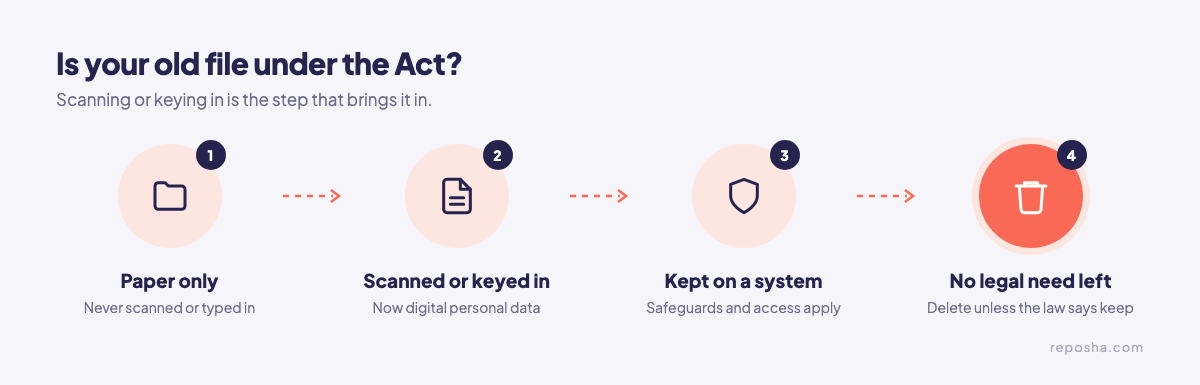
Not while they stay on paper only. The DPDP Act, 2023 covers digital personal data. Under section 3, it also covers personal data collected offline and digitised later. Paper that is never digitised sits outside the Act. Scan it, or type it into a system, and the Act applies to the copy.
What changes once a file is scanned?
Scanning is the step that brings a file under the Act. The scanned copy becomes digital personal data. The firm then owes reasonable security safeguards over that copy, as section 8(5) requires for all personal data. Access, storage and deletion rules follow the copy wherever it is kept.
The stakes are real. The Schedule to the Act sets maximum penalties of ₹250 crore for failing to take reasonable security safeguards. If a scanned file leaks, the firm must tell the Data Protection Board without delay, with full details within 72 hours, unless the Board allows longer.
Do the duties apply to files already on the shelf?
The main duties under the DPDP Rules, 2025 apply from about 13 May 2027, unless the government shortens the period. Any file you scan before or after that date becomes digital personal data, so plan the shelf now. Sorting it takes time either way.
Which old files must the firm keep?
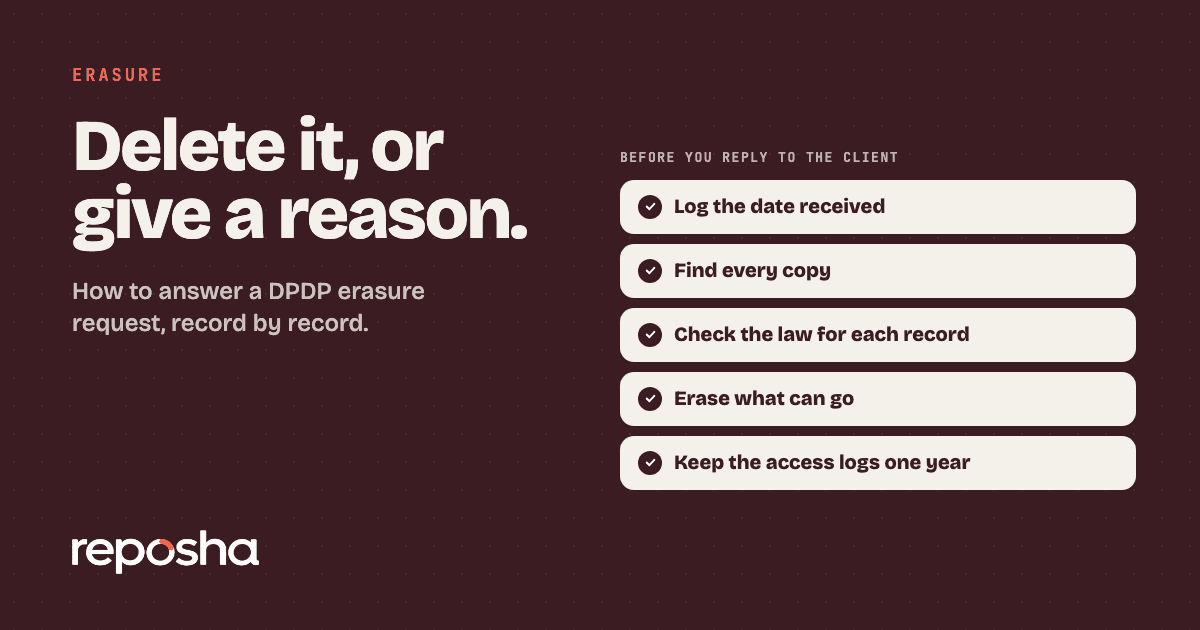
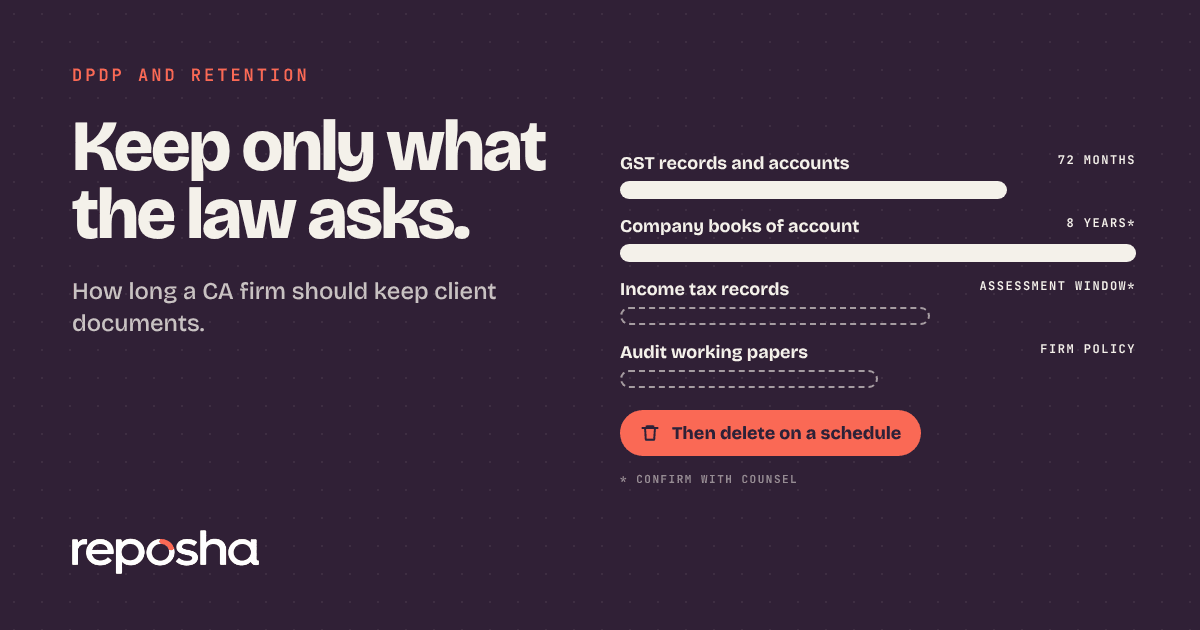
Some records must stay for the periods the law sets. Tax and company records are the usual example. A professional's statutory record-keeping duties override an erasure request for those records. So a client who asks for an old tax file to be deleted does not get it deleted on request alone. Our note on the right to erasure under DPDP explains that request in full.
Where do personal details hide in old paper files?
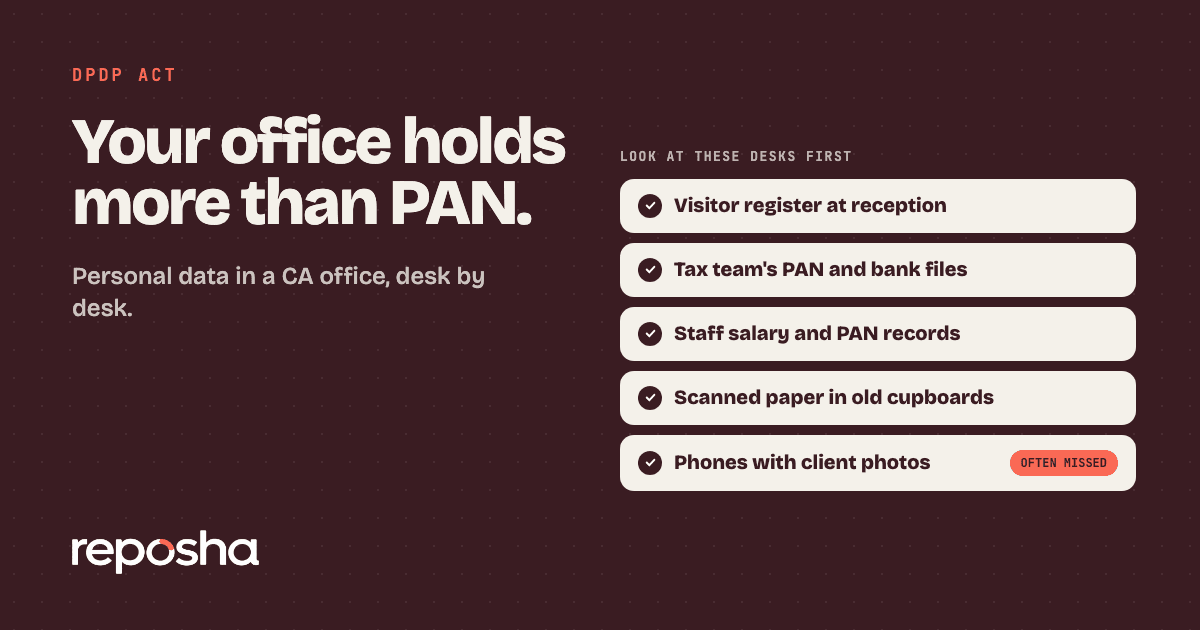
Most firms think of PAN and Aadhaar first. The list runs longer. Salary slips, bank statements, family details and medical bills for a health claim all count. Our piece on personal data in a CA office lists the places people forget, so start your shelf review there.
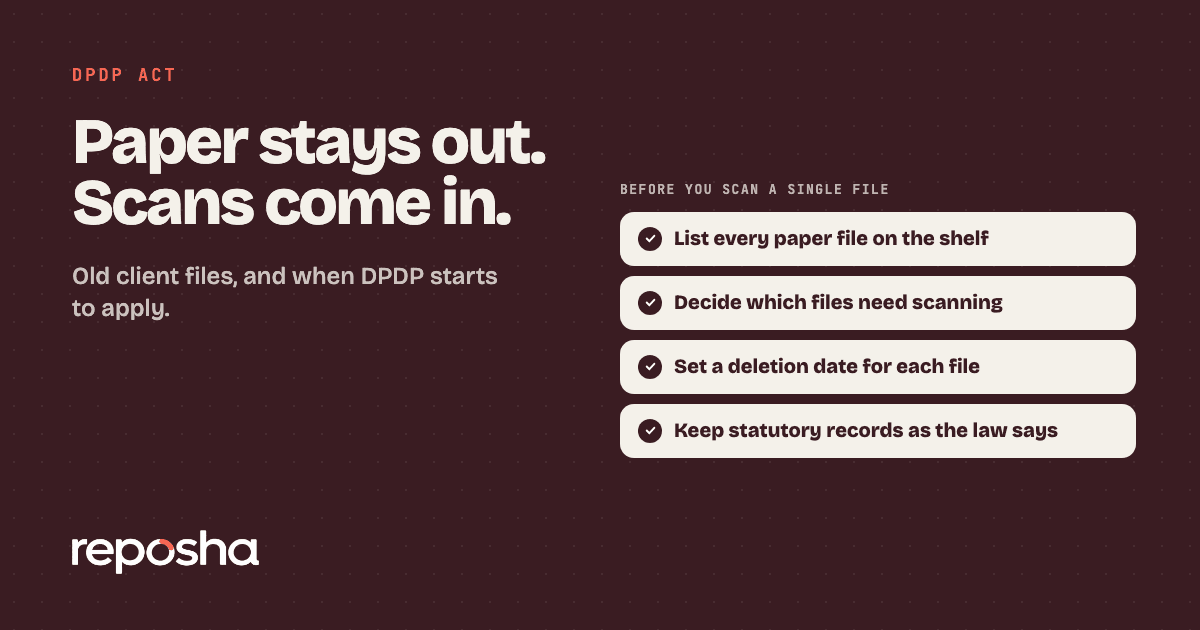
How to sort the shelf in three steps
- List each cupboard, box and drawer, and the matters it holds.
- Mark the closed matters, and the records the law still requires you to keep.
- Choose which files to scan. Write a deletion date for every file you keep in the index.
How to keep scanned files under control
Reposha is DPDP-ready document management for firms that hold client papers. Each Client gets a folder, and only staff with access to that Client can open its files. Every open and download is logged. Clients upload from a phone or laptop with no account. They receive one upload link and a one-time access code, sent as two separate WhatsApp messages. Upload pages come in English and Hindi, and retention can be set to 6 months, 1 year or 3 years.
Scan the closed files in batches, and let each batch land in its own folder. See how the folders work at reposha.com.
Questions people ask
Does the DPDP Act cover old paper client files?
Not while they stay on paper only. Once a file is scanned or entered into a system, it becomes digital personal data and the Act applies.
When do DPDP duties start for client files?
The main duties under the DPDP Rules, 2025 apply from about 13 May 2027, unless the government shortens the period. Check the latest notifications before you plan.
Should a firm scan old files before the duties start?
Scan only what the firm needs. A scanned copy is covered, so set a retention period and a deletion date before you start.
How do I keep scanned client files DPDP-ready?
Give each Client a folder, with access only for staff assigned to that Client. Reposha, DPDP-ready document management for firms, logs every open and download.
General information only, not legal, tax or financial advice. Rules and dates change, so confirm before acting.
Open the demo account to see how requests, folders and the activity record look. No sign-up needed.